
Article: How to Use AI to Summarize and Organize Your Notes
How to Use AI to Summarize and Organize Your Notes
After a lecture or meeting, the notes you need to revisit are rarely tidy. Key ideas may sit beside unfinished questions, and a sentence that sounded decisive at the time may only record a possibility. AI can help turn that material into a shorter, more usable summary—but only if you define what it should include and check the result against the original. Keep the source note alongside the verified summary so names, numbers, quotations and context remain easy to recover.
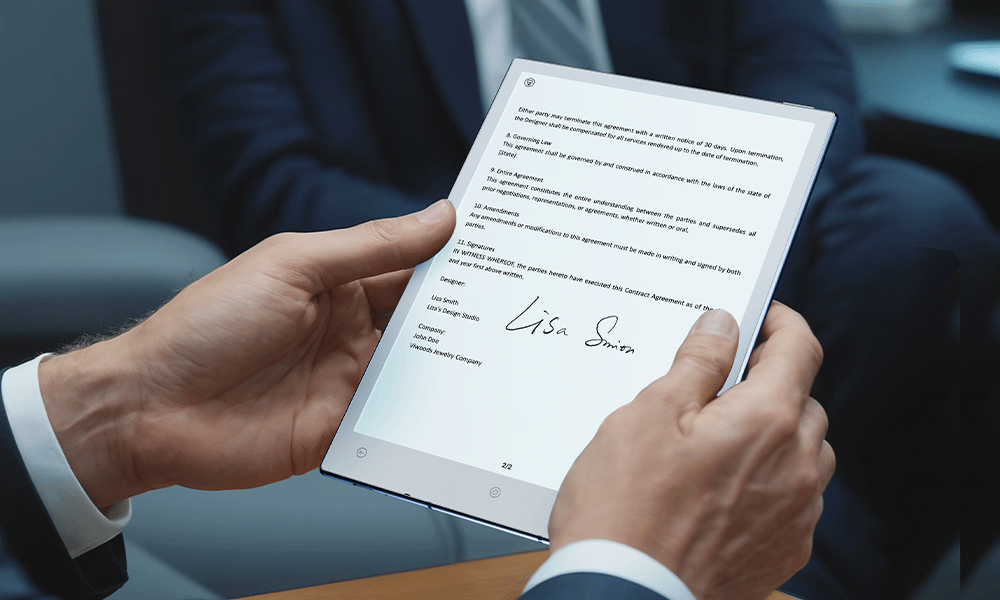
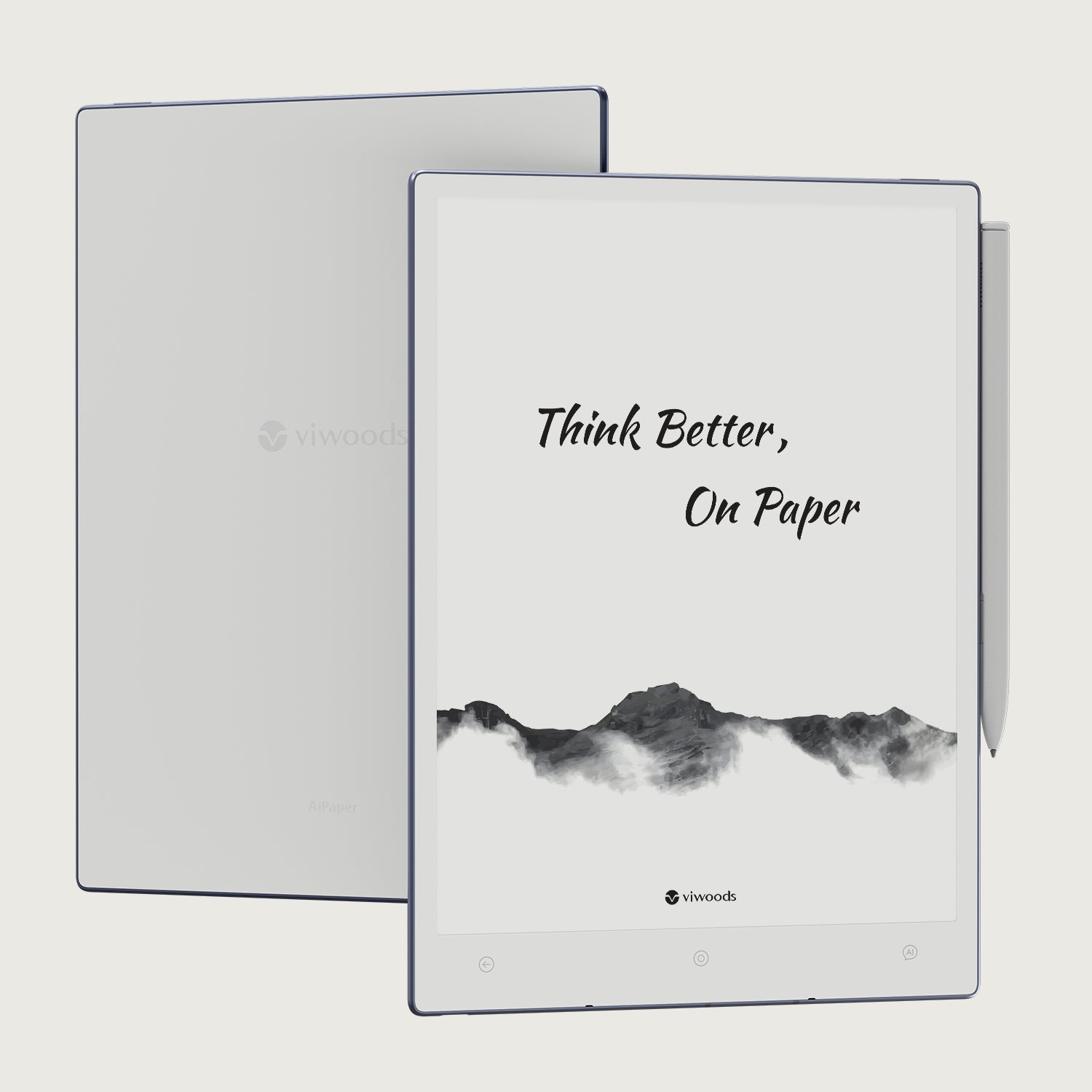
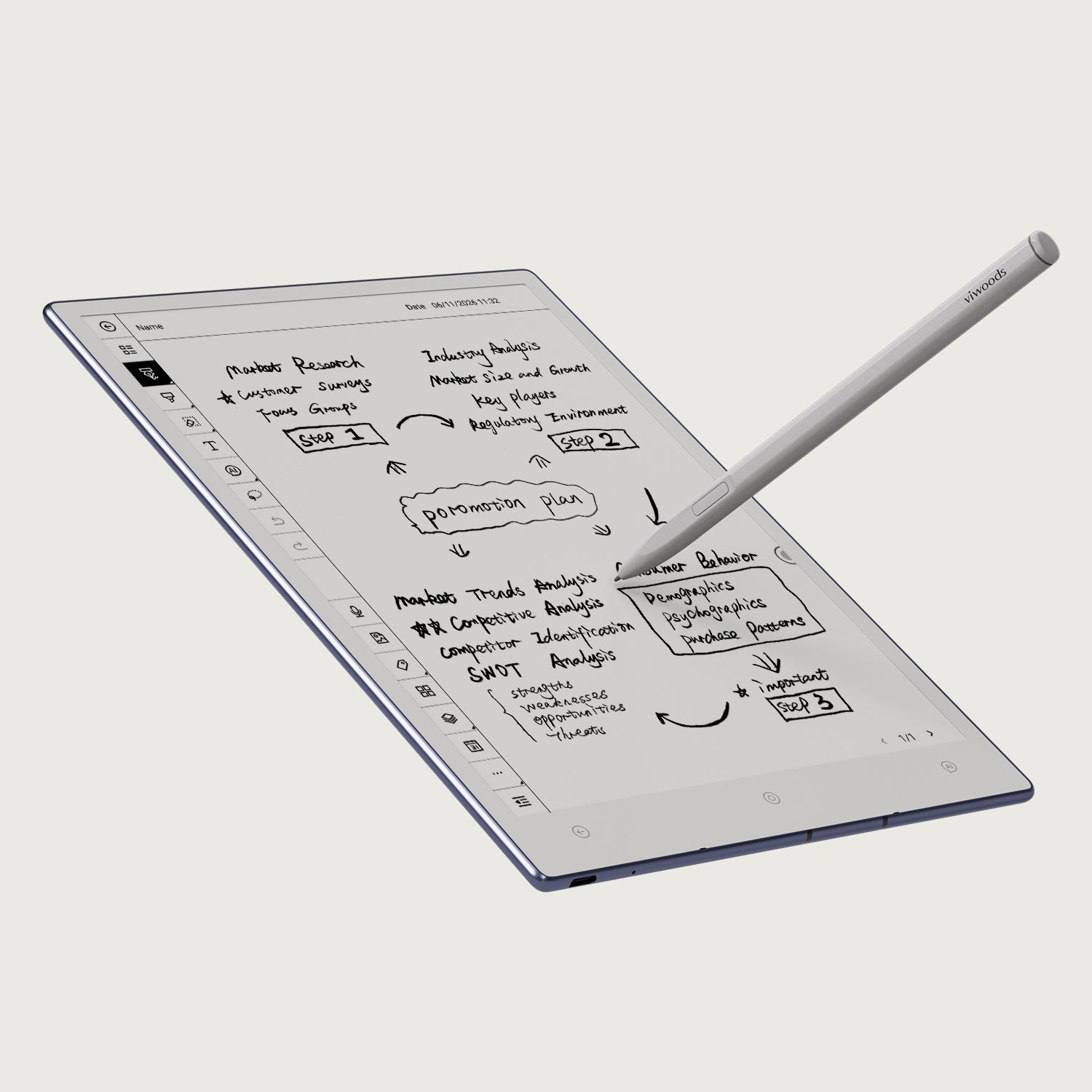
The method works for lectures, meetings, interviews, research reading and project notes. For a pen-first workflow, Viwoods AiPaper currently combines handwriting conversion, tagging and organisation tools with an AI assistant, making it possible to keep capture and later review within the same broader workspace.
The reliability rule: AI should create a derived view of your notes. The source note remains the record you return to when wording, context or evidence matters.
Quick answer: prepare, summarise, verify, then organise
The goal is not to squeeze every page into a few polished sentences. It is to preserve what you will need later while making the rest easier to scan. The four stages below keep preparation, summarisation, verification and filing separate, so mistakes can be caught before they become part of your reference notes.
- Prepare: Choose one clear source set and remove obvious noise before asking AI to interpret it.
- Summarise: Define the output: a short recap, outline, themes or review questions.
- Verify: Compare consequential claims with the source instead of trusting fluent wording.
- Organise: Store the checked result beside the original and place it in a review queue.
This sequence also prevents the workflow from drifting into task execution. Action items can be identified, but the main result here is a clearer, better-organised representation of existing information.
Clean and scope the source notes
A model cannot reliably distinguish useful context from accidental clutter unless the input makes that distinction reasonably clear. Start with one lecture, meeting, interview, paper or project session rather than an entire archive. Smaller source sets make omissions easier to spot and reduce the chance that unrelated ideas are merged into one theme.
- Remove obvious noise. Delete duplicate captures, blank pages and material that belongs to another topic.
- Preserve evidence-rich details. Keep headings, dates, names, quotations, definitions and numerical information intact.
- Correct recognition errors. For handwritten material, review converted text where names, technical terms or figures have been misread.
- Name the source clearly. A stable title such as 2026-09-18_Client-Workshop_Raw makes later verification much faster.
Summarise one meaningful unit at a time
An AI summary for handwritten notes becomes harder to check when several unrelated notebooks are processed together. Keep the first pass narrow; combine verified summaries later if a broader synthesis is genuinely useful.
Choose the output: summary, outline, themes or questions
“Summarise this” is underspecified. A useful result depends on what happens next. Decide whether the material needs fast recall, structured study, cross-source analysis or active review before you write the prompt.
- Short summary (Fast recall): Ask for a brief overview followed by three to five key points. This works well when the goal is to remember what happened without rereading every page.
- Structured outline (Study or writing): Use headings and supporting details when relationships between concepts matter more than compression alone.
- Themes (Research synthesis): Ask the model to group recurring ideas while preserving which source passages support each theme. Do not treat a theme as universal simply because it appears once.
- Questions (Active review): Generate questions that can be answered from the source note itself. This is useful when review quality matters more than creating another block of prose.
If notes contain action items, keep them in a separate field. That makes it easier to extract key points from notes without letting to-dos distort the informational summary.
Prompt AI with context and boundaries
A good summary prompt defines the source, the purpose, the format and the limits. The last part matters because a hallucination can sound completely natural even when the detail was never present in the notes.
“Summarise the source note below for a weekly review. Use only information stated in the note. Begin with a two-sentence overview, then group the key points under clear themes. Preserve names, dates and numbers exactly. If a passage is unclear, label it ‘uncertain’ instead of guessing. End with three review questions that can be answered from the source.”
- Tell it what the material is. Lecture notes, an interview, meeting minutes and field notes require different treatment.
- Define the audience. A personal weekly review can be terse; a research outline may need more context.
- Restrict inference. Ask the model to flag uncertainty rather than complete missing reasoning on its own.
- Specify the structure. Choose bullets, themes, an outline or questions before generation begins.
For research material, ask the model to separate observation from interpretation. For meeting notes, separate decisions from discussion. These constraints make it easier to summarise notes with AI without turning the result into a generic paraphrase.
Verify every important claim against the source
Fluent output is not evidence. The purpose of verification is to find the statements where a small change in wording could alter a decision, an argument, a research conclusion or a record of what happened.
- Check hard facts first. Compare names, dates, quantities, quotations, technical terms and recorded decisions directly with the source note.
- Look for stronger wording. “The team discussed delaying launch” does not support “The launch was delayed.” Watch for certainty that the original never expressed.
- Check what disappeared. A summary can contain no false statements and still mislead if it omits an exception, disagreement, dependency or unresolved question.
A simple status such as verified, needs review or not in source is often enough. That is the practical answer to how to check an AI-generated note summary: review the claims with the highest consequences first, then refine lower-stakes wording.
Store the result beside—not over—the original notes
The original note and the AI-generated summary serve different purposes. The source records what was captured. The summary is an interpretation designed for faster retrieval. Replacing one with the other removes the evidence trail that makes later checking possible.
- Source note: Keep the original handwriting, transcription or document intact. This remains the authoritative reference.
- Verified summary: Store the checked overview beside the source and use a name that makes the relationship obvious.
- Review layer: Add the summary to a review queue or later synthesis without breaking the route back to the source.
For example, a note named 2026-09-18_Client-Workshop_Raw could be paired with 2026-09-18_Client-Workshop_Verified-Summary. Keep both in the same project area, and flag the summary for review if a date, quotation or decision is still unresolved. On AiPaper, the current Viwoods knowledge workflow documents the Knowledge Base and multi-level folder management introduced with System Update 3.12.
If the underlying folders are still inconsistent, fix that structure before producing dozens of derived summaries. AI note organisation works better when each result already has a predictable destination.
Use summaries in weekly review and research
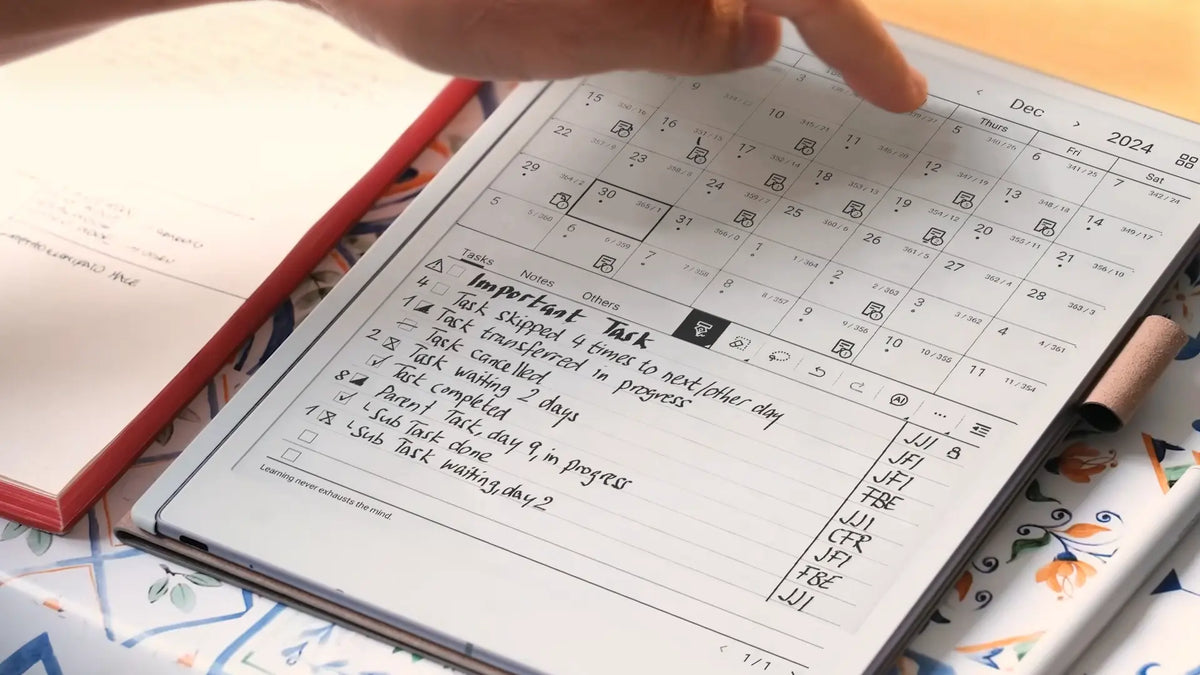
A summary becomes valuable when it returns at the right moment. During a weekly review, scan the verified summaries created during the previous days and ask what changed, what is still uncertain and which source notes deserve deeper reading.
- New: Summary created but not yet checked
- Verified: Important claims matched to the source
- Revisit: Open questions or useful follow-up reading
- Archived: Retained as reference, not active review
Researchers can use the same method across papers, interviews or field notes. Summarise each source independently, verify each result, and only then compare the summaries. This preserves attribution and makes it easier to tell whether an apparent pattern actually occurs across several sources.
An AI-assisted note workflow is most useful when capture, review and retrieval remain connected. The aim is not to generate more text; it is to make useful information easier to revisit.
Common failure modes and privacy checks
The most common problems are not dramatic AI failures. They are quiet changes in emphasis that make a summary look cleaner while reducing its usefulness.
- Overcompression: A short summary can remove exceptions, evidence and unresolved questions. Decide what may safely disappear before setting a strict length.
- Source mixing: Label separate documents clearly. Otherwise an idea from one source can be presented as though it appeared across the whole set.
- Premature synthesis: Do not ask for a grand conclusion before individual source summaries have been checked. Verification becomes much harder after several layers are merged.
- Summary replacement: Do not delete the source because the derived version looks more polished. Context that seems minor today may become important later.
Privacy check: review the current data-handling rules for any AI service before processing confidential, personal, university, client or commercially sensitive material. VIWOODS currently states that its network transmission uses HTTPS and that, excluding account-related information, it does not store or read user data and user data remains on the device. That statement should not be treated as a blanket guarantee about every external AI model, cloud service or connected application, so check the terms that apply to the specific service being used.
AI note summarization is strongest when it improves recall without weakening traceability. Keep the source, constrain the prompt, verify consequential details and organise the checked result so it can re-enter a real review process.
Keep handwriting, summaries and review connected
If a pen-first digital workspace fits the way you think and review information, explore the current AiPaper tools. If your notes still lack a stable folder structure, establish that first before adding a large summary layer.
Explore AiPaper AI tools | See the Knowledge Base workflow
Further reading
System Update 3.12: From Picking to Knowledge Base
Frequently asked questions
Can AI summarise handwritten notes?
Yes, provided the handwriting can be interpreted reliably or converted into readable text first. Review recognition errors before summarising important material, especially names, figures, dates and specialist vocabulary.
How long should an AI summary be?
Use the shortest format that still preserves what the next review needs. A quick recap may be a paragraph plus several key points, while research notes may need themes, supporting detail and unresolved questions. Compression should follow purpose rather than an arbitrary word count.
How do I verify a note summary?
Start with details that could materially change an interpretation: names, dates, numbers, quotations, decisions and causal claims. Then check for missing exceptions and for language that is more certain than the source.
Can AI organise notes by topic?
Yes. AI can suggest themes, labels and clusters, but review those categories before making them permanent. A useful topic structure should reflect how the information will actually be retrieved, not simply how a model grouped similar wording.
Should the original notes be kept?
Yes. The source note preserves context and evidence that a summary may omit. Keeping the original beside the derived summary also makes corrections, later reinterpretation and source checking much easier.

Leave a comment
This site is protected by hCaptcha and the hCaptcha Privacy Policy and Terms of Service apply.