

Skip to content

🎉 V3.16 IS COMING SOON Your AiPaper & AiPaper Mini are about to get even better.

WHAT'S NEW

Paper Tablet Blog

Writing Tablet for Daily Lists: When Handwritten Planning Beats App Switching
aipaper

Writing Tablet for Daily Lists: When Handwritten Planning Beats App Switching

When app switching interrupts the day, a short handwritten list can keep personal priorities visible. Learn how to separate new requests from today's commitments and which tasks should remain in re...

Read more
Writing Tablet for Marking Documents: Decide What to Handwrite, Highlight and Export
Academic Reading

Writing Tablet for Marking Documents: Decide What to Handwrite, Highlight and Export

Not every important passage needs highlighting, and not every comment belongs in the margin. Learn how to make clearer document review marks, keep the original intact, and check annotations before ...

Read more
Digital Paper Tablet for Project Planning: Keep Notes, Tasks and Files Connected
aipaper

Digital Paper Tablet for Project Planning: Keep Notes, Tasks and Files Connected

Keep project notes, next actions and file references connected through one clear overview. A practical approach to planning without duplicating documents.

Read more
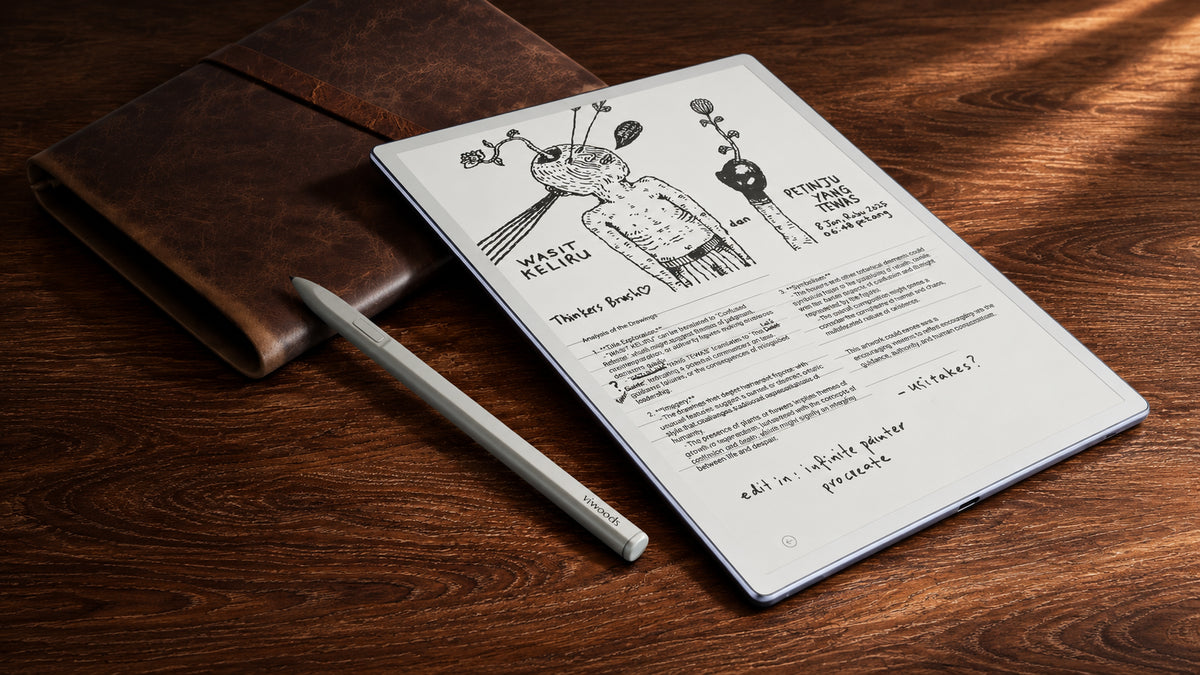
Viwoods AiPaper displaying handwritten meeting notes as a user writes with a stylus
aipaper

Paper Tablet for Long Meeting Notes: How Page Space Changes Your Workflow

Long meetings can leave handwritten notes scattered across pages. Discover how to plan writing space, keep agenda sections connected and preserve context when discussions run longer than expected.

Read more
A man holding a Viwoods paper tablet beside a tent at an outdoor campsite
aipaper

Paper Tablet Size Guide: When a Larger Writing Area Is Worth Carrying

Is a larger paper tablet worth the extra space in your bag? This guide explains how handwriting size, usable page area, page breaks and daily carrying habits affect the choice between a larger writ...

Read more
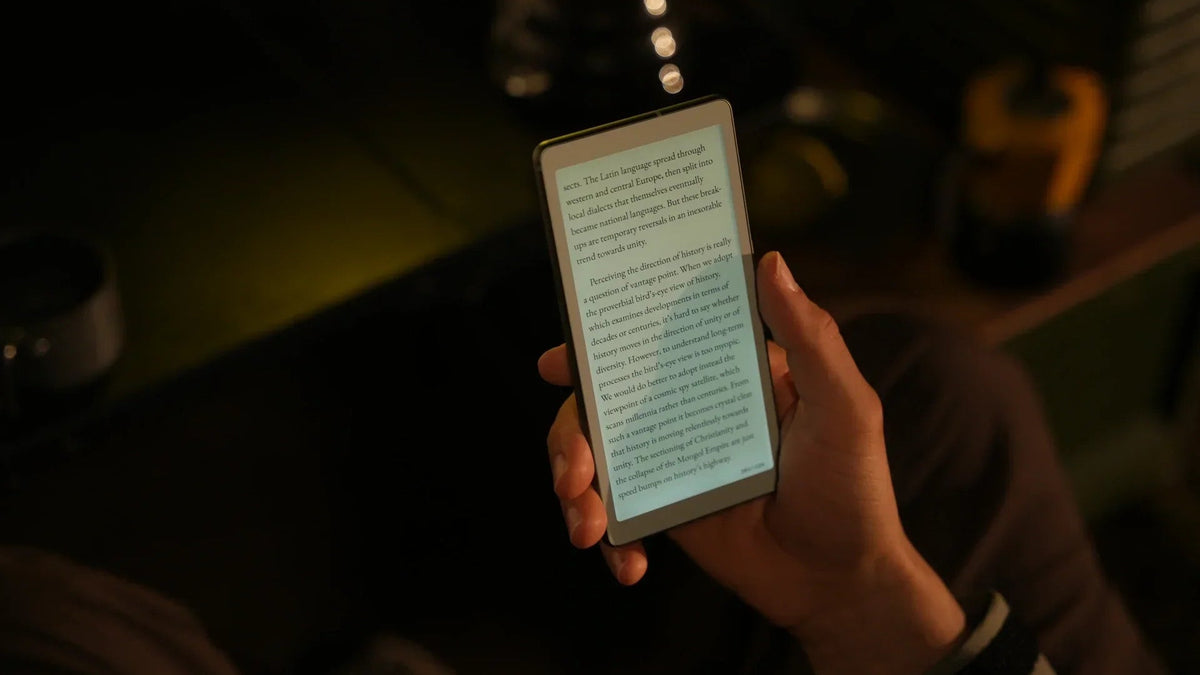
Person reading on an E Paper tablet in a dimly lit room with the screen illuminated for better visibility.
aipaper

E Paper Display Tablet in Different Light: What to Check Before You Choose

How well does an E Paper display hold up in direct sunlight, office lighting and dim rooms? Discover what affects readability, how reflections change with viewing angles and why front-light availab...

Read more
A person annotating handwritten biology notes on a Viwoods E Ink tablet with a stylus.
aipaper

E Ink Tablet for Weekly Planning: A Simple Review Rhythm for Notes and Tasks

A practical weekly review routine for handwritten notes and unfinished tasks. Learn how to organise scattered notes, manage carry-over and start the next week with a clear action.

Read more
Which Viwoods Device Is Right for You? AiPaper, Mini or Reader
aipaper

Which Viwoods Device Is Right for You? AiPaper, Mini or Reader

Compare AiPaper, AiPaper Mini and AiPaper Reader by handwriting, PDFs, portability and reading to find the Viwoods device that fits your workflow.

Read more
AiPaper vs. AiPaper Mini: Which One Should You Choose?
aipaper

AiPaper vs. AiPaper Mini: Which One Should You Choose?

Choosing between AiPaper and AiPaper Mini comes down to screen space, portability and how you take notes. Compare both models for PDF reading, desk work, meetings, commuting and everyday handwriting.

Read more
Viwoods AiPaper vs. iPad: Which Is Better for Focused Writing and Reading?
aipaper

Viwoods AiPaper vs. iPad: Which Is Better for Focused Writing and Reading?

AiPaper and iPad can both handle notes and documents, but they serve different priorities. Compare E Ink and conventional tablet workflows for focused writing, handwriting, PDF review, apps, colour...

Read more