
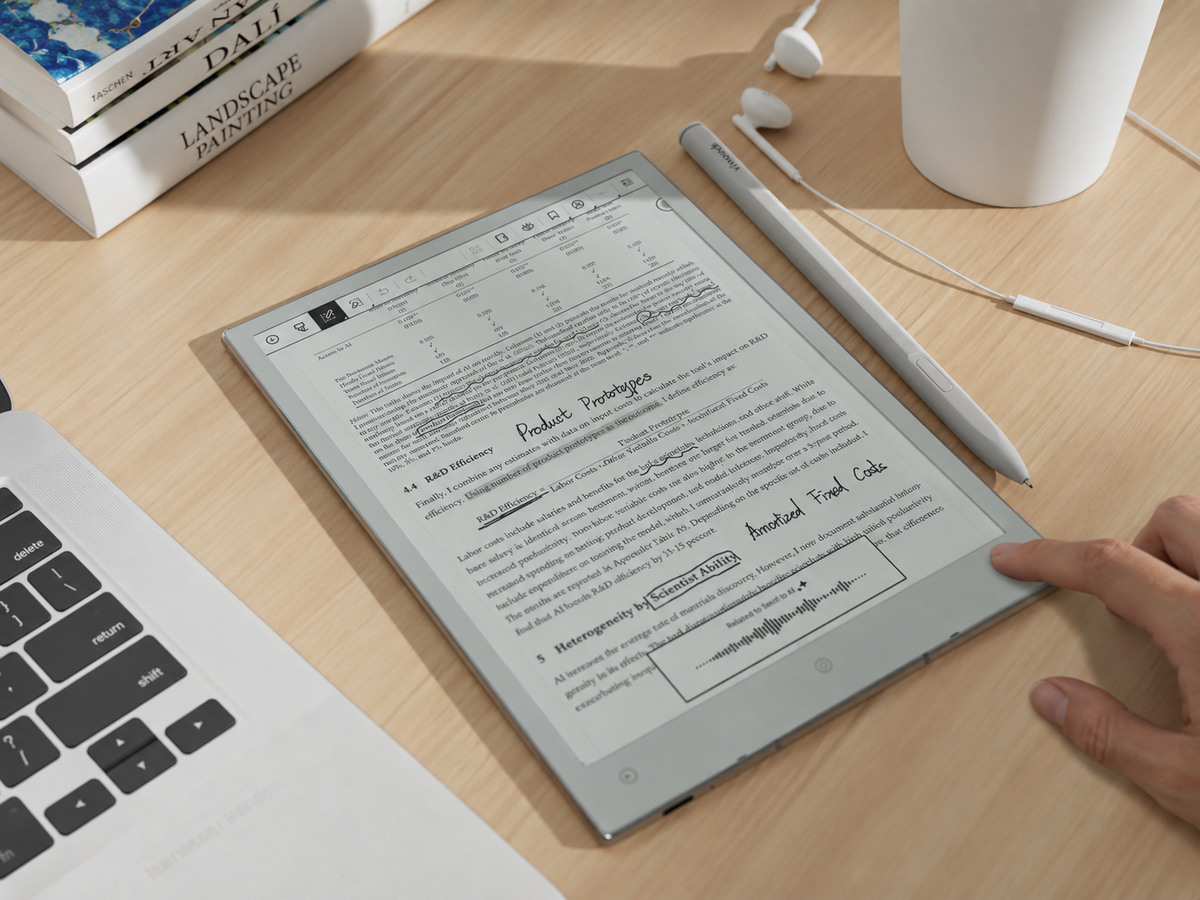
To turn meeting notes into tasks with AI, treat AI as the drafting layer between the meeting record and the planner—not as the final authority. Keep the original notes, separate decisions from actions, extract any explicit task owner and due date, then let AI organise the material into a consistent list. Review every proposed task against the source, leave missing information visibly unresolved, and move only confirmed actions into the system where work is actually managed.
This approach solves the part of post-meeting work that is genuinely repetitive without allowing a polished summary to create commitments the team never made. For project managers, consultants and operations teams, the result is a faster follow-up process with a clear audit trail back to the meeting itself.
What is the right AI-assisted notes-to-actions sequence?
The safest workflow is deliberately staged. Do not ask AI to jump directly from a page of mixed discussion to a final task list. Give it smaller jobs, with a review point before anything becomes assigned work.
Keep the original note unchanged so every later task can be checked.
Distinguish decisions, actions, questions and ideas before extraction.
Draft tasks with owner, due date and priority fields where supported.
Check the wording against the source and resolve ambiguity.
Move confirmed work into the planner or team task system.
This sequence creates useful meeting follow-up automation without turning automation into an authority. If an owner was never named, the output should still show an ownership gap. If nobody gave a deadline, the task should not emerge from the AI step with a convenient date.
Working rule: a task should never become more definite after AI processing than it was in the meeting itself.
Start with notes that still make sense after the meeting
Good action item extraction starts before the prompt. Meeting notes do not need to reproduce every sentence, but they should preserve the information that changes execution: what was decided, what needs to happen, who accepted the work and when it is expected.
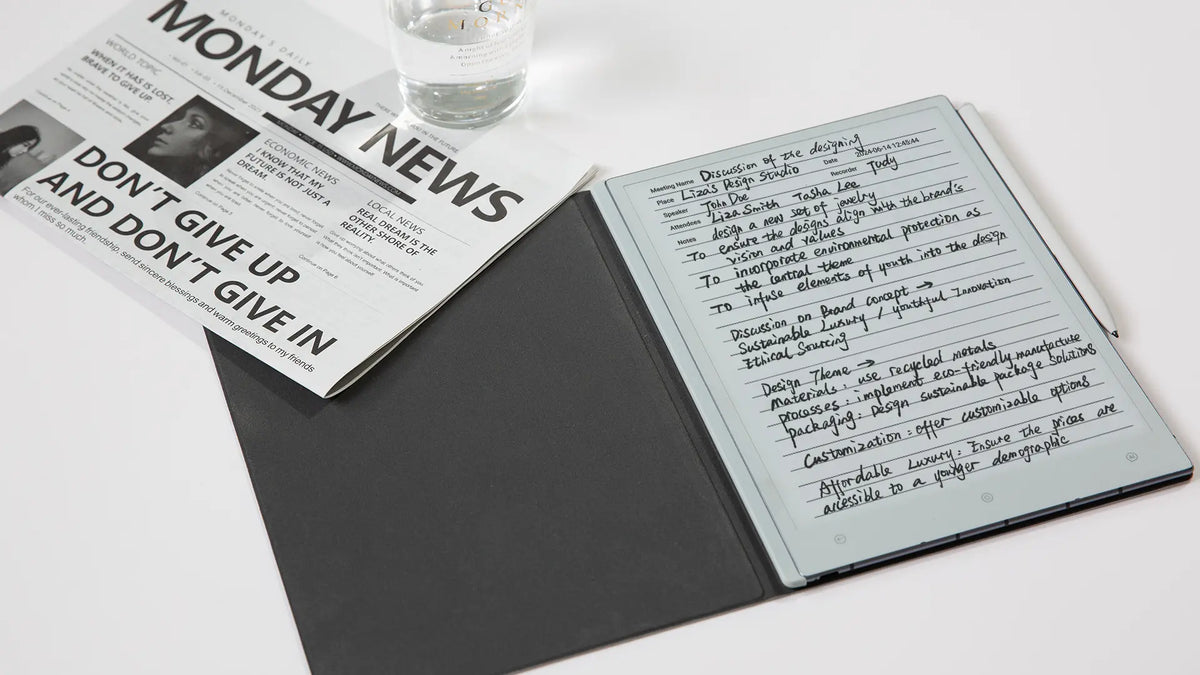
A simple structure is usually enough. Give the page a meeting title and date. Keep names beside commitments. Put dates on the same line as the action they belong to. For handwritten notes, short markers such as D for decision, A for action and ? for unresolved points can make later review much faster.
Decision: keep the current launch date and use two channels for the first campaign.
Action: Marta will revise the launch deck by Thursday.
Open point: consider a customer-email test after the landing page is approved.
The first line belongs in a decision log. The second is a task because the action, owner and date are explicit. The third is still a possibility. Converting all three into to-dos would create a neat list, but it would no longer represent the meeting accurately.
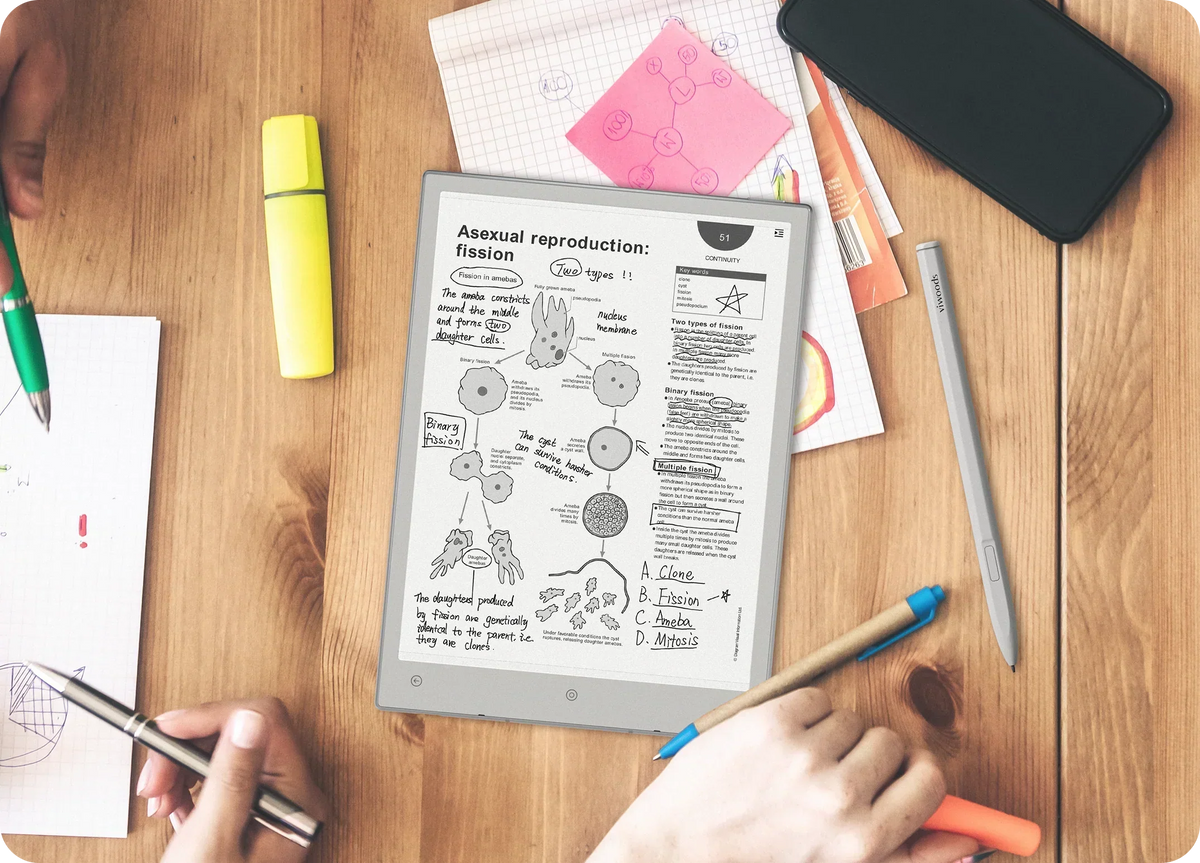
For people who prefer handwriting during discussions, the friction often begins after the meeting: reading the page again, typing actions elsewhere and rebuilding the day's plan. Viwoods AiPaper is relevant in that context because its current workflow brings handwriting conversion, to-do creation and daily planning into the same product environment.
As the number of meeting records grows, retrieval becomes part of the same problem. The VIWOODS guide to its knowledge and task workflow explains how Knowledge Base and file-management tools can help organise material that needs to remain available after the initial follow-up.
Which details should you extract before a note becomes a task?
The objective is not simply to convert notes to action items. A useful task should preserve enough information to execute it and enough context to verify it. Four fields usually deserve explicit attention.
- Action
- What must actually happen? Use a concrete verb such as revise, send, approve or schedule. Do not promote a discussion topic into a task.
- Task owner
- Who accepted responsibility? Record a person or team only when the notes support that assignment. Otherwise leave the task unassigned.
- Due date
- When was completion agreed? Preserve an explicit date. Phrases such as “soon” or “before launch” should remain contextual until someone confirms a real deadline.
- Priority
- What determines urgency? Use a stated priority or genuine dependency. Do not assume that the first item mentioned in the meeting is the most important one.
Keep decisions separate from actions even when they are closely related. “We will launch in Germany first” records what the group agreed. “Jon will update the rollout sequence by Friday” records the work created by that decision. A task list answers who does what and by when; a decision log answers what did we agree and why.
Use AI to draft—not approve—the task list
AI is useful when meeting notes contain shorthand, repeated points or actions scattered across the page. It can reorganise that material into a consistent format and flag missing information. The risk appears when the prompt rewards completeness. If every output row appears to require an owner, date and priority, a model may try to make the list look finished even when the source is not.
A stronger AI note workflow explicitly permits incomplete answers. It also asks for the source phrase behind each proposed task so that the reviewer can verify the extraction without rereading the entire meeting.
Review the meeting notes below and draft the follow-up list.
1. Separate decisions from action items.
2. For each action, return the task, owner, due date, priority and supporting source phrase.
3. Preserve names and dates exactly as written.
4. If ownership is unclear, write “Unassigned”.
5. If no deadline is stated, write “No date stated”.
6. Do not convert suggestions, questions or possibilities into confirmed tasks.
7. Flag anything that requires human clarification.
Do not invent owners, deadlines or priorities.
For a long or messy meeting, two passes can be safer than one large prompt. First classify the content into decisions, actions, questions and reference information. Review that classification, then run task extraction only on the confirmed action material. The extra checkpoint often saves more time than cleaning up a confident but inaccurate task list afterwards.
How do you review ambiguity and missing ownership?
Before an AI-generated task reaches a planner, test it against a simple question: would the people in the meeting recognise this as the commitment they actually made? The wording does not need to be elegant. The relationship with the source does need to be defensible.
Ownership deserves particular caution. Do not assign the task to the meeting organiser, the person who talked about it most or the department that seems logically responsible unless the notes record that commitment. The same rule applies to time. “Before launch” may describe a dependency, but it is not necessarily a due date.
Making uncertainty disappear
If the note says “Marketing could update the page”, do not output “Marketing to update the page by Friday.” Both the assignment and deadline would be new information.
Keep the gap visible
Draft “Update landing page — Owner: Unassigned — Due: No date stated”, then resolve those fields with the team before scheduling the task.
When should confirmed tasks move into a planner?
A planner should contain agreed work, not unresolved meeting language. Once the action, owner and timing have been checked, shorten the task enough to scan while retaining enough context to find the meeting that created it. “Revise launch deck — Marta — Thursday — Weekly Launch Meeting” is more useful than copying a full paragraph of discussion.
Also separate the due date from the time reserved to do the work. A Friday deadline is a commitment. A Wednesday calendar block is a personal execution choice. Calendar sync is useful when an action needs a genuine appointment or work block, but pushing every to-do onto the calendar can create noise and false precision.

This is where an AI-assisted digital notebook can become relevant. AiPaper's current workflow is designed to keep handwriting, task creation, calendar organisation and its Daily Planner closer together. That matters when repeated retyping—not note capture itself—is the main source of friction.
The practical test is simple: follow one recurring meeting from handwritten notes to confirmed tasks. Count how often the same information has to be typed, copied or reinterpreted. A more integrated workflow is worthwhile when it reduces those handoffs without removing the human review that protects ownership and deadlines.
What does the workflow look like for a weekly team meeting?
Consider a weekly launch meeting involving a project manager, marketing lead, designer and operations owner. These meetings usually produce status updates, decisions, dependencies and new tasks at the same time. The goal is to create a repeatable handoff without turning the meeting into a form-filling exercise.
-
Before the meeting
Start from a lightweight page with agenda, decisions, actions and open questions. Avoid an elaborate template that becomes difficult to maintain while people are talking.
-
During discussion
Mark commitments when they are made. Keep names and dates on the same line as the action, and mark unclear ownership instead of resolving it from assumption.
-
Immediately after
Run the AI extraction prompt and request a separate decision log, proposed task list and clarification list.
-
Review
Compare each proposed task with the source. Resolve missing ownership while the meeting is still fresh and confirm any dates that were only implied.
-
Plan
Move confirmed work into the Daily Planner or the team's existing task system. Schedule calendar time only where it improves execution.
-
Next meeting
Carry forward open work and unresolved decisions rather than copying the entire previous discussion into a new note.
The strength of this AI meeting follow-up workflow is not that AI controls the process. It is that the repetitive parts—classification, formatting and initial extraction—happen consistently, while responsibility and commitment remain explicit human decisions.
What should you avoid when turning notes into tasks?
The biggest error is trusting an unreviewed summary because it sounds complete. A summary is allowed to compress context. A task list creates obligations, so the standard has to be higher.
Do not translate “soon”, “next phase” or “before launch” into a precise date simply because a task system expects one.
The person whose role seems most relevant is not automatically the task owner. Keep the field unassigned until responsibility is confirmed.
“We could test a new email” remains a possibility until the group decides to act and someone accepts the work.
A task may make little sense months later without the decision that created it. Keep significant decisions with the original meeting record.
The original record is the reference point for later questions about scope, ownership and timing. Structured output should complement it, not replace it.
The dependable way to turn meeting notes into tasks with AI is to automate structure without automating judgment. Let AI draft the action list. Let people confirm what they actually agreed to do.

Leave a comment
This site is protected by hCaptcha and the hCaptcha Privacy Policy and Terms of Service apply.