
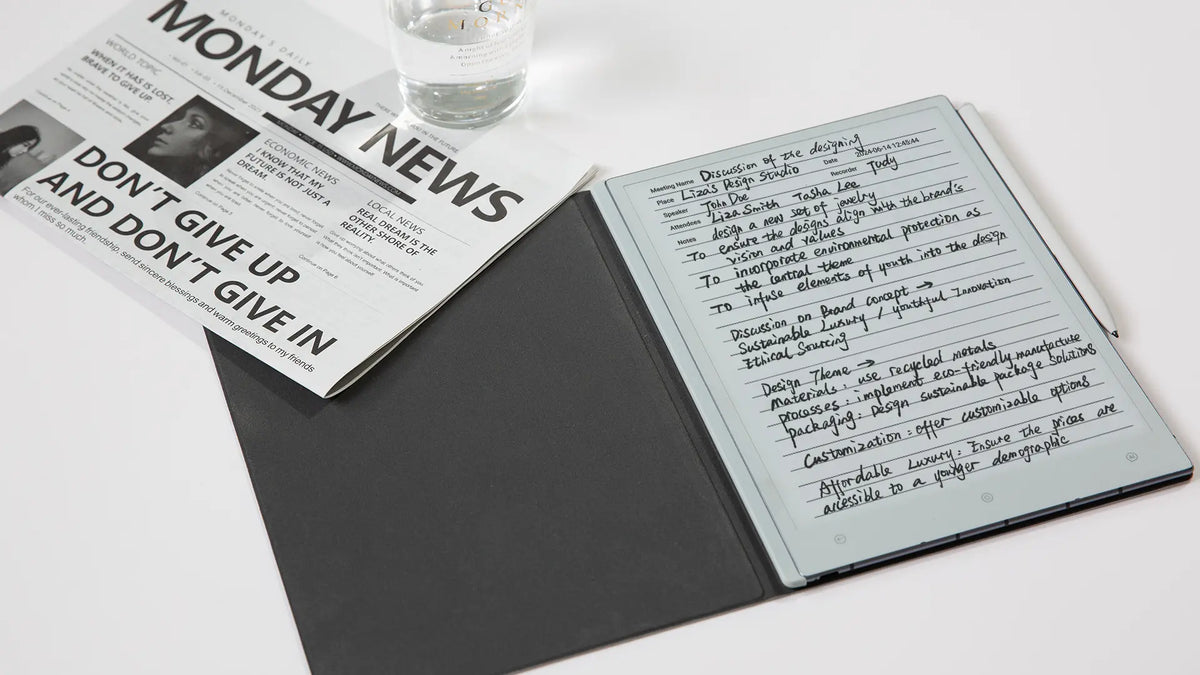
To organize handwritten notes on a digital notebook, use one simple loop: capture first, classify second, review regularly. Keep only a few stable notebooks, use shallow folders for active work, name pages consistently, and reserve tags for information that needs to appear across more than one project.
The system should make retrieval easier, not turn note-taking into filing work. A meeting note can begin in an inbox, move into its project later, and eventually enter an archive without changing the basic logic. The same structure works for professionals, students, researchers, planners and journal users. Because digital notebooks vary in how they handle folders, tags and search, adapt the same logic to the tools your device actually supports; clear page names and index notes can substitute when a feature is unavailable.
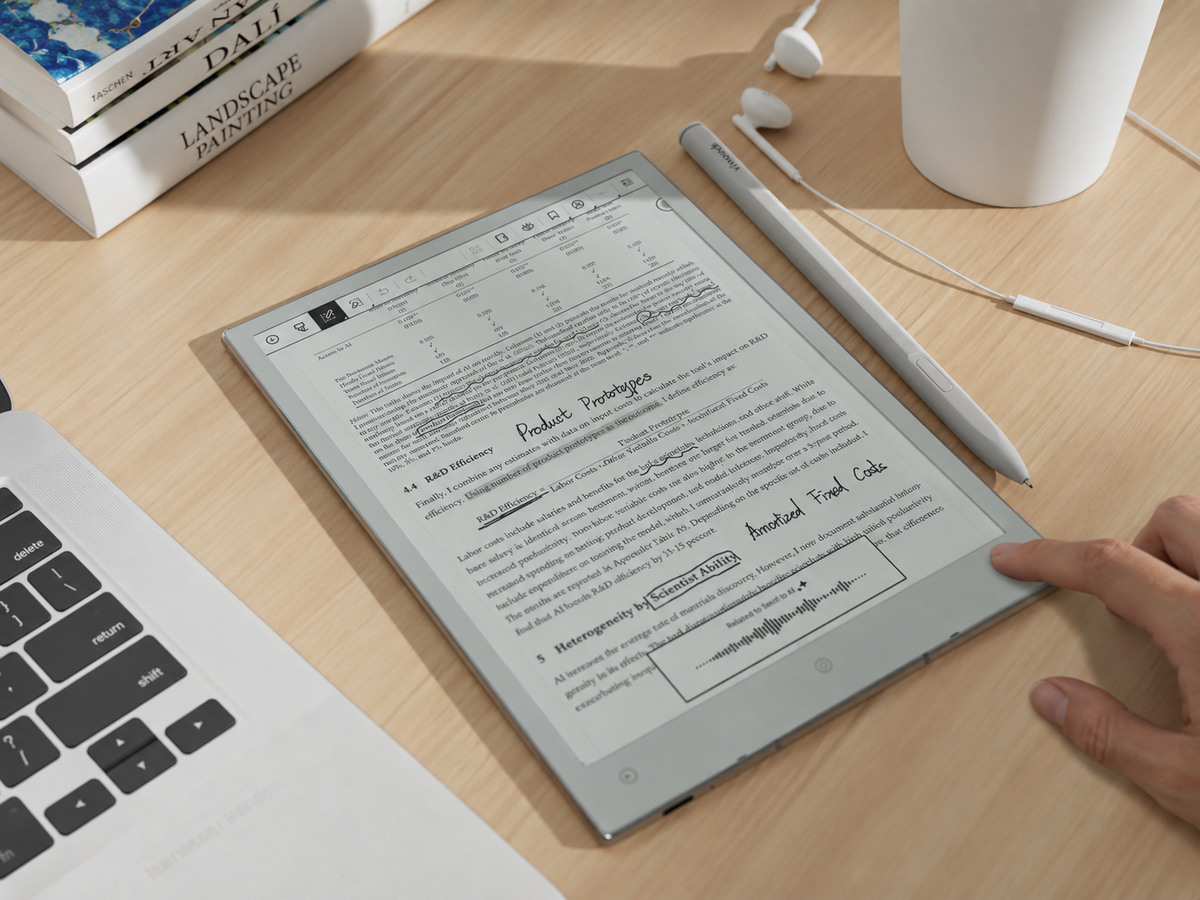
If a pen-first digital workflow is part of the goal, Viwoods AiPaper is the relevant product page to consider after the organisation method itself is clear.
Write without filing decisions
Get the thought onto the page while the context is still fresh.
Give useful notes a home
Move material into a stable area, active project or reference space.
Turn storage into retrieval
Revisit notes often enough to surface actions, decisions and reusable knowledge.
Quick answer: use a simple capture–classify–review system
A useful note system separates writing from organising. During a meeting, lecture, reading session or planning block, the priority is capture. Stopping to choose a folder, invent a tag or perfect a title adds friction at exactly the wrong moment.
Classification happens afterwards. Decide whether the material belongs to an active project, a stable reference area or nowhere at all. Then review the system on a predictable schedule. That review is where unfinished actions surface, project pages stay current and low-value notes disappear.
This distinction matters because digital storage removes the physical limit that once forced paper notebooks to stay selective. Without a review habit, it becomes easy to accumulate hundreds of pages while making useful information progressively harder to recover.
Choose notebooks by stable area, not every temporary topic
A top-level notebook should represent something that remains meaningful over time: Work, Study, Research, Personal Planning or Journal, for example. These are stable areas. A conference, client assignment, dissertation chapter or quarterly campaign is temporary, so it normally belongs inside one of those areas rather than becoming another permanent top-level notebook.
Stable area of responsibility
Use a notebook when the category will still make sense after individual projects, courses or deadlines have ended.
Temporary topic or project
Give short-lived work a project page or folder so the top level does not expand every time priorities change.
A useful test is simple: will this category still be recognisable a year from now? If yes, it may deserve a notebook. If not, make it a project within a stable area. Promote a temporary project to its own notebook only when its volume or day-to-day use makes that separation genuinely easier to navigate. For a broader foundation on digital note-taking, see VIWOODS’ guide to digital notebook fundamentals.
Use a shallow folder hierarchy
The best folder structure for a digital notebook is usually shallower than people expect. Start with the stable area, add an active project where needed, then let page titles and search terms carry most of the remaining detail.
A third folder level is reasonable when a collection is genuinely large, but depth should solve a retrieval problem. If reaching one handwritten page routinely means opening four or five nested folders, the hierarchy is doing too much work.
The practical aim is not minimalism for its own sake. It is predictability. Someone returning after several weeks should be able to guess where a note belongs without remembering the exact filing decision made on the day it was created.
Create consistent names, tags and project pages
Folders, names and tags should not duplicate one another. Each has a different job. The folder provides the primary home, the page name identifies the note, and the tag creates an alternative route when the same idea matters across several projects.
Where does it live?
Use the folder for the note’s main context. A page should normally need only one obvious home.
What is this note?
Use readable words and, when chronology matters, a consistent date format. Avoid codes you will need to decode later.
How else might I find it?
Tag cross-cutting meaning or status rather than repeating the folder name.
Give every substantial project one index note
An index note can hold the project objective, current status, key decisions, important page names and next actions. It becomes the project’s front door, so you do not have to reconstruct the whole folder from memory whenever work resumes.
This is also where tagging should remain disciplined. The question is not how to tag handwritten notes as thoroughly as possible, but which labels genuinely create a useful second route to information. A tag that is rarely searched or reviewed is usually administrative noise.
Build an inbox for uncategorised notes
An inbox gives uncertain notes somewhere to go without interrupting capture. It is especially useful for calls, quick ideas, unexpected research references, meeting fragments and handwritten pages created before the correct project is obvious.
Write first. Do not solve the filing decision while the idea is forming.
Decide whether the page contains an action, reference, decision or disposable thought.
Place useful material in its project, stable area or reference collection.
Delete or ignore material that no longer deserves space in the working system.
The inbox only works if it stays temporary. If every uncategorised page remains there indefinitely, it becomes a second archive with worse naming. Clearing it during the weekly review preserves the speed advantage without sacrificing organisation.
Run weekly and project-end reviews
A digital note review system turns stored handwriting back into working information. Weekly reviews keep active material clean; project-end reviews preserve context before it fades. They should have different jobs.
Weekly review: maintain the active system
- Clear the uncategorised-note inbox.
- Rename vague pages while the context is still familiar.
- Move notes into the correct projects or reference areas.
- Surface actions hidden inside meeting or planning notes.
- Update project index pages and remove obsolete tags.
Project-end review: preserve what will matter later
- Record the final outcome and major decisions.
- Identify notes or sources worth keeping as long-term knowledge.
- Extract reusable methods instead of burying them inside a finished project.
- Remove temporary status labels and unfinished clutter.
- Write a short closure note before moving the project to the archive.
For readers who want to see how VIWOODS approaches knowledge-base organisation at the product-system level, explore AiPaper note organisation. Keep the evergreen method above as the foundation, then decide which device features support it rather than allowing features to dictate the structure.
Archive without losing retrievability
Archiving should remove inactive work from the daily view without erasing the clues needed to recover it. Keep the archive simpler than the active system. Organising by year, completed project or stable area is usually enough.
Before archiving, make sure the project has a clear name, useful dates and enough context to explain itself later. If one insight will remain useful outside the original project, move that insight into a durable reference or synthesis note rather than relying on the archive as its only home.
Avoid rebuilding the whole active hierarchy inside the archive. Old status tags such as “urgent”, “this week” or “waiting” should disappear. What remains should help answer future questions: What did we decide? Which source supported this? What process worked? Where is the final version?
A useful archive therefore depends on the same fundamentals as the active system: readable naming, enough context and deliberate review. Search becomes more effective when the words used in a note still make sense months later.
Common over-organisation mistakes
The main risk is mistaking visible structure for useful organisation. A complicated system can look controlled while making everyday capture and retrieval slower.
This fragments related work and forces repeated decisions about where similar pages belong. Keep temporary topics inside stable areas instead.
Extra hierarchy adds clicks and memory work. Add another level only when the existing level has become genuinely difficult to navigate.
A large tag vocabulary becomes another classification system to maintain. Keep labels that repeatedly improve retrieval and remove those that do not.
Folders cannot surface decisions or unfinished actions by themselves. A regular review is the maintenance layer that keeps the structure useful.
The most sustainable way to organize handwritten notes on a digital notebook is therefore deliberately modest: few stable areas, shallow folders, understandable names, selective tags, one inbox and a review rhythm that prevents the system from drifting.

Leave a comment
This site is protected by hCaptcha and the hCaptcha Privacy Policy and Terms of Service apply.