
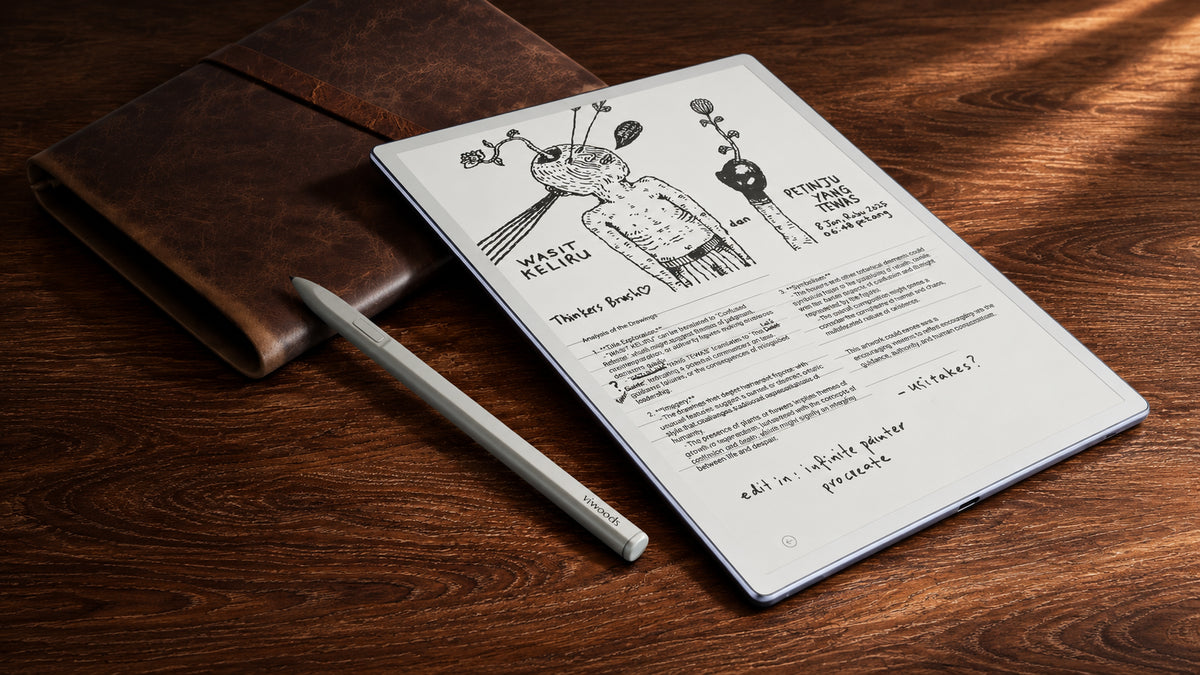
Writing Tablet for Daily Lists: When Handwritten Planning Beats App Switching
One Daily List Helps When App Checks Keep Interrupting Work
Opening a task app to check what comes next seems harmless. The problem is what happens when that small action becomes part of every work session. You check an email, open your calendar, return to a task manager and then try to remember which piece of work you were doing in the first place. The information is still there, but finding it repeatedly takes attention away from the actual task.
A handwritten daily list offers a simpler way to keep immediate priorities visible. Instead of using an application to decide what deserves attention every time you finish something, you have already made that decision on the page. You can see the next action, make progress and return to the list when your attention needs redirecting.
This does not mean abandoning digital tools. Calendars, reminders and shared task systems still have important jobs. A handwritten list works best as a personal view of the day, rather than another place to store every deadline, message and unfinished responsibility.
For people who spend much of the day writing, reviewing documents or managing several individual tasks, a dedicated digital writing surface can make this routine easier to maintain. The important distinction is between having more information available and having the right information visible when you need it.
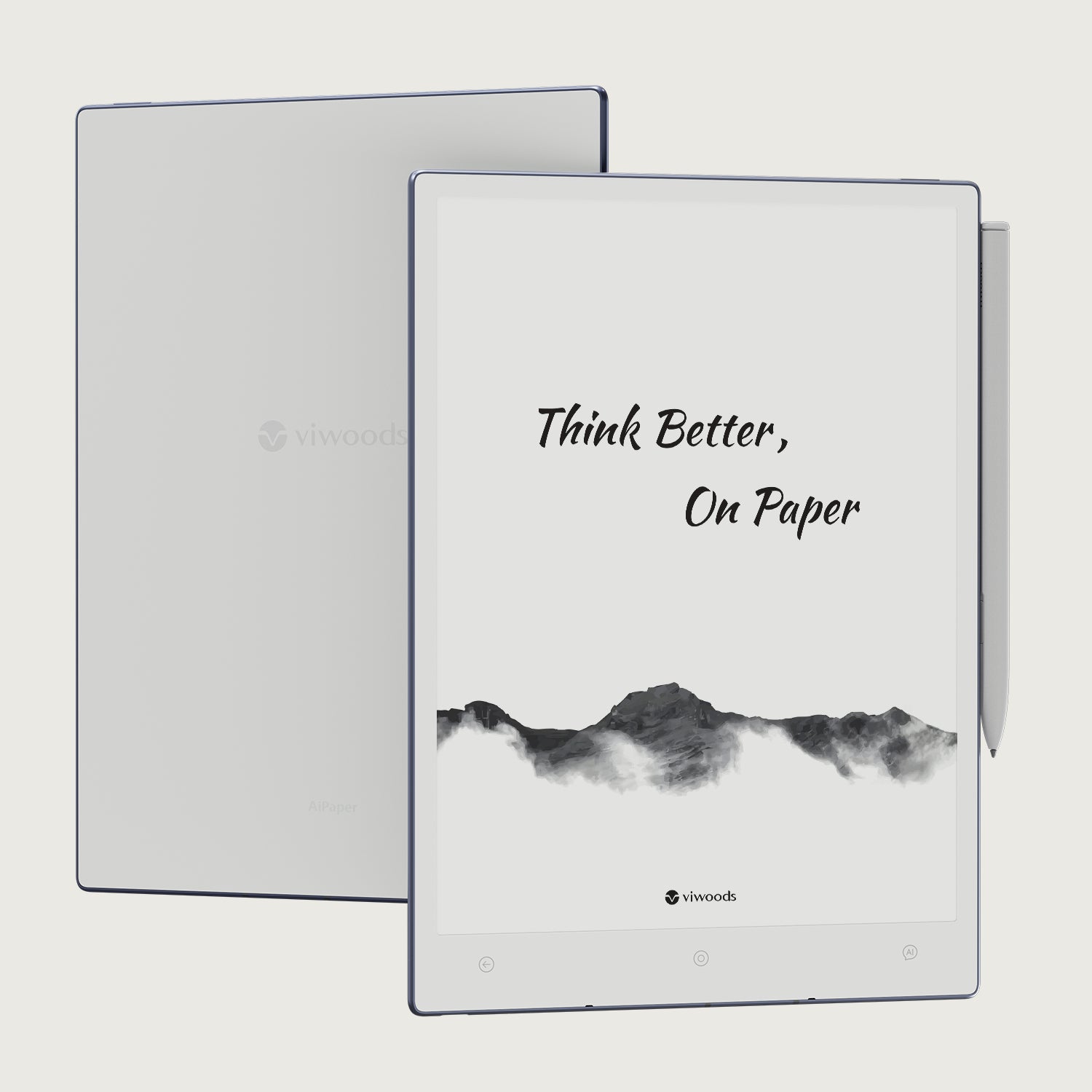
Capture New Requests Without Turning Them into Today's Tasks
One reason daily lists become difficult to use is that they collect too many things. An email needs a reply, someone asks for a document review, a meeting produces three follow-up ideas and an unfinished task from yesterday is still waiting. When every new item goes straight onto today's list, the page quickly becomes a record of everything competing for attention.
The better approach is to separate capturing information from choosing work. A capture list gives incoming requests somewhere to go without immediately turning them into commitments. It is a place to record what needs to be remembered, not a promise that everything will be completed today.
For example, if a colleague asks you to review a revised document while you are preparing a client report, write down a short reference such as "review revised client document". You do not need to copy the entire request onto the page. The original message can retain the instructions, attachments and context.
Later, when there is a natural break, decide whether the request belongs on today's active list. Consider whether someone is waiting for it, whether there is a genuine deadline and whether you have enough time to do the work properly. A request can be important without being the next thing you should do.
This distinction is particularly useful when several people are sending requests throughout the day. The newest message should not automatically become the highest priority. If something genuinely urgent arrives, decide which existing task needs to move. Otherwise, record the request and return to the work you had already chosen.
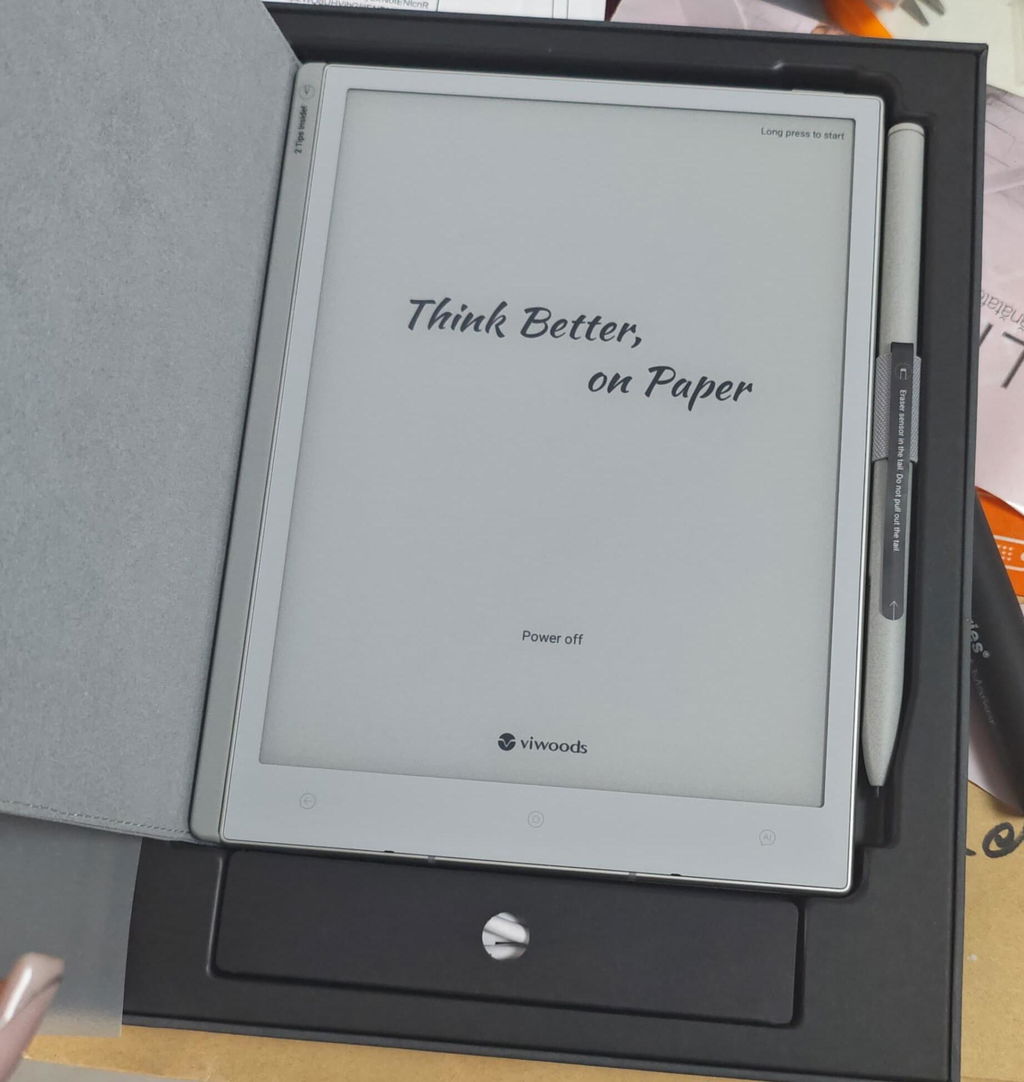
For handwritten planning, Viwoods paper tablets provide a dedicated space for capturing and organising written information. Whether you use a digital notebook or ordinary paper, however, the value comes from keeping incoming requests separate from the tasks you have actually committed to doing.
Choose Priorities That Fit the Hours You Actually Have
A daily list should reflect the time available, not simply the number of unfinished tasks. Someone with a full morning of meetings cannot reasonably plan the same amount of focused work as someone with three uninterrupted hours. Yet it is easy to create a list based on everything that needs doing rather than what can realistically be completed.
Start by considering the commitments that cannot move. Appointments, scheduled calls, preparation time and routine administration all reduce the hours available for individual work. Once those are accounted for, choose the tasks that deserve the remaining attention.
One or two important outcomes are usually a better starting point than a page filled with equally urgent-looking items. Smaller tasks can be added around them, but they should not hide the work that would make the greatest difference to the day.
Imagine having ninety minutes before an afternoon appointment. A client reply needs around forty minutes, checking an invoice against a revised quotation may take another twenty, and preparing to leave requires ten minutes. Keeping the remaining time available for interruptions is more sensible than filling every minute with another task.
The wording of each task also matters. "Work on the report" leaves too much uncertainty about what needs to happen. "Check the revised figures and send the report" gives you a recognisable outcome. It becomes easier to judge whether the task is complete and whether it deserves another work session.
When a task takes longer than expected, the list should help you make a decision rather than make you feel behind. You can move an optional task, adjust the next priority or clarify a deadline. A useful daily plan allows for changes without treating every adjustment as a failure.
Keep the Next Action on the Page, Not the Whole Backstory
A handwritten list is most useful when you can understand it at a glance. If every task contains a long explanation, project history and several supporting details, the page becomes another document to read before you can begin working.
Write down the next action rather than the entire background. "Check the invoice against the revised quotation" is enough when the two files are easy to locate. If you manage several projects, add a client name, document title or short reference to make the task recognisable.
The same principle applies to meeting notes and project information. You might need to remember that a client requested a change, but the complete discussion belongs in the relevant email, meeting record or project document. Your daily list only needs to remind you what to do next and where to find the information.
This separation becomes more valuable when instructions change. If someone sends a revised quotation or updates a project requirement, the original record should remain the source of truth. Update your next action accordingly rather than relying on an old handwritten description.
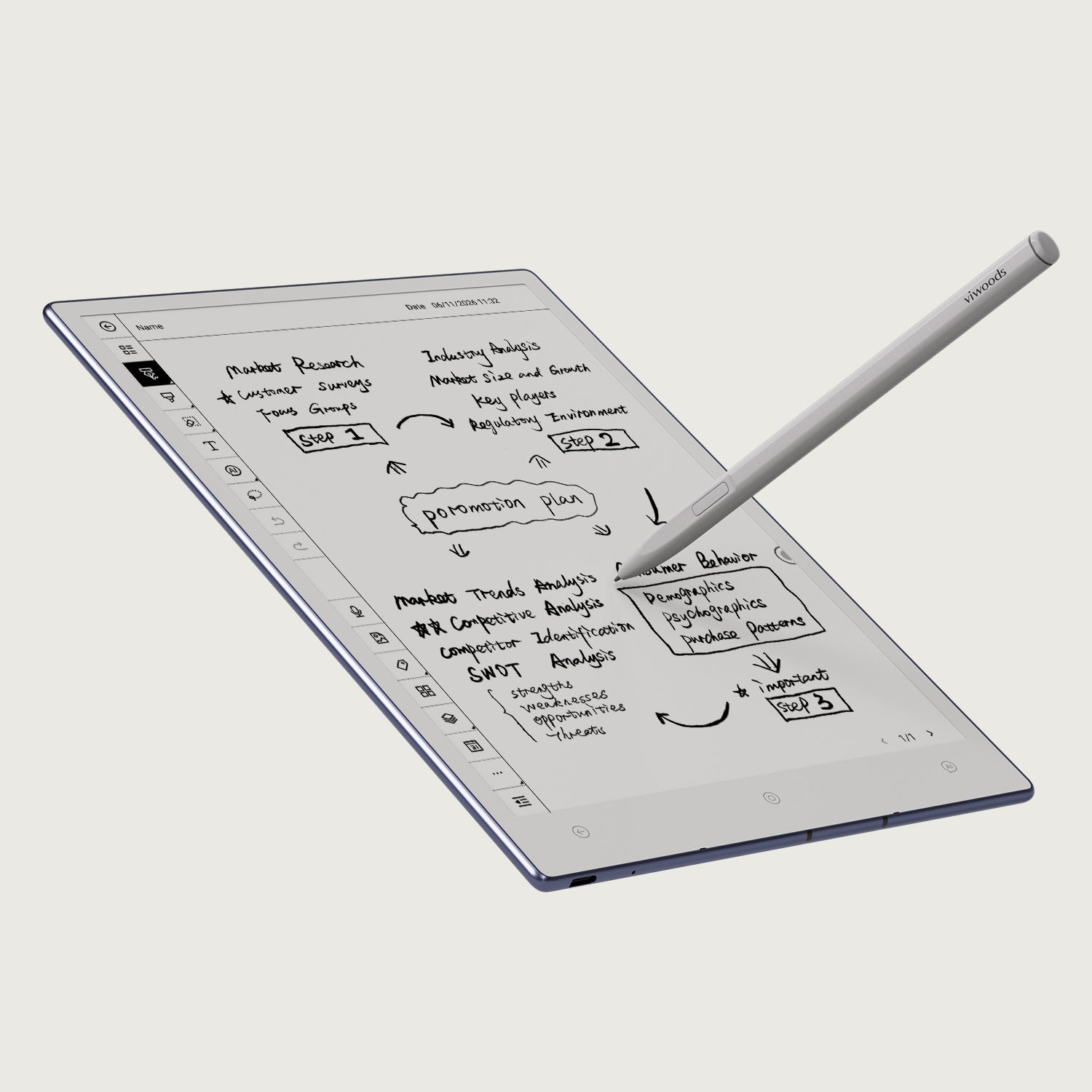
A digital writing workspace can be useful here because handwritten notes do not always need to remain isolated on one page. You may want to revisit an earlier note, review a document or organise related information without turning your daily list into a detailed project archive.
Leave Timed Alerts and Shared Tasks in Their Apps
Reducing app switching does not mean that every application should disappear from your routine. Some information needs to reach you at the right time, while other information needs to remain available to several people.
A scheduled call is a good example. Writing "call the supplier at 2 PM" on a handwritten page may help you remember the commitment, but it cannot replace a calendar notification. If the meeting moves or another person changes the time, the calendar should remain the place where the current appointment is managed.
Shared tasks need the same consideration. When colleagues depend on current ownership, deadlines or completion status, a personal handwritten list should not become a second version of the team's project board. Duplicating those details creates more maintenance and increases the chance that two records will disagree.
A more practical arrangement is to keep the personal action visible while leaving the underlying information in its original system. For example, your daily list might say "check the updated project status after lunch". The project application continues to hold the latest deadline, assigned owner and supporting documents.
This division also makes it easier to decide when a digital task manager is genuinely necessary. If a task depends on recurring notifications, several people or changing information, an application is doing work that handwriting alone cannot provide. If the task is simply something you need to focus on next, a visible handwritten reminder may be sufficient.
Make the List Useful When the Day Does Not Go to Plan
The real test of a daily list is not whether it looks organised in the morning. It is whether it remains useful after an unexpected call, a delayed reply or a task that takes twice as long as expected.
When the day changes, avoid rewriting everything. Look at the task that has been affected and decide whether it still needs to happen today. If it does, identify what can reasonably move instead. If it no longer needs immediate attention, return it to the capture list or assign it a more suitable day.
It also helps to distinguish between work that must be completed and work that would simply be nice to finish. A client response with an agreed deadline may need to stay near the top. Tidying an old folder can wait. Giving these tasks different levels of importance makes the page more useful than a long list in which every line appears equally urgent.
At the end of the day, unfinished tasks deserve a brief review rather than automatic transfer to tomorrow. Some remain important, some depend on information that has not arrived, and others may no longer be necessary. Carrying every unfinished item forward without reconsidering it gradually turns a daily list into a backlog.
A short review also helps you prepare for the next morning. You can identify what genuinely needs attention, leave supporting details in the appropriate applications and begin the next day with a clearer idea of where to start.
When a Dedicated Writing Tablet Makes Sense
A paper notebook, a task application and a writing tablet can all support daily planning, but they solve slightly different problems.
A paper notebook is often enough when you only need a visible list and prefer not to use another digital device. A task application makes more sense when notifications, recurring deadlines and collaboration are central to your work. A writing tablet is worth considering when you prefer handwriting but also want to keep notes, documents and planning information within a digital workspace.
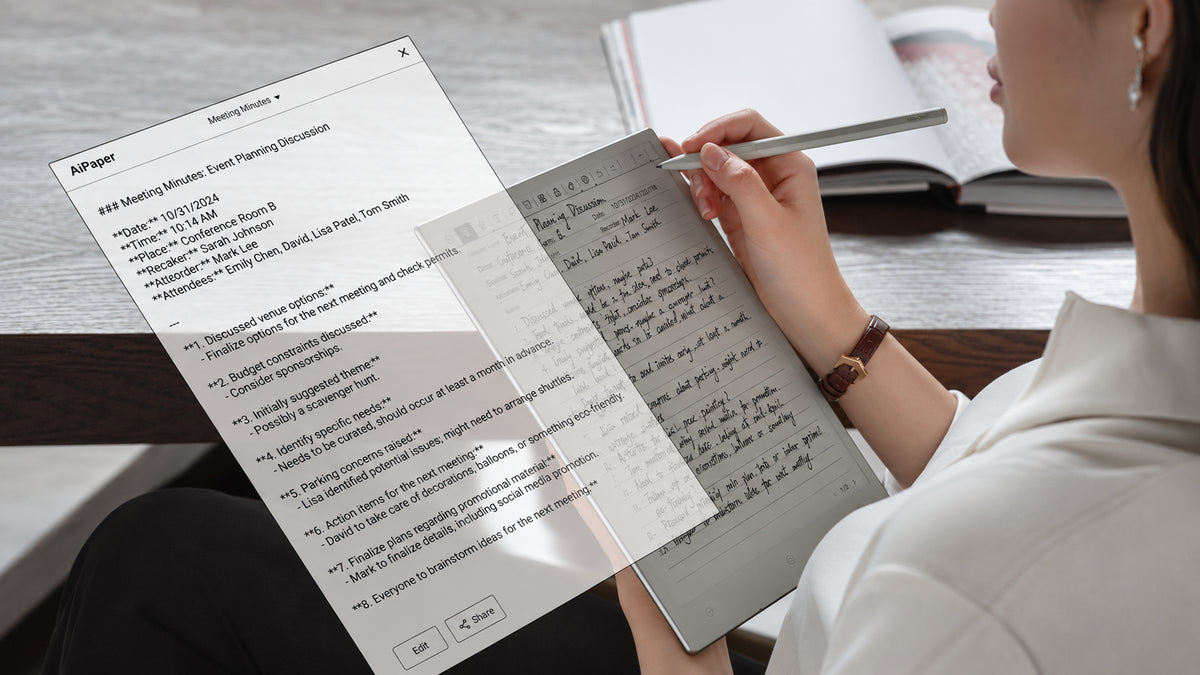
For this type of routine, Viwoods AiPaper offers a Daily Planner that can turn handwritten content into to-do tasks, organise schedules with calendar sync and provide access to the wider workspace. This makes it relevant to people who want handwritten planning to connect with the rest of their digital notes rather than remain on a separate sheet of paper.
The distinction is useful when a daily note becomes part of a larger piece of work. You might write down an action during a planning session, return to the related document later and keep the supporting information organised in the same broader workspace. The Daily Planner helps connect planning with written information, while calendars and shared applications continue to handle their own responsibilities.
Before choosing a device, consider how often you write by hand, whether you regularly review longer documents and how much of your planning depends on information from other people. A dedicated writing tablet is most useful when those activities are already part of your routine. It is less compelling if all you need is a short list that a basic notebook can handle just as well.
The goal is not to replace every tool with one device. It is to make the process of choosing and returning to personal priorities less complicated.
Common Questions About Handwritten Daily Lists
Is a handwritten daily list better than a task management app?
Neither is better in every situation. A handwritten list can make personal priorities easier to see without navigating several screens. A task management app is more suitable when work involves deadlines, recurring notifications, shared ownership or frequent status changes. Many people benefit from using both for different purposes.
How many tasks should I put on a daily list?
There is no fixed number that works for everyone. Start with one or two important outcomes, then add smaller tasks according to the time available. A shorter list that reflects your actual schedule is generally more useful than a long list that cannot reasonably be completed.
What should I do when new tasks arrive during the day?
Record the request without immediately adding it to your active priorities. Decide whether it needs attention today, whether someone is waiting for it and what existing work would need to move. This prevents every new message from automatically changing your plans.
Can a writing tablet replace a shared task management system?
Not when colleagues need current information about deadlines, task ownership and completion status. Keep collaborative work in the team's shared application and use a writing tablet for personal notes, planning and individual priorities.
If a visible handwritten list helps you return to work with less distraction, a dedicated writing workspace may fit your routine. If your day depends mainly on shared updates and timed alerts, keep those applications at the centre of your workflow. Explore the Viwoods paper tablet collection to see whether a digital handwriting workspace suits the way you plan and work.


Commenta
Questo sito è protetto da hCaptcha e applica le Norme sulla privacy e i Termini di servizio di hCaptcha.