

Which Viwoods Device Is Right for You? AiPaper, Mini or Reader
Choose AiPaper if writing and full-page document work come first, AiPaper Mini if you need handwriting in a more portable format, and AiPaper Reader if reading is the main job and stylus input is unnecessary. That is the practical answer to this Viwoods device comparison. The three devices overlap in reading and AI-assisted workflows, but they are built around different priorities: page space, mixed-use portability and reading-first mobility.
Start with handwriting, document type and where the device will travel; screen size and front-light needs follow from those choices. You can also browse the Viwoods paper tablet collection to compare AiPaper and AiPaper Mini while using this guide to narrow the choice across all three devices.
Quick Selector by Main Job
Start with the task that would still justify the device if every secondary feature disappeared. This keeps the AiPaper vs. Mini vs. Reader decision focused on daily use rather than small specification differences.
Viwoods AiPaper
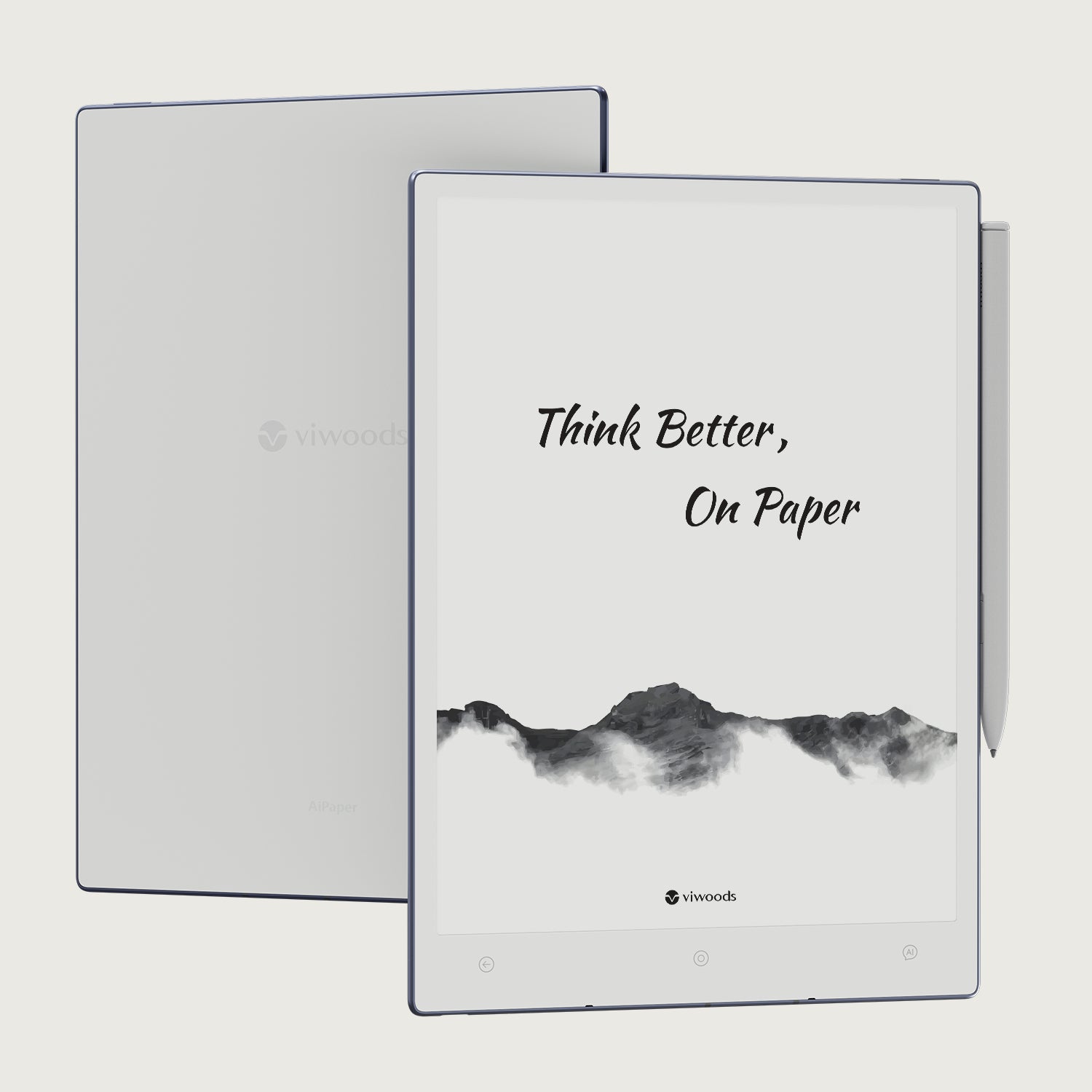
Choose it when handwriting, planning, PDF review or keeping more of a fixed page visible matters more than minimum carry size.
10.65-inch display · 370 g · stylus workflow · no front light
Viwoods AiPaper Mini
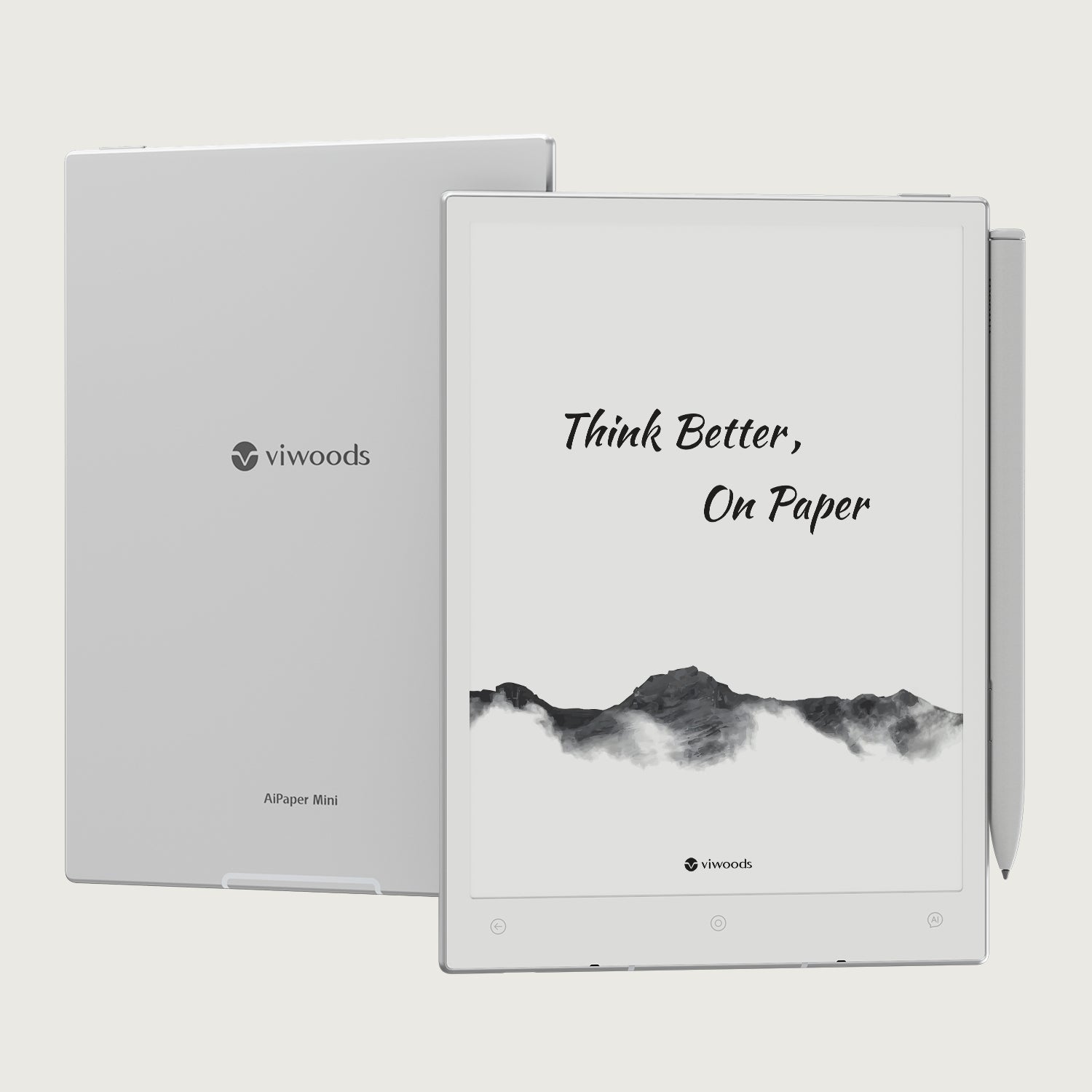
Choose it when note-taking and reading matter together, but the device needs to move easily between meetings, classes, commutes or trips.
8.2-inch display · 230 g · stylus workflow · front light
Viwoods AiPaper Reader

Choose it when ebooks, articles and portable reading dominate, and handwritten note-taking is not part of the workflow.
6.13-inch display · 138 g · no stylus support · adjustable front light
Three Questions Before Comparing Devices
Answer these three questions before comparing individual features; each one removes a different kind of mismatch.
Is Handwriting Essential?
If meetings, study notes, planning or handwritten PDF annotation are regular tasks, keep the decision between AiPaper and AiPaper Mini. Reader is not compatible with a stylus. Decision effect: regular handwriting rules Reader out early.
Are Your Documents Reflowable or Fixed-Layout?
Ebooks adapt well to smaller screens. Academic papers, reports, forms and detailed PDFs keep their original page layout, so more physical display area can reduce how often you zoom or reposition the page. Decision effect: dense PDFs push the choice towards more screen space.
Does Portability or Low-Light Reading Change the Day?
Frequent travel makes size and weight more important. Regular evening reading also changes the trade-off because Mini and Reader include front lighting, while AiPaper does not. Decision effect: travel and dim environments can outweigh a larger canvas.
If the choice is still close after these questions, use the official AiPaper specification comparison to check current hardware details rather than turning this family-level selector into a line-by-line spec sheet.
AiPaper: Larger Writing and Document Workflow
AiPaper is the model to start with when the device will spend much of its time under a pen or displaying fixed-layout documents. Its 10.65-inch screen gives more room for handwritten pages, margin notes, planning and PDF review than the two smaller devices.
The trade-off is mobility. At 370 g it is heavier than Mini and Reader, and it has no front light. The larger canvas should therefore be solving a real problem, especially for people who often work with full pages.
Choose AiPaper when page context is more valuable than pocketability. Think long handwritten sessions, document review, larger diagrams or reports where seeing more of the original page reduces navigation. If those situations are occasional, Mini may preserve enough writing capability with less carrying friction.
AiPaper Mini: Portable Note-Taking and Mixed Use
AiPaper Mini is the middle choice when writing and reading both matter. Its 8.2-inch display keeps stylus-based notes and PDF markup in the workflow while reducing the footprint to 230 g. The adjustable front light also makes it easier to use the same device for daytime notes and reading in dimmer environments.
Its main trade-off is page area. A fixed A4 PDF can be opened and marked up, but smaller text, wide tables or detailed diagrams may need more zooming than on AiPaper. That suits mixed days where portability matters as much as writing.
Choose Mini when handwriting must travel with you. Mini works as the compromise model when neither “largest writing surface” nor “smallest reader” describes the real need. If the decision is specifically AiPaper versus Mini, see the dedicated AiPaper vs. AiPaper Mini comparison for a closer look at the two writing-focused devices.
AiPaper Reader: Reading-First Portability
AiPaper Reader is the clearest branch for people who rarely write by hand. Its 6.13-inch Carta 1300 E Ink display weighs 138 g, supports common formats including PDF, EPUB, MOBI and AZW3, and includes adjustable front lighting. Android 16 and third-party app support keep reading open to more than one content source.
The defining boundary is stylus support: Reader does not accept a stylus. If handwritten notes are central to meetings, classes or research, choose from the two paper tablets instead. If the main job is reading on the move, Reader avoids carrying extra writing capability you rarely use.
Choose Reader when reading volume matters more than writing space. It suits a reading-first routine where low carry weight and a front light matter repeatedly. A larger model only becomes more useful if full-page PDFs or handwriting enter the workflow often enough to justify the added size.
Side-by-Side Scenario Comparison
Use this comparison to evaluate outcomes rather than specifications. The question is not whether each device can open a file; it is how naturally the form factor supports the task.
| Scenario | AiPaper | AiPaper Mini | AiPaper Reader |
|---|---|---|---|
| Long handwritten meetings | Strong fit. More writing room. | Good when carry size matters. | No stylus support. |
| Dense full-page PDFs | Largest view. Less page reduction. | Usable, with less visible page area. | Smallest page view; reading-first. |
| Ebooks and evening reading | Large screen, no front light. | Balanced. Front light plus stylus. | Reading-first. Front-lit. |
| Frequent travel | Choose only if larger pages justify the carry. | Strong mixed-use travel choice. | Most compact when writing is not needed. |
Buyer Profiles: Researcher, Professional, Student and Reader
Use these profiles as starting points; the actual task matters more than the job title.
Researcher: PDF Context Versus Field Mobility
Choose AiPaper for long papers, margin notes and desk-heavy document work. Move towards Mini when fieldwork or commuting makes portability a daily constraint.
Typical path: AiPaper → Mini when mobility rises.
Professional: Meeting Capture Versus Reading Load
AiPaper suits longer notes and document review; Mini suits people moving between locations. Reader fits roles focused on reading reports or books rather than writing on them.
Typical path: AiPaper or Mini based on carry frequency.
Student: Course Material Decides the Size
Handwritten lectures and full-page academic PDFs favour AiPaper. Mixed days of notes, reading and constant carrying can favour Mini. Reader fits only when stylus notes are unnecessary.
Typical path: writing-heavy use favours AiPaper; mixed use favours Mini.
Reader: Keep the Device Close Enough to Use
If books, articles and reading apps dominate, Reader provides the lightest route. Mini becomes relevant when reading must turn into handwritten notes.
Typical path: Reader → Mini when handwriting becomes regular.
When Not to Choose Each Model
Eliminating the wrong device is often easier than naming a winner. Each model has a clear reason not to choose it when a different constraint dominates.
Skip AiPaper If…
Minimum carry size or built-in front lighting matters more than writing space. Its larger canvas is valuable only when you repeatedly use it.
Skip Mini If…
You spend most of the day on dense full-page PDFs and want the most page context possible, or if you never need handwriting and simply want the smallest reading device.
Skip Reader If…
Handwriting is a normal part of meetings, studying, planning or annotation. The lack of stylus compatibility changes the workflow rather than merely removing an accessory.
Final Selection Path
For “which Viwoods device should I buy?”, use the decision in this order so minor specifications do not distract from the primary job.
- Do you need a stylus regularly? If no, Reader is the direct reading-first branch. If yes, keep AiPaper and Mini in the decision. No → Reader · Yes → continue.
- Do large pages solve a daily problem? If full-page PDFs, longer handwriting sessions or larger layouts matter repeatedly, AiPaper earns its extra size. Page context first → AiPaper.
- Would smaller carry and a front light be used more? If handwriting still matters but mobility and varied lighting define the day, Mini is the more balanced branch. Mixed mobility → AiPaper Mini.
Near the end of a Viwoods device comparison, imagine the device on an ordinary Tuesday rather than an idealised use case. Then compare the models against your daily workflow and confirm the live product details before ordering.
Compare the Models on Viwoods
To compare the two writing-focused models, browse the Viwoods paper tablet collection or review the official AiPaper specification comparison. If reading is your main priority and you do not need a stylus, explore the Viwoods AiPaper Reader. Confirm the current product details on the relevant product page before ordering.
Frequently Asked Questions
Which Viwoods Device Is Best for Reading?
For a reading-first workflow, AiPaper Reader is the most direct fit because it is the smallest and lightest of the three and includes a front light. Choose Mini when reading shares priority with handwritten notes.
Which Is Best for Handwritten Notes?
AiPaper gives the most writing area for longer notes or document-heavy work. Mini also supports stylus note-taking and is easier to carry. Reader is not stylus-compatible.
Is Mini Suitable for PDFs?
Yes. AiPaper Mini supports PDF reading and markup. Its 8.2-inch screen can handle reports and papers, but small text, wide tables and detailed fixed pages may need more zooming than on AiPaper.
Should I Choose Reader if I Rarely Write?
Reader is a strong candidate when “rarely write” really means handwriting is not part of the workflow. If occasional writing includes important meeting notes, study annotation or planning, Mini keeps stylus input available without moving to the largest model.
Which Model Suits Frequent Travel?
Reader is the most compact option when travel is mainly about reading. Mini is the more flexible travel choice when handwritten notes remain important. AiPaper makes sense on the road when the larger page is valuable enough to justify carrying the larger device.



Leave a comment
This site is protected by hCaptcha and the hCaptcha Privacy Policy and Terms of Service apply.