
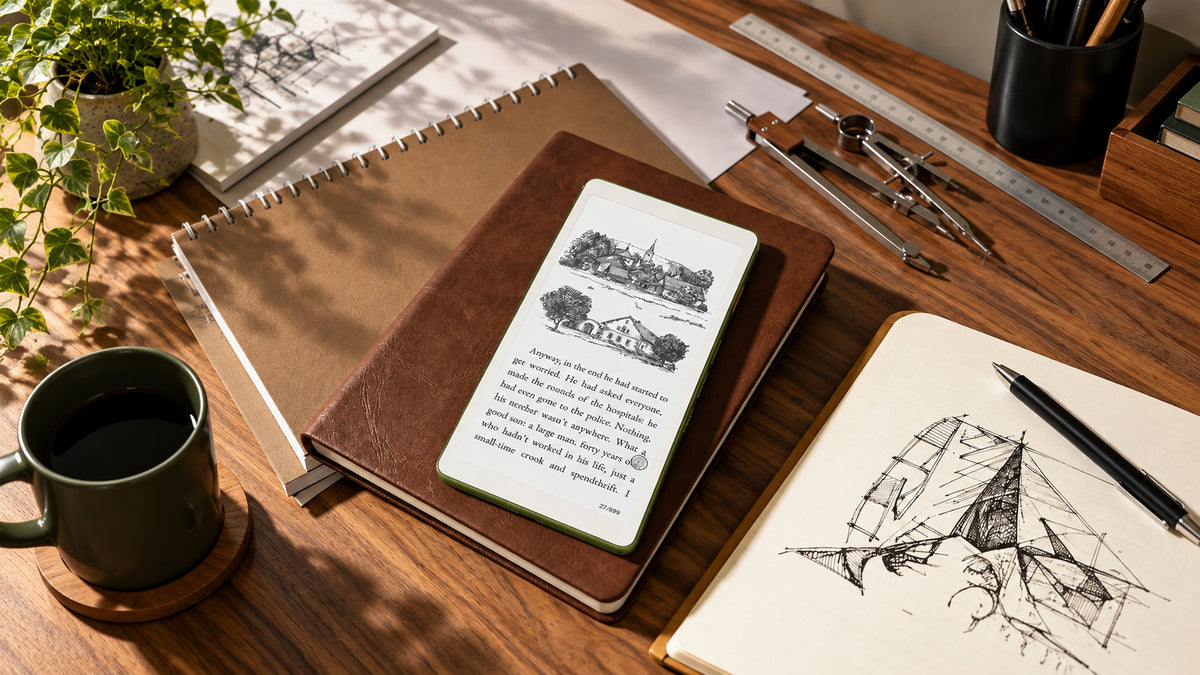
AiPaper vs. AiPaper Mini: Which One Should You Choose?
Choose AiPaper if you regularly work with full-page documents, write long notes, or read mainly at a desk. Choose AiPaper Mini if lower weight, a smaller footprint, and frequent movement matter more.
AiPaper has a 10.65-inch display and weighs 370 g, while AiPaper Mini uses an 8.2-inch display and weighs 230 g. Both include the W2 Stylus Pro. Mini also has an adjustable front light, while AiPaper does not. The decision comes down to where and how you use your writing surface: at a desk or wherever your daily routine takes you.
If you are still comparing the two formats, browse the Viwoods paper tablet collection to see both models before deciding which one fits your needs.
Choose AiPaper for: Large documents, detailed desk reading, longer handwriting sessions, and more room for diagrams and planning.
Choose AiPaper Mini for: Meetings, commuting, travel, quick notes, and portable everyday use.
The deciding factor: Which inconvenience would affect you more often: limited writing space or carrying a larger device?
Which Model Fits the Job You Do Most Often?
Start with the task that occupies the most time. A larger canvas helps when your work depends on seeing more of a page at once. A smaller device earns its advantage when easier carrying determines whether it comes along.
Primary use: AiPaper is suited to desk reading, long notes, research material, reports, and document-heavy work. AiPaper Mini is better suited to meetings, commuting, travel, quick notes, and reading across changing locations.
Main advantage: AiPaper provides more physical page area, which is useful when layouts, margins, diagrams, or spacious handwriting need to remain visible together. Mini reduces carrying friction when the tablet needs to move between rooms, transport, classes, or client conversations.
Main trade-off: AiPaper is a larger object to carry, so its additional canvas is most valuable when you use it regularly. Mini provides less room per page, meaning dense documents and expansive visual notes may require more zooming, reframing, or page movement.
Which Specifications Actually Change the Choice?
This comparison focuses on the hardware differences that affect screen size, writing space, and portability. For the complete specification set, refer to the official AiPaper specification comparison.
Viwoods AiPaper
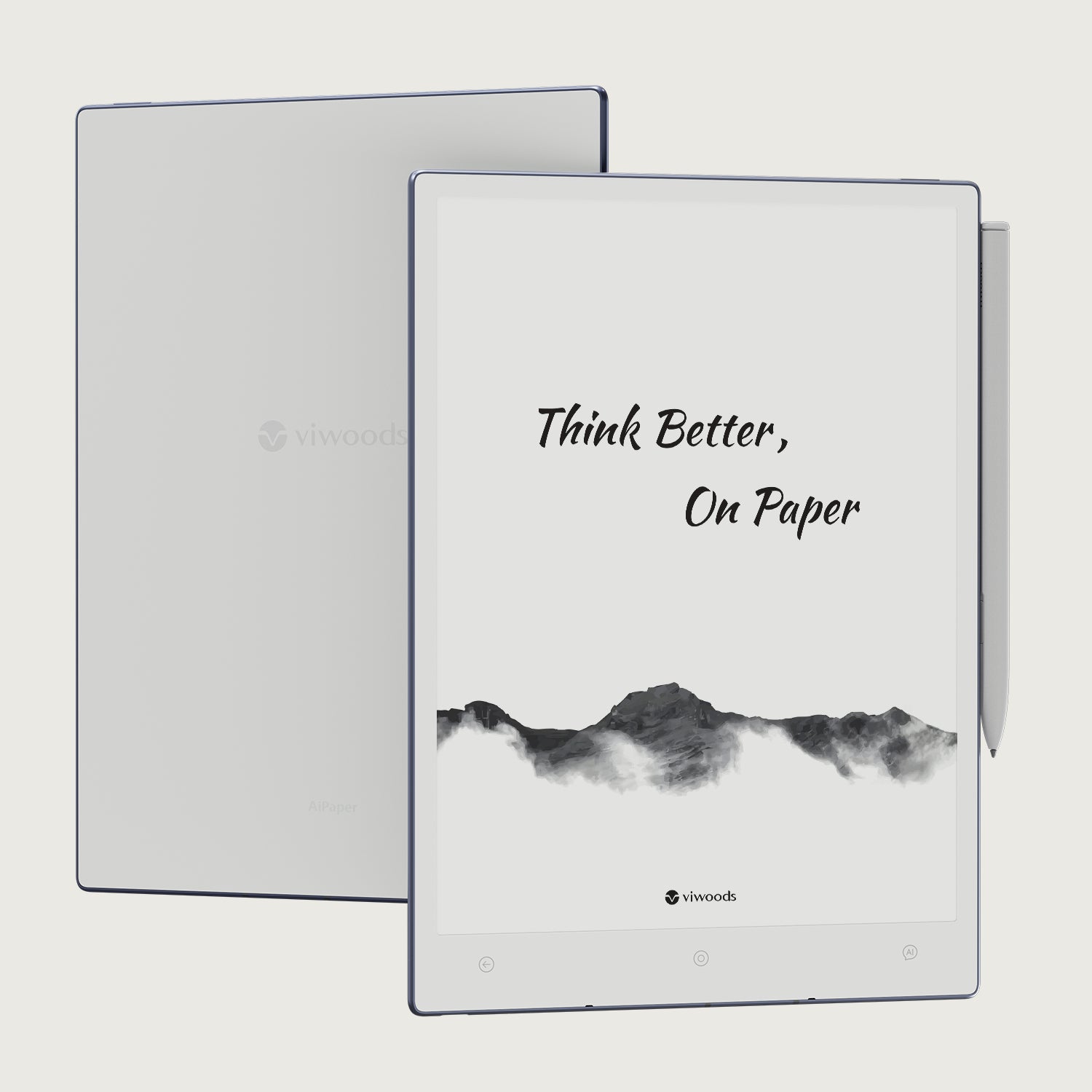
- Screen: 10.65 inches
- Dimensions: 247 × 178 × 4.5 mm
- Weight: 370 g
- Front light: None
- Battery: 4100 mAh
- Stylus: W2 Stylus Pro included
Viwoods AiPaper Mini
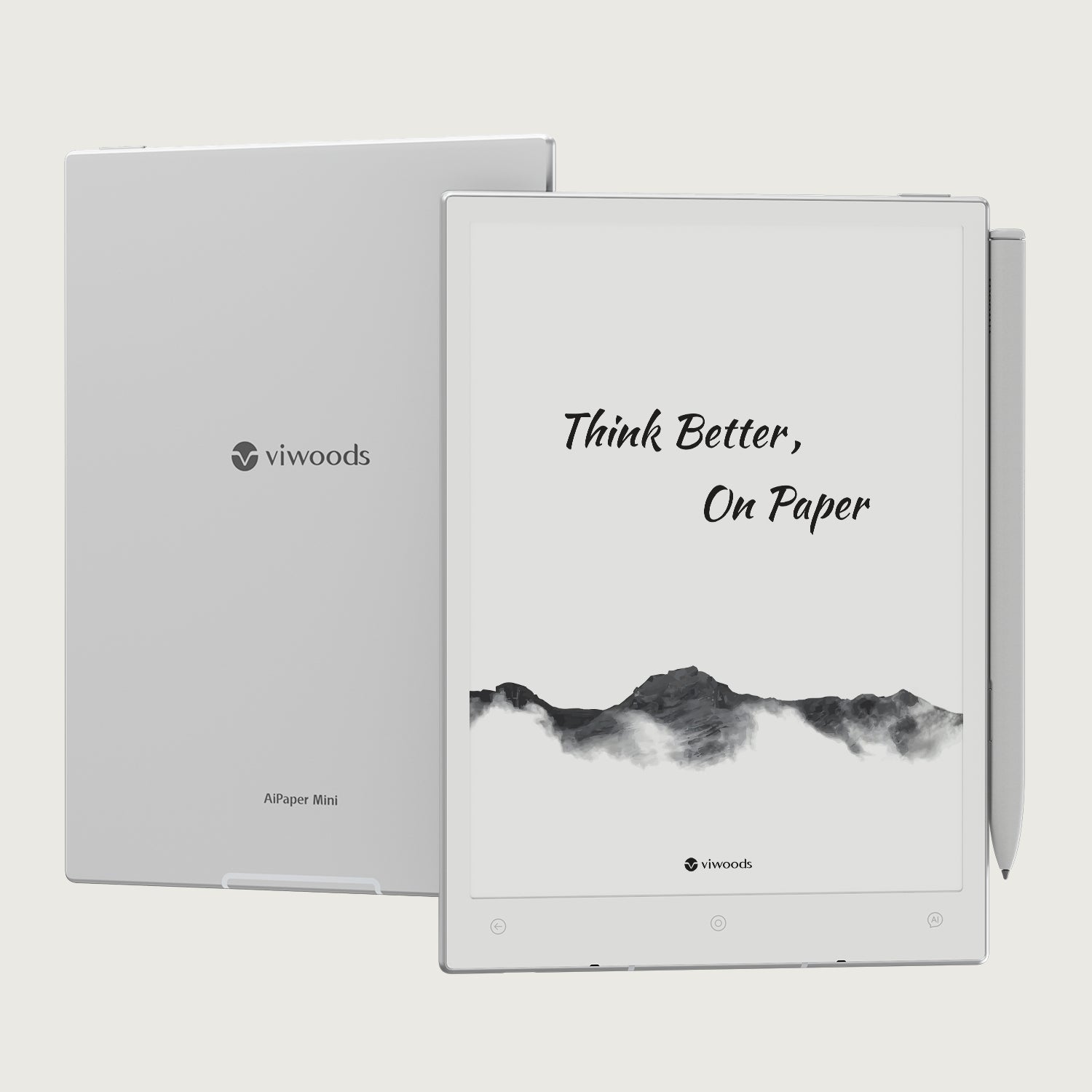
- Screen: 8.2 inches
- Dimensions: 191 × 138 × 5.2 mm
- Weight: 230 g
- Front light: Adjustable
- Battery: 2450 mAh
- Stylus: W2 Stylus Pro included
Battery capacity is not a runtime promise. Screen use, Wi-Fi, apps, front-light settings, and refresh activity all affect power consumption. The figures above are hardware specifications, not guaranteed battery-life results.
When Does the Larger AiPaper Screen Matter at a Desk?
The 10.65-inch AiPaper becomes more useful when information depends on page structure. Reports with tables, research papers with figures, and manuals often require several elements to remain visible together. More physical screen area can reduce how often a page needs to be enlarged or repositioned.
That does not mean every dense PDF will be comfortable without zooming. The larger display simply gives the original page layout more room before compromises begin. For handwriting, it also leaves more space for headings, margin notes, and diagrams.
When the Page Itself Carries Meaning
Columns, tables, and diagrams are easier to follow when fewer parts of the layout move out of view. The additional screen area matters most when your work involves document-heavy reading, detailed annotation, or comparing information across different parts of a page.
When Reading Is Mostly Sequential
If you generally read one paragraph, one note, or one short page at a time, the larger canvas matters less. For these tasks, AiPaper Mini may give up less than its smaller dimensions initially suggest.
For a closer look at document review and research workflows, see our guide to using AiPaper for research, reading, and note-taking.
Why Does AiPaper Mini Fit a More Mobile Note-Taking Routine?
AiPaper Mini makes sense for portable note-taking when having the device with you is an essential part of your daily workflow. At 230 g and 191 × 138 mm, it takes less space in a bag that already carries other work essentials. The difference becomes more noticeable on days involving repeated transitions between locations.
The smaller format also suits brief notes, including meeting decisions, action items, lecture points, and quick sketches. Both models support handwriting with the included W2 Stylus Pro, so the decision is how much physical writing area you need to see at once.
Mini's adjustable front light also helps when ambient light is limited. If you want a perspective based on extended use rather than specifications alone, read the AiPaper Mini review summary covering GameStar's three-week test.
How Does Screen Size Affect Handwriting and PDF Reading?
The cost of a smaller display is not only smaller text. It is the extra interaction required when useful parts of a page no longer fit together. Zooming or repositioning is manageable, but repeated adjustments can change the rhythm of reading and annotation.
Long-Form Handwriting
AiPaper gives wide notes, planning structures, and diagrams more breathing room. Mini is better matched to compact pages and capture-first notes that do not depend on a large visual field.
Full-Page PDF Layout
For dense PDF reading, the larger AiPaper gives complex page layouts more physical space. Mini can mark up PDFs, but an A4-style document with small text, tables, or detailed diagrams is more likely to require zooming or repositioning on the smaller screen.
Keeping Related Information Visible
When a document, diagram, and handwritten notes cannot remain visible together, you may need to zoom, reposition the page, or rely on memory. That extra navigation can interrupt the flow of reading and annotation.
How Should Your Daily Movement Influence the Choice?
Portability matters when it changes how often you carry and use the device. The useful question is not simply whether 230 g is light. It is whether the smaller device is more likely to be available when a note needs to be captured or a document needs to be reviewed.
If You Mainly Work at One Desk
If the device mostly moves between home and a fixed workspace, the 10.65-inch AiPaper can justify its larger footprint more easily. The additional writing and reading space becomes more useful when the tablet functions as a regular working surface.
If You Attend Frequent Meetings
Mini suits short sessions and repeated room changes because it is easier to carry between locations. AiPaper becomes more compelling when meetings revolve around large documents, diagrams, or wide handwritten planning.
If You Commute Regularly
Test the actual device footprint against the space available in your daily bag. Compare it with the laptop, notebook, and other essentials you already carry. A dimension that looks small on a specification sheet can still affect how comfortably everything fits.
Who Gets the Most Value from the Larger AiPaper?
AiPaper is the more natural choice when the device functions mainly as a working surface. Its larger display suits regular review of reports or structured PDFs and handwriting that expands into diagrams, planning maps, or detailed notes.
AiPaper Is a Stronger Fit If You:
- Do most reading and writing at a desk or stable workspace.
- Regularly review full-page documents, tables, or diagrams.
- Want more room for long notes, planning, and visual thinking.
- Value page overview more than reducing your bag footprint.
- Do not depend on a built-in front light for routine reading.
AiPaper Mini May Suit You Better If You:
- Carry the tablet through several locations every day.
- Mostly write short notes rather than full-page structures.
- Regularly read in environments where an adjustable front light is useful.
- Already hesitate to carry larger devices.
- Would rarely use the additional writing area.
Who Benefits More from the Smaller AiPaper Mini?
AiPaper Mini fits when the device needs to become part of your daily routine rather than occupy permanent desk space. Its smaller body is easier to accommodate in a daily bag, and its front light adds flexibility as reading conditions change.
That suits meeting-heavy schedules, commuters, students, and anyone who captures notes in short bursts. The trade-off is clear: an 8.2-inch display provides less working area than a 10.65-inch display. Detailed PDFs and wide handwritten structures can therefore require more page management.
Choose Mini when the recurring problem is simple: you need your writing tablet with you more often than you need it to show a large page all at once.
AiPaper vs. AiPaper Mini: Which Should You Buy?
Make the final choice around the inconvenience that appears several times a week, rather than an occasional edge case.
- Look at your documents. If dense PDFs, tables, and diagrams are routine, give the larger AiPaper display more weight.
- Look at your notes. If pages tend to become large planning surfaces, AiPaper offers more physical room. If your notes are short and action-oriented, Mini gives up less.
- Look at your movement. If the tablet moves between rooms, trains, or workspaces repeatedly, Mini's 230 g weight and smaller dimensions become part of your workflow rather than a cosmetic difference.
- Look at your reading conditions. If a built-in front light is regularly useful, Mini has one; AiPaper does not.
- Look at what you would regret more. Choose the model that removes the recurring inconvenience, whether that means avoiding cramped pages or carrying unnecessary bulk.
Frequency Beats Possibility
A feature used occasionally should not outweigh a size advantage felt every day. AiPaper rewards repeated use of more page area, while Mini rewards repeated use of easier carrying.
Match the Paper Tablet to the Way You Actually Work
Compare Viwoods AiPaper and Viwoods AiPaper Mini in the official product pages, then use the AiPaper specification comparison to confirm the current hardware details before ordering.
You can also browse the complete Viwoods paper tablet collection to compare the available formats.
Frequently Asked Questions
Which Model Is Easier to Carry?
AiPaper Mini is easier to carry based on size and weight alone. It measures 191 × 138 × 5.2 mm and weighs 230 g, compared with AiPaper at 247 × 178 × 4.5 mm and 370 g. The difference is most noticeable when your daily bag is already full.
Which Is Better for Full-Page PDFs?
AiPaper is generally the more suitable format for dense full-page PDFs because its 10.65-inch display provides more viewing area. Mini supports PDF markup, but detailed layouts can require more zooming or repositioning.
Do Both Models Support Handwriting?
Yes. The current European product pages list the W2 Stylus Pro with both models. The main difference is the physical writing area provided by the 10.65-inch and 8.2-inch displays.
Which Model Fits Frequent Meetings?
AiPaper Mini fits frequent short meetings because it is easier to move between rooms. AiPaper may be a better fit when meetings revolve around large documents, diagrams, or wide handwritten planning.
Should Screen Size or Portability Decide?
Use the factor that removes the more frequent inconvenience. Choose more screen area when cramped pages slow your work down, or prioritise portability when a larger device is more likely to stay behind.



Commenta
Questo sito è protetto da hCaptcha e applica le Norme sulla privacy e i Termini di servizio di hCaptcha.