

Viwoods AiPaper vs. iPad: Which Is Better for Focused Writing and Reading?
AiPaper vs iPad is mainly a choice between a page-first reading and writing tool and a multipurpose colour tablet. Choose AiPaper when handwritten notes, long documents, PDF review and protected focus are the primary jobs. Choose an iPad when the same device must also handle colour-rich apps, video, creative work and frequent multitasking. Neither approach is universally better: the useful question is whether the device should narrow the working environment around text and handwriting, or keep many digital tasks in one place.
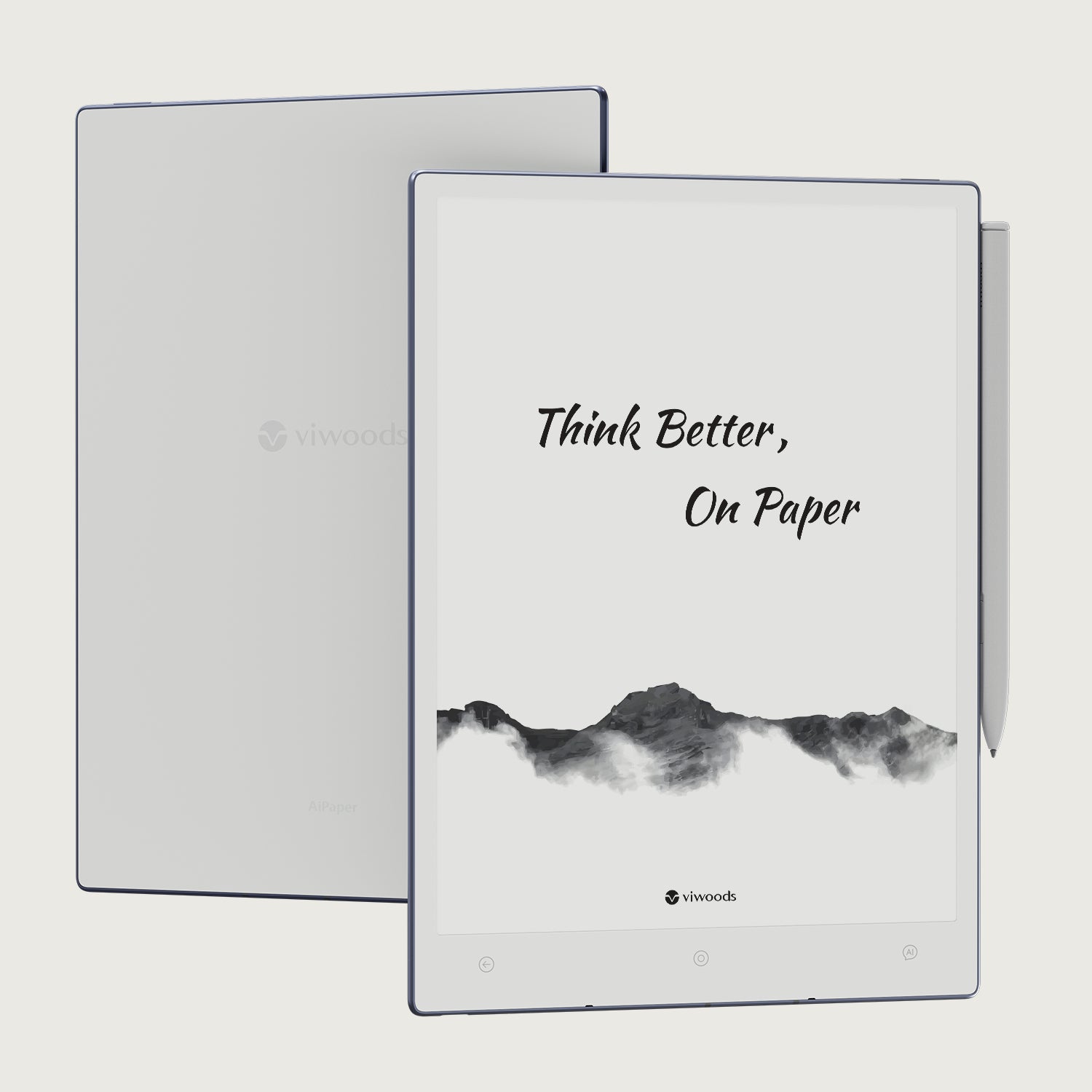
This comparison treats Viwoods AiPaper as the current 10.65-inch monochrome E Ink model, while “iPad” refers to Apple’s current tablet family. Screen technology, size and Apple Pencil compatibility vary across iPad models, so the iPad side is intentionally discussed at platform level.
Start with the job, not the feature count. Reading and handwriting favour a specialist paper tablet. Colour, media and broad app work favour a conventional tablet. Mixed workloads may justify separate roles.
Quick decision: choose AiPaper vs iPad by primary job
Both can take notes and open documents, so capability alone does not settle the choice. The stronger signal is what the device should make easier for hours at a time.
- Mostly read, handwrite and review PDFs. AiPaper is the more purpose-built environment. E Ink, stylus-first tools and document features keep the page central. Lean AiPaper
- Need one tablet for almost everything. iPad fits better when colour apps, video, web work, drawing and fast task switching are core requirements. Lean iPad
- Need deep reading and broad tablet work. Using both can make sense when E Ink handles reading and handwriting while iPad handles colour and media. Consider both
What this comparison includes—and what it deliberately leaves out
The decision covers focused writing, handwriting, long-form reading, PDF annotation, apps, colour, media, notifications, battery behaviour and portability. It leaves out prices, cameras, gaming and processor benchmarks because those belong to a broader tablet comparison.
Work that lives on the page: Notes, drafts, reports, academic papers, contracts, highlights and the practical steps around reviewing them.
Features that vary by iPad model: Current iPads span different screen sizes, LCD and tandem OLED displays, and different Apple Pencil compatibility.
If reflective E Ink is unfamiliar, the guide to how digital paper differs explains the category before this buying decision.
Which feels more natural for focused writing and handwritten notes?
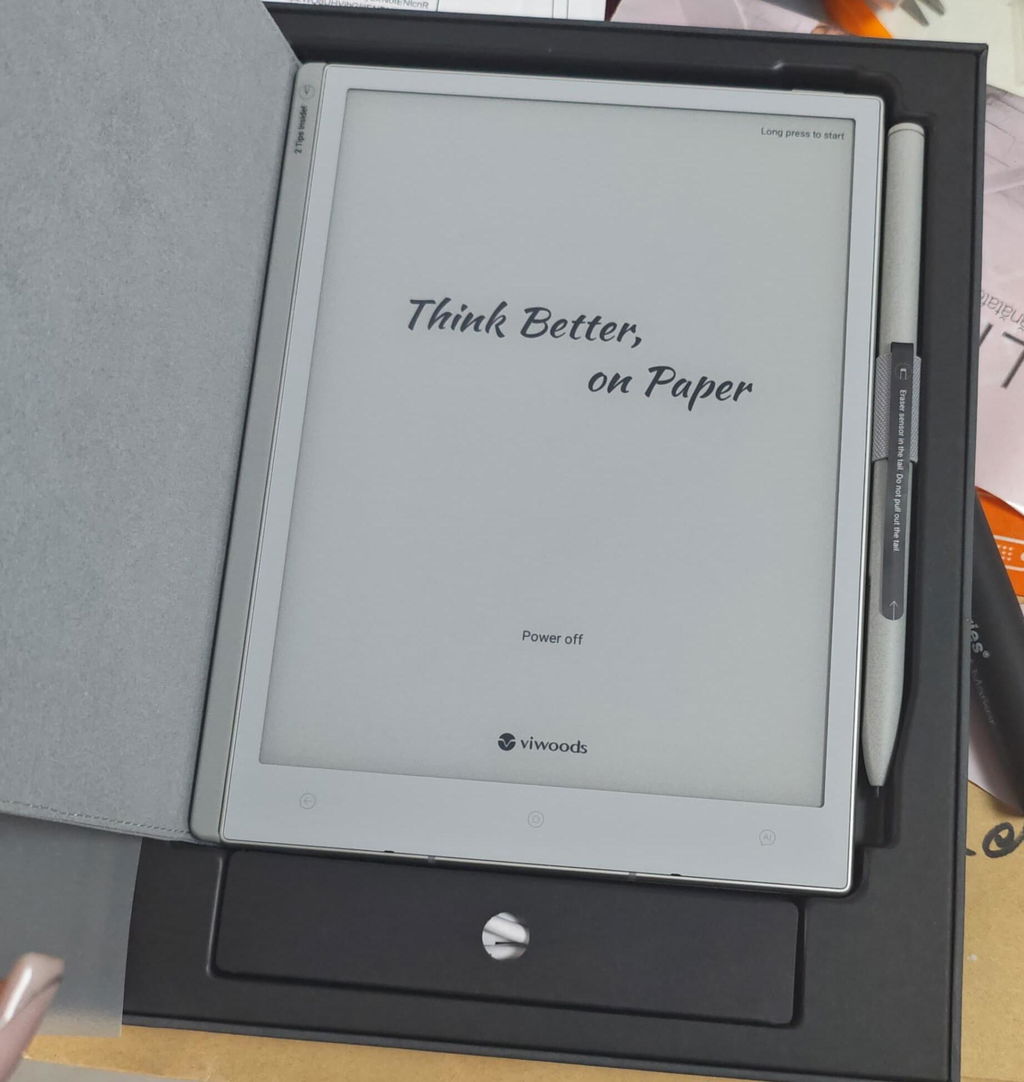
The important difference is the environment around the pen. AiPaper is designed as a paper-like writing tablet: handwriting, note layers, templates, handwriting conversion and document annotation sit near the centre of the system. Its W2 Stylus Pro is included, so pen input is part of the intended setup.
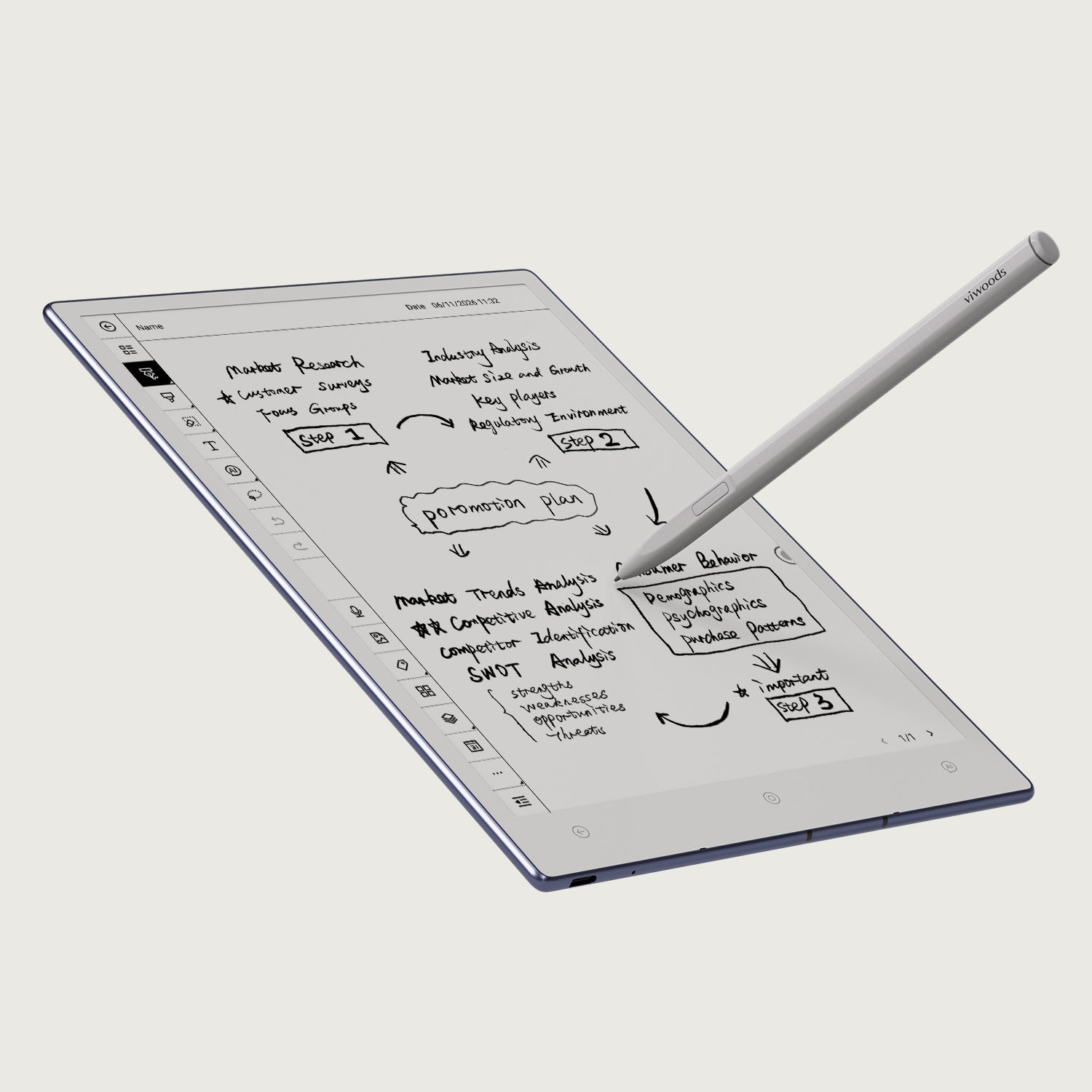
On compatible iPads, Apple Pencil supports handwriting, drawing and Markup inside a much wider app ecosystem. That flexibility matters when notes need to sit beside web research, presentations, illustration, messaging or other specialist tools.
Stay inside the note or document
Well aligned with meetings, outlines, manuscript markup and study notes where the main task is to keep writing.
- Handwriting is a primary interaction.
- Monochrome pages reduce the pull of visual app-hopping.
- Android still leaves room for selected third-party apps.
Write inside a broader app workflow
Better aligned with notes that immediately connect to colour references, design work, browser research or collaboration.
- Apple Pencil support depends on the iPad model.
- Colour and motion remain available throughout the workflow.
- Writing is one mode among many tablet tasks.
Practical test: Think about your last productive writing session. If you spent most of it working in one notebook or document, AiPaper's page-centred setup may be a better fit. If you needed reference materials, graphics and collaboration tools alongside your notes, the iPad's flexibility matters more.
Which is better for long-form reading and PDF annotation?
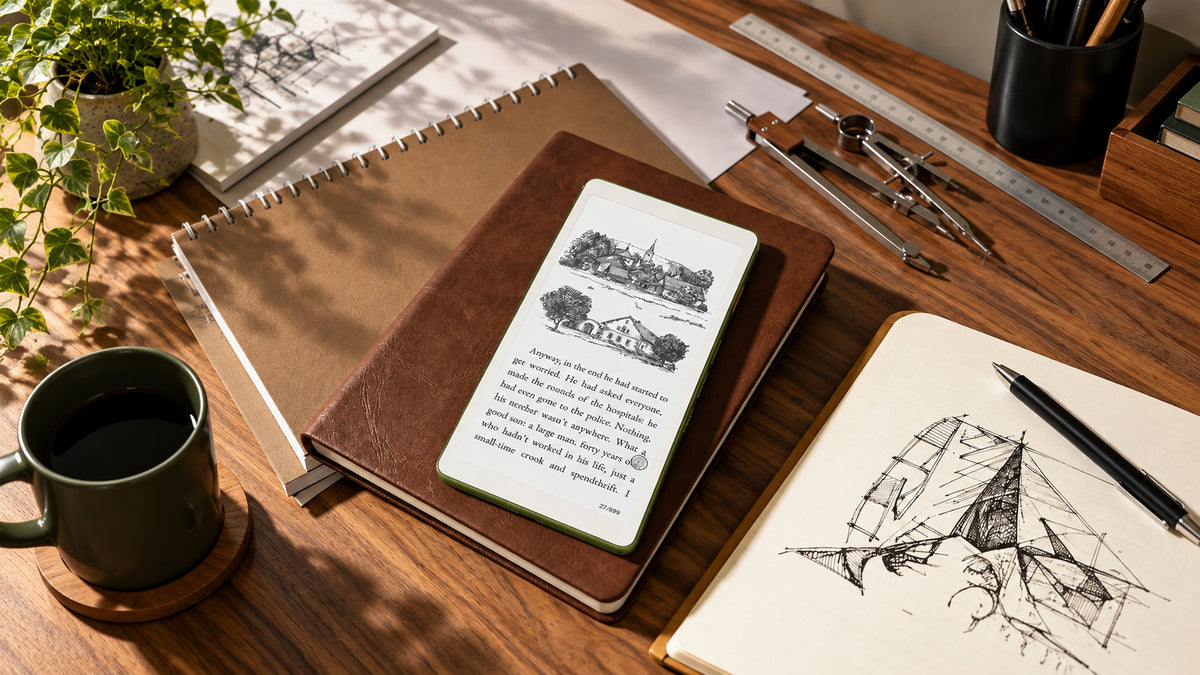
AiPaper’s 10.65-inch monochrome E Ink display is reflective, so ambient light illuminates the page rather than a conventional tablet display producing its own light. That suits text-heavy reading, highlighting, handwritten margins and returning to tagged passages. AiPaper also supports landscape view and page annotation.
One boundary matters immediately: the current AiPaper has no front light, so dim-room reading requires ambient or external light. An iPad also has the advantage when colour carries meaning, as in slide decks, charts, design proofs, illustrated textbooks or colour-coded study material.
- Mostly text + handwriting — Reports, articles, manuscripts and monochrome study PDFs suit a page-first review flow.
- Colour + rapid navigation — Visual documents, interactive material and frequent cross-app reference work suit a conventional tablet.
- Mixed document library — If colour is only occasionally essential, E Ink may still cover the main workload. If colour is routine, let it drive the choice.
Before deciding, consider the most demanding PDF you regularly work with. A text-heavy research paper may suit AiPaper's monochrome display, while a report filled with colour charts or linked references may be easier to handle on an iPad. Also consider what happens after annotation: whether the text remains comfortable to read at the required zoom level and whether the marked-up file can move smoothly into your existing workflow.
Where does iPad pull ahead for apps, video, colour and multitasking?
This is the clearest boundary in a paper tablet vs iPad decision. AiPaper runs Android 13 and the current European specification lists Google Play Store availability, so it is not a closed notebook. E Ink, however, remains better suited to relatively static content than sustained animation or colour-dependent media.
Current iPads are built around colour displays and a broad app ecosystem. Most current models use Liquid Retina LCD displays, while current iPad Pro models use tandem OLED. iPadOS also supports windowed multitasking and a dedicated Preview app for PDF viewing, editing and Markup. If video, creative software, colour design or simultaneous app windows are everyday needs, they are strong reasons to choose a multipurpose tablet.
- Apps: AiPaper supports selected Android workflows; iPad is the broader general-purpose app platform.
- Video: Motion belongs more naturally on iPad than on monochrome E Ink.
- Colour: AiPaper is monochrome. If colour communicates information, treat it as a hard requirement.
- Multitasking: AiPaper can run apps, but iPad is designed for faster switching and multi-window work.
How do notifications, battery behaviour and portability change the decision?
Focus is not simply “E Ink has no distractions.” AiPaper supports Android apps, so notifications and extra software can still enter the workflow. An iPad has more routes into communication and media, but Apple’s Focus settings can filter interruptions. The difference is environmental pressure, not an absolute rule.
- Battery behaviour: E Ink uses power differently because a static page does not require continuous display refresh. Runtime still depends on apps, wireless use and refresh activity.
- Portability: AiPaper is a 10.65-inch, 370 g device. iPads come in several sizes, so the exact model and accessories matter.
- Low-light reading: AiPaper has no front light. Frequent reading after dark without an external lamp is a real constraint.
Which device fits writers, students and professionals?
Role labels help only when they describe the workload. A student watching lectures has different needs from one reading journal articles; a professional reviewing contracts differs from one presenting dashboards.
Writer or editor: For outlining by hand, reading drafts and marking manuscripts. Shift toward iPad for visual publishing or media production.
Text-heavy student: Good when coursework centres on papers, books, PDF annotation and handwritten revision. Video or colour-heavy lessons push toward iPad.
Professional reviewer: Useful when meetings, reports, contracts or research documents dominate the workflow.
Visual creator: Colour, motion, illustration and creative applications make a conventional tablet the more natural tool.
One-device tablet user: If the tablet must also cover entertainment, communication and broad web use, versatility becomes decisive.
Distraction-sensitive researcher: A dedicated E Ink workspace can separate slow reading and handwritten thinking from a computer-heavy day.
When does owning both make sense?
Using both devices makes sense when each has a distinct role and moving files between them does not interrupt the work. You might gather research and visual references on an iPad, review a text-heavy PDF on AiPaper, then return the annotated document to your main workspace. The important question is whether that handoff feels simple enough to justify a second device. If it creates more file management than it saves in distractions, a single iPad may be the more practical choice.
- Collect: Gather links, slides, visual material and collaborative content on iPad or computer.
- Review: Move documents that deserve uninterrupted attention to AiPaper and annotate by hand.
- Finish: Return conclusions or edits to the device where collaboration or production happens.
Final choice checklist: which trade-offs can you live with?
The final AiPaper vs iPad decision becomes easier when the unwanted capability is clear. AiPaper asks you to accept monochrome E Ink, no front light and a display not intended for rich motion. iPad asks you to accept a busier multipurpose environment when the goal is simply to read and write.
Choose AiPaper when…
- reading, handwriting and PDF review are the primary jobs;
- most important material works well in monochrome;
- a narrower work environment would help protect attention;
- Android app access is useful, but media are secondary;
- you normally have enough ambient light for reading.
Choose iPad when…
- one device must cover a wide range of work and entertainment;
- colour is regularly essential to the content;
- video, creative apps or multi-window workflows are routine;
- handwriting is one mode among many;
- an illuminated display matters for frequent low-light use.
Short version: if reading and handwriting are the primary jobs, explore AiPaper for focused reading and writing. If the choice is still broader, review the paper tablet buying guide before deciding.
Make the page the priority—or keep the whole tablet toolbox. AiPaper is worth considering when the daily workload centres on reading, handwriting and document review. If it does not, a broader tablet may fit better.
Explore Viwoods AiPaper | Review the paper tablet guide
Further reading
Frequently asked questions
Is AiPaper a replacement for an iPad?
It can replace an iPad for some notes, reading, planning and PDF review, but not as a full substitute for a colour multipurpose tablet. Video, creative apps and broad multitasking still favour iPad.
Which is better for handwritten notes?
AiPaper is more specialised when handwriting is the main activity. iPad is more flexible when notes need to sit beside colour content, drawing, web research or other apps.
Which is better for video and colour apps?
iPad. Current iPads use full-colour LCD or OLED displays and are built for responsive media. AiPaper uses monochrome E Ink, so colour-dependent work sits outside its strongest use case.
Can AiPaper handle PDFs?
Yes. AiPaper supports PDF reading and annotation, including handwritten notes, highlighting and tags. Text-heavy PDFs suit the E Ink workflow especially well.
Who should choose a multipurpose tablet instead?
Choose one when the same device must regularly handle video, colour-rich content, creative software, communication, rapid web research and frequent multitasking.


Commenta
Questo sito è protetto da hCaptcha e applica le Norme sulla privacy e i Termini di servizio di hCaptcha.