
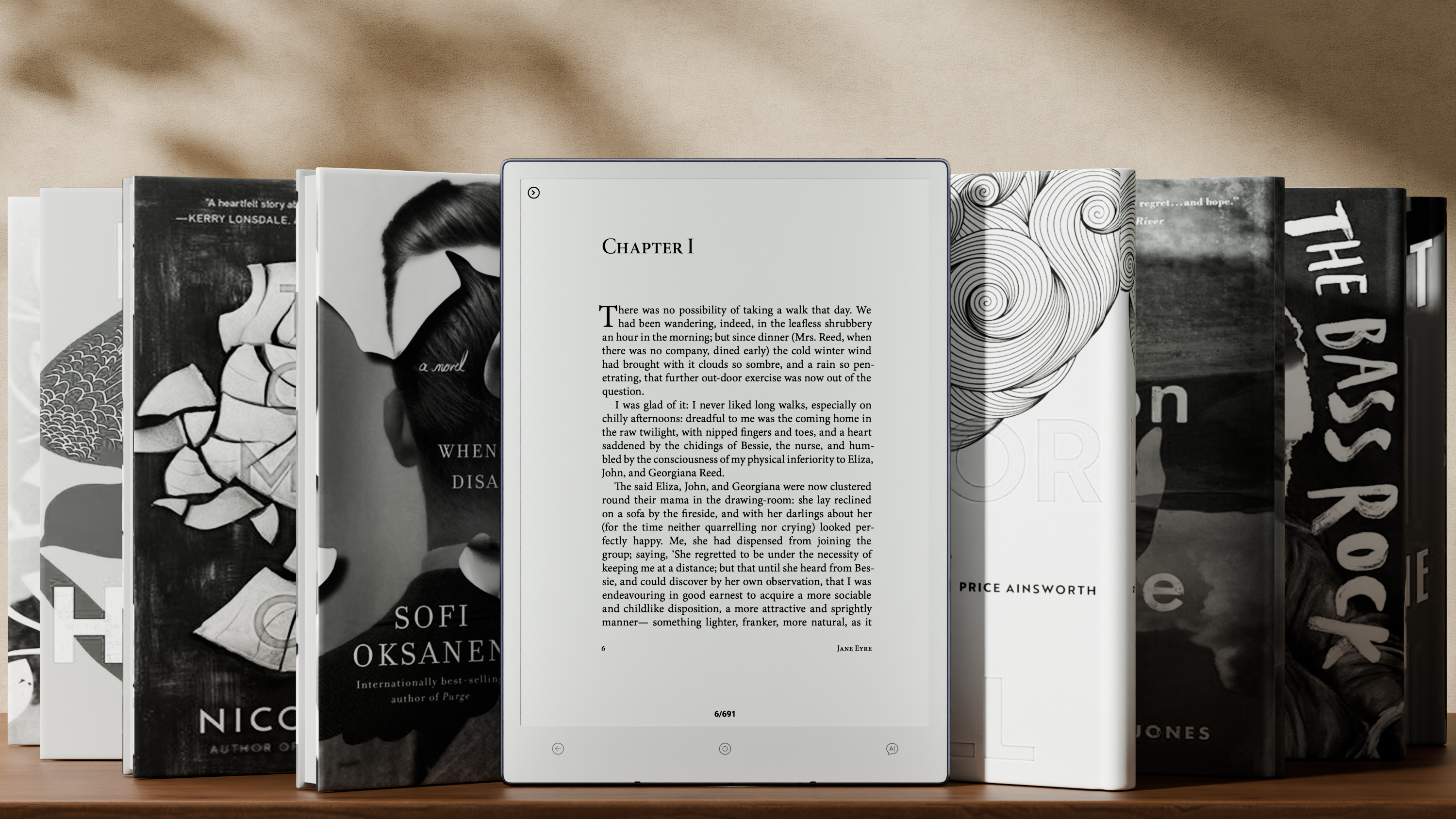
Ultimate Guide to Paper Tablets 2026
What Is a Paper Tablet?
A paper-based tablet is a digital device that utilizes E Ink display technology to simulate closely how it feels and looks when you read or write on actual paper, incorporating digital facilities.
Paper tablets are designed to:
● Eliminate distractions
● Improve reading and writing focus
● Extend battery life (days or weeks)
In 2026, common uses for paper tablets include:
● Reading books & PDFs
● Note-taking & annotations
● Study & academic work
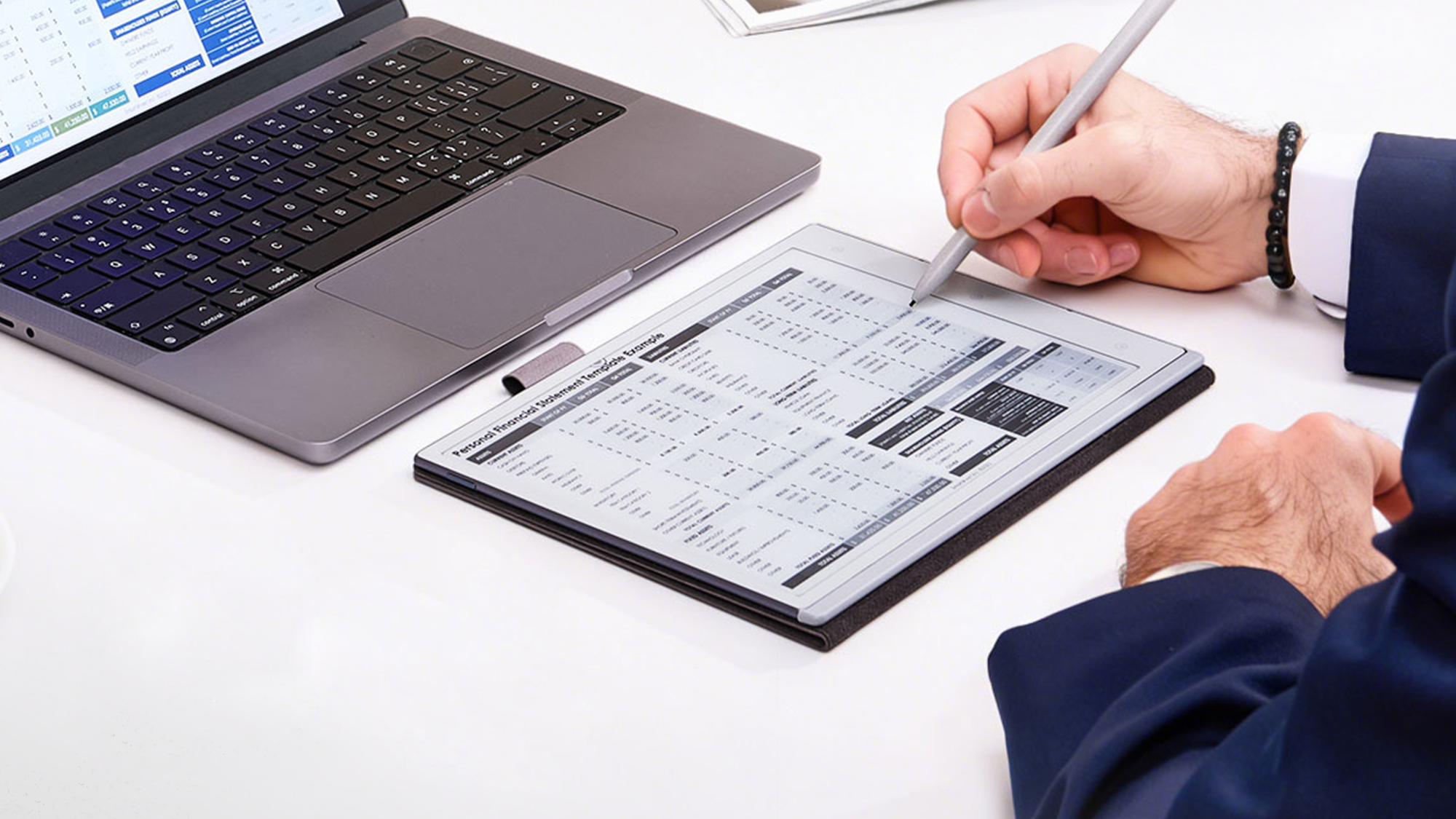
● Professional document workflows
How paper tablets operate (E Ink Technology)
e-paper tablets utilize a reflective type of electronic ink (e-paper) that has a display that reflects light like ordinary traditional paper does, rather than a lamp, so they are readable in ambient daylight just like a normal piece of paper would be.
The main defining characteristics of an ePaper device such as this are:
* No backlight (so completely natural to read)
* Very low power consumption
* Provides a static image until it needs to be refreshed (can be used to read without refreshing)
* Easily viewable outside in full sunlight
This makes all ePaper tablets fundamentally different from all devices with LCD or LED screens, like iPads.

Why would someone want to use a paper-based tablet? i.e., there are three major benefits to using a paper-based tablet.
1. Eye Comfort for Long Reading Sessions: Paper tablets reduce the amount of blue light you are exposed to while reading, making it much easier on your eyes to read for an extended period of time.
2. Extremely Long Battery Life. Paper Tablets use E Ink displays, which only use power when changing pages, providing a battery life that can last for days to weeks.
3. Distraction-Free Productivity. With no notifications or social media on most paper tablets, it is much easier to remain focused and productive.
Best Paper Tablet Brands in 2026
The following section provides a comparative overview of the principal paper tablet brands currently available.
|
Brand |
Strengths |
Weakness |
|
Kindle (Amazon) |
Best ecosystem for books |
Limited file flexibility |
|
Kobo |
Strong reading customization |
Fewer productivity tools |
|
Boox |
Full Android support |
Can feel complex |
|
Bigme |
AI + color E Ink |
Higher price |
|
Viwoods |
Lightweight, AI-powered reading experience |
Smaller ecosystem |
Paper Tablet vs Traditional Tablet (iPad, Android Tablets)
|
Feature |
Paper Tablet |
LCD Tablet |
|
Eye Comfort |
Excellent |
Moderate |
|
Battery Life |
Days–Weeks |
Hours |
|
Reading Experience |
Paper-like |
Bright screen |
|
Productivity |
Focused |
Multi-tasking |
|
Distractions |
Minimal |
High |
Conclusion:
Paper tablets are engineered to facilitate focused reading and writing, in contrast to traditional tablets, which are optimized for multimedia consumption and multitasking.
Who Should Use a Paper Tablet?
Paper tablets are ideal for:
● Students (reading + note-taking) (Best reMarkable Alternative for Students)
● Lawyers (document review) (Best Paper Tablet for Lawyers)
● Writers (drafting & editing)
● Professionals (PDF workflows)
● Deep work users
Spotlight: Viwoods AiPaper
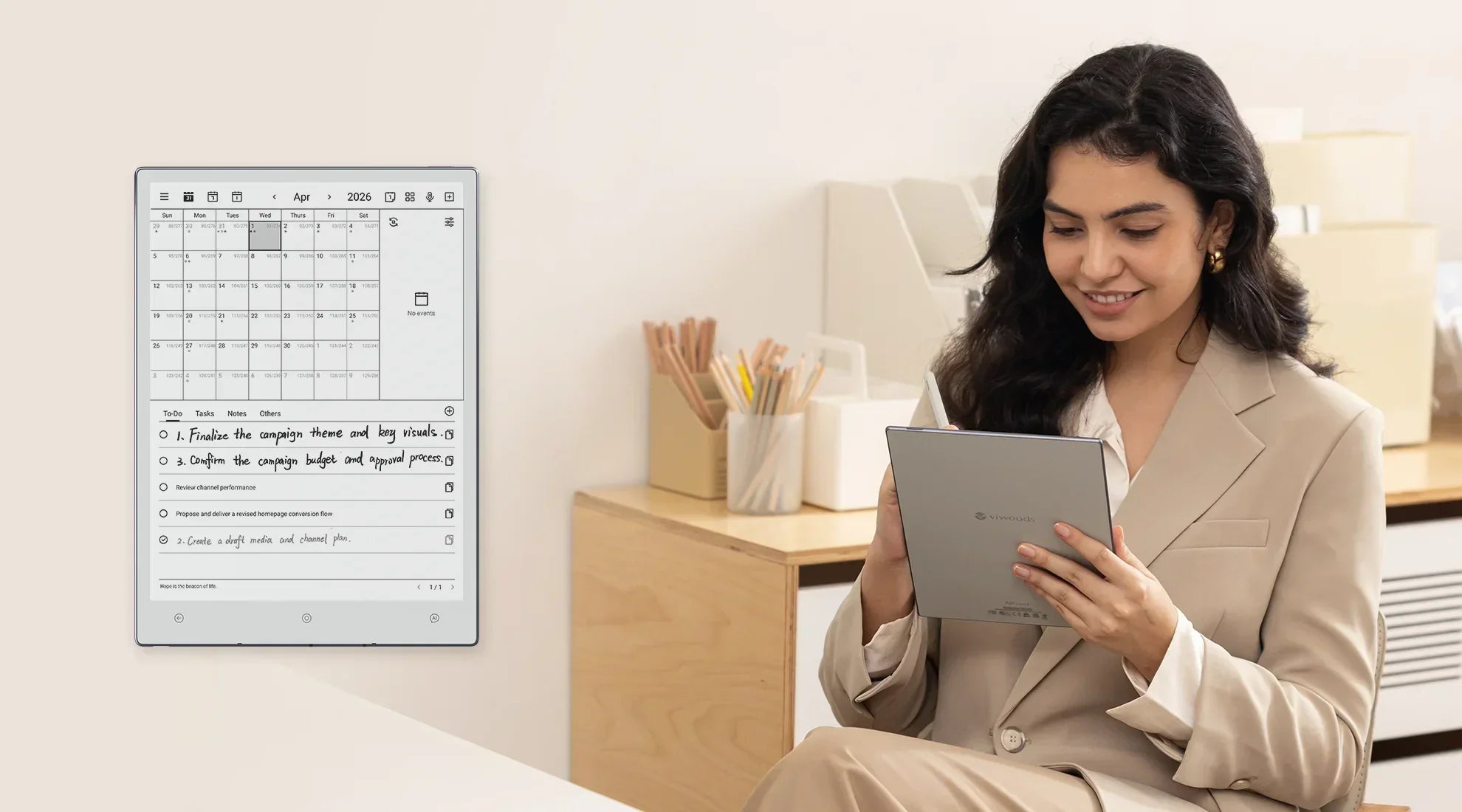
Viwoods AiPaper represents a next-generation paper tablet developed to address the needs of users seeking enhanced productivity.
Key highlights:
● Ultra-light E Ink display device
● Built-in AI assistant for summarization & understanding
● Optimized for reading + document workflows
● Minimalist, distraction-free experience
Unlike traditional eReaders, Viwoods emphasizes AI-enhanced productivity in addition to reading.

How to Choose the Best Paper Tablet
The selection of a paper tablet should be guided by several key factors:
1. Primary Use Case
● Reading → Kindle / Kobo
● Productivity → Boox / Viwoods
2. Ecosystem Needs
● Amazon ecosystem → Kindle
● Open Android system → Boox / Viwoods
3. File Compatibility
● EPUB / PDF support
● Annotation PDF tools
● Cloud sync options
4. Writing & AI Features
● Handwriting support
● AI summarization
● Note organization
Paper Tablet Ecosystem (How Everything Connects)
Contemporary paper tablets extend their functionality beyond reading alone.
They now include:
● AI summarization tools
● Cloud document sync
● Note-taking systems
● Cross-device workflows
Consequently, the category is transitioning from traditional eReaders to multifunctional productivity-oriented paper tablets.
FAQ
What is the difference between a paper tablet and an eReader?
A paper tablet encompasses a broader range of functions, supporting reading, writing, and productivity applications, whereas an eReader is primarily limited to book consumption.
Are paper tablets good for studying?
Yes. Paper tablets are widely adopted by students due to their capacity to minimize distractions and support sustained focus during reading and note-taking.
Can you watch videos on a paper tablet?
Most paper tablets are not designed for video playback, as E Ink technology imposes inherent limitations on refresh rates.
Is a paper tablet better than an iPad?
The relative advantages of paper tablets and iPads depend on the intended application:
● For reading & focus → paper tablet is better
● For multimedia & apps → iPad is better
Which paper tablet is best in 2026?
Leading options include Kindle for dedicated reading, Boox for platform flexibility, and Viwoods for integration of AI-driven productivity features.
Related Blogs
Digital Paper Tablet: How It Works and Why It Helps
Reclaim Your Notes: The Digital Notebook Guide
How to Annotate on a PDF: Boost Your Study Workflow
How to Sharpen Focus: Stay Productive with Paper Tablets
Master the Wacom Pen: Essential Tips & EMR Insights
Reclaim Your Notes: The Digital Notebook Guide
How to Sharpen Focus: Stay Productive with Paper Tablets
What is the Best reMarkable Alternative for Students in 2026?
Best Paper Tablet for Lawyers: An Efficient Solution for Legal Professionals
Perfect Your AiPaper Mini Display for Every Environment

Leave a comment
This site is protected by hCaptcha and the hCaptcha Privacy Policy and Terms of Service apply.