
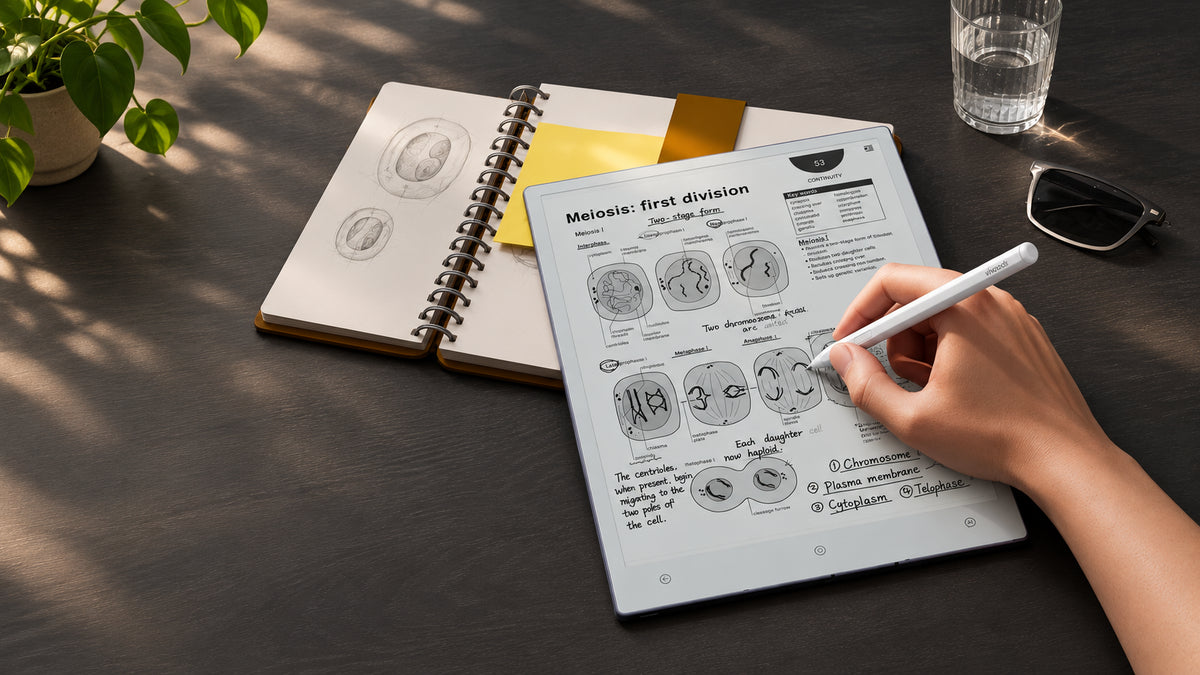
Digital Paper Tablet for Project Planning: Keep Notes, Tasks and Files Connected
One project page instead of another pile of notes
A digital paper tablet can bring project notes, decisions and file references together in one handwritten overview. The page does not need to hold every document or link everything automatically. It should show where the project stands, what needs attention and where the supporting material lives.
When you reopen a project after several days away, you should be able to identify the unresolved decision, the next action's owner and the file containing the latest agreed work. If those details are scattered across notes and attachments, the problem is the absence of a reliable starting point.
Keep the decision on the page, not the entire document
A project page should answer the question currently driving the work. For a consultancy preparing a client report, that might be: “Which recommendations still need approval?” Record the decision, why it matters and the milestone it affects. Keep research, comments and drafts in their original locations.
Copying whole paragraphs from source documents creates another version to maintain. A concise overview is easier to revisit when it captures the current position and points to the authoritative source. It helps people understand what to look at and why, without becoming a second document library.
A useful project overview can stay simple. These fields cover the information someone is most likely to need when returning to the work:
| Project detail | What it should clarify |
|---|---|
| Current status | The project stage or latest meaningful change. |
| Open decision | The question awaiting agreement and who will decide. |
| Next action | A specific task, its owner and due date. |
| Source file | The document name and agreed storage location. |
| Version status | The current version, with older drafts marked historical. |
| Last reviewed | The date the overview was last checked. |
For people who develop ideas by writing them out, paper tablets for handwritten work provide a way to keep this overview alongside everyday reading and note-taking. The value is in having a page that is easy to revisit, not in copying the entire project onto the device.
A next action is clearer when its reason stays beside it
“Ask Maya about the report” sounds like a task, but it leaves the next person guessing. Is Maya checking figures, approving a recommendation or supplying missing evidence? A useful action records the expected outcome and why it matters.
“Maya to confirm the revised cost figures by Thursday, before the client draft is issued” identifies the owner, deliverable and deadline. A reference to the relevant comment or file version supplies the context.
Keep an action separate from the decision it supports. “Confirm the figures” is a task; “approve the revised recommendation” is a decision that may depend on it. Once the answer arrives, update the decision and replace the next action so completed reminders do not obscure unfinished work.
One file reference is better than three competing “final” copies
The project index should point to the current working file, not become a second document library. A reference such as “Client report — v3 — Shared Projects / Client A / Reports” identifies the document, version and location.
Consistency matters more than a particular naming convention. “report-final-new” is unreliable when several people create similar copies. Check that the file name, storage location and version all identify the document currently being reviewed or approved.
If a file is moved, renamed or replaced, update the overview. Mark older versions as historical when they still explain a decision. Cloud storage and file transfer improve access, but do not identify the authoritative version for you.
How a project page changes after client feedback
Hypothetical example: A two-person consultancy is preparing a client report. On Monday, its overview records the open question — “Which recommendations can go to the client?” — and points to client-report-v2. Two recommendations are ready for review; the third still needs revised cost figures. Maya is responsible for confirming them.
On Wednesday, the client approves the first two recommendations but requests changes to the third. The consultant records that decision, replaces the next action with “Maya to confirm revised figures by Thursday” and notes that the client draft cannot be finalised until the figures are checked.
On Thursday, the figures are confirmed and the revised report is saved as client-report-v3. The overview is updated with the new status, completed action and current file reference. Version 2 remains in the source folder as a historical draft, not as the working version.
The overview now shows what changed, why another draft exists and where the current document lives. For broader note organisation, see the site's guide to building a reusable note-taking workflow.
Check that each file reference can be followed
A filename written on a tablet is not necessarily a clickable link, and exporting a note does not automatically give a colleague access to the original document. Check how the overview will be shared: can another person read it, recognise the source location and open the file with their existing permissions?
Test the export or sharing method rather than assuming a handwritten reference behaves like a live link. A manual index can work when the source folder is stable and access is clear. It is not a substitute for a shared project system with simultaneous editing, shared task ownership or automatically maintained file relationships.
Choose a device for the notes the project actually needs
A digital paper tablet is useful when people revisit handwritten decisions, annotations and planning notes across working sessions. It keeps that context close to the documents they review. If most work happens in shared spreadsheets or live collaborative documents, an existing team platform may be a better project hub.
Viwoods AiPaper supports document annotation, highlighting and tags, custom templates and handwriting conversion. Its Daily Planner can turn handwritten content into to-do tasks and sync schedules with a calendar. It also supports file transfer through cloud services, wireless sharing and cable connections. These features can help an individual organise and revisit project material; they should not be confused with automatic updates to handwritten file references or a shared team project-management system.
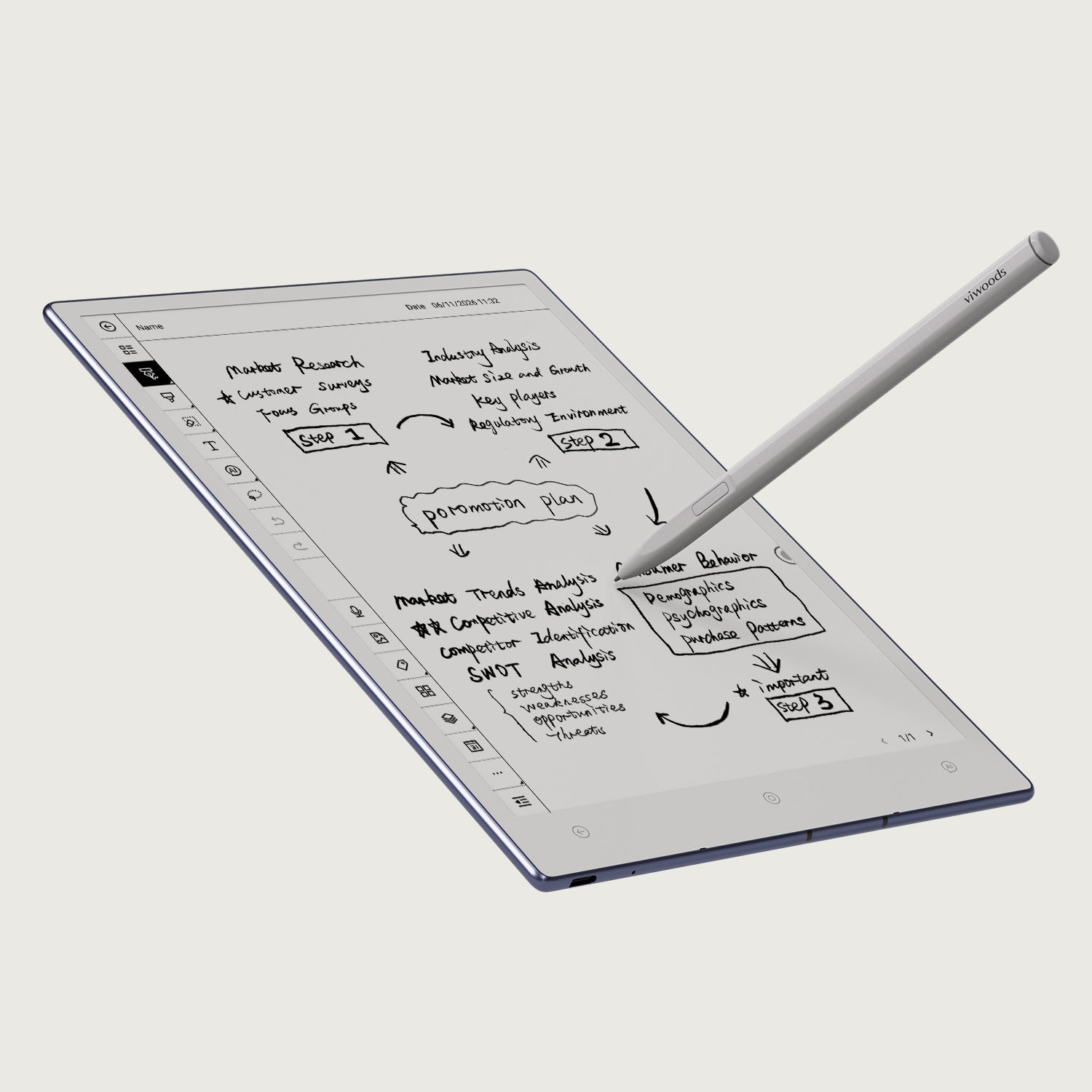
Consider how much writing happens between file reviews, how often the overview is shared and whether a larger writing area would help. Choose a format that makes notes comfortable to create and easy for others to understand.
If a larger writing area would make project planning and document review easier, compare Viwoods AiPaper and AiPaper Mini to find the format that best fits your writing volume and portability needs.
Frequently asked questions
Must every file be stored on the same device? No. The overview can point to files in an agreed team location. Other people still need the correct access permissions and enough detail to find each source.
How do I avoid referring to an outdated file? Use an agreed source location and consistent version labels, then update the project overview whenever the accepted file changes. A handwritten reference does not update itself.
Can a manual project index work without built-in hyperlinks? Yes. Clear page titles, next actions, file names and locations can connect the information for a small team, although following those references takes manual effort.



Commenta
Questo sito è protetto da hCaptcha e applica le Norme sulla privacy e i Termini di servizio di hCaptcha.