
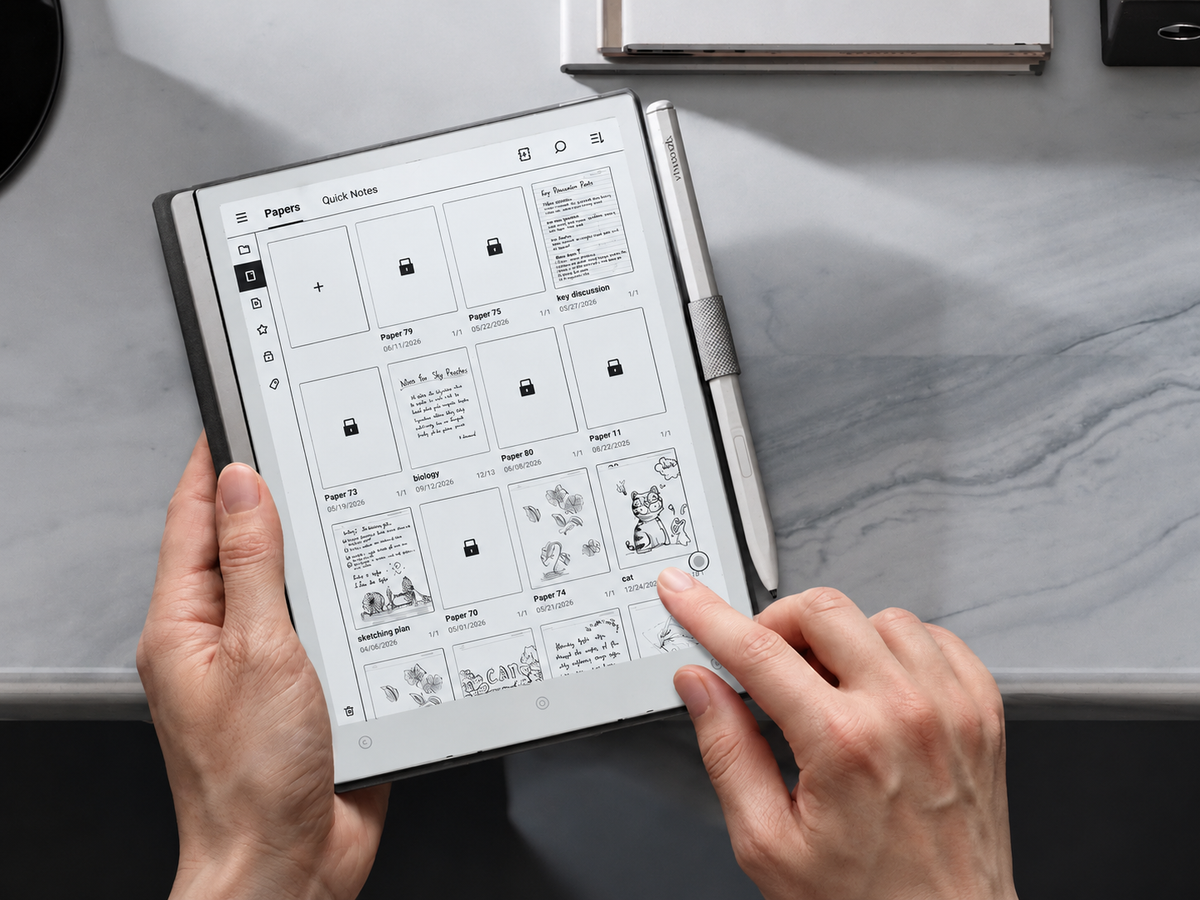
An E Ink tablet for deep reading works best when the device becomes a quiet workspace rather than another place to collect content. Give each session one purpose, prepare the document before reading, move through it in deliberate passes, mark only what changes your understanding, and finish by turning the best marks into your own notes. This five-stage method works for long articles, academic papers, reports and books because it separates reading from collecting: first understand the argument, then decide what deserves to survive beyond the page.
The practical goal is not to annotate more. It is to build a repeatable E Ink reading workflow that makes sustained attention easier and leaves behind notes that remain useful after the original document is closed.
A five-stage deep-reading workflow
Deep reading on E Ink becomes easier to repeat when every session follows the same sequence. The stages are deliberately simple because each removes one common source of friction before the next type of thinking begins.
One document. One reason for reading it.
Set the file, page and environment first.
Preview, question, annotate and pause.
Reduce the best marks to useful notes.
Record the takeaway and next action.
The order matters. If annotation begins before the structure is clear, highlights tend to capture novelty rather than importance. If a session ends without synthesis, the result is often a heavily marked document rather than retained understanding.
A useful rule: a reading session should produce less material than it consumes. A forty-page paper may leave behind five decisive highlights, three short notes and one unresolved question. That compression is part of deep reading.
Choose the right material and session goal
Not every document deserves deep reading. Reserve it for material where argument, evidence, wording or implications matter: a journal article you may cite, a legal judgment you need to interpret, a strategy report that could affect a decision, or a book chapter you want to retain. Routine updates, news scans and low-value background material are often better handled with a faster pass.
Read deeply when the cost of missing something is high
- You need to understand how a conclusion was reached, not merely what it says.
- You may need to quote, challenge, cite or act on the material later.
- Definitions, assumptions, evidence or exceptions could alter your interpretation.
- The document connects to a larger research or decision-making project.
Use a lighter pass when orientation is enough
- You mainly need to decide whether the material is relevant.
- The document repeats information that is already familiar.
- You are screening sources before deciding which ones deserve close attention.
- The information you need is concentrated in a small number of sections.
A session goal should be narrow enough to influence what you notice. “Read chapter six” describes an activity. “Understand why the author rejects the conventional explanation” creates a reading lens. For an analyst, the goal may be to identify assumptions that could change a recommendation. For a postgraduate researcher, it might be to separate the paper's reported findings from the authors' interpretation.
“When I finish this session, I should be able to explain ______ without reopening the document.” Fill in the blank before page one. It gives the session a finish line.
This also keeps the reading queue from becoming another inbox. Instead of asking what could be read next, decide which document actually deserves uninterrupted attention.
Prepare files, layout and a distraction-free reading environment
Good preparation removes small decisions before concentration becomes expensive. A focused reading tablet should open to a page that is already comfortable to read, rather than force repeated adjustments every few minutes.
Make the source easy to identify
Use clear filenames, keep related sources together and avoid filling the active reading queue with material that belongs to unrelated projects.
Choose the viewing mode before reading
For reflowable text, settle font size, spacing and margins. For fixed PDFs, test cropping, zoom or landscape orientation before close reading begins.
Define the interruption rule
Mute non-essential notifications and decide when messages will next be checked. Set this boundary before the difficult section, not after concentration breaks.
File type affects reading behaviour. Reflowable books and articles can adapt to text settings, which usually makes them comfortable on smaller displays. Fixed-layout PDFs preserve pagination, figures, citations and page geometry, but dense two-column papers may require a larger visible page area or more deliberate zooming. If the mechanics of E Ink, refresh behaviour and text settings are unfamiliar, the guide on how E Ink reading works provides useful background without changing the workflow here.
If most sessions involve books, long articles and portable reading rather than handwritten markup, the AiPaper Reader is the more relevant starting point. Choosing an E Ink tablet for focused reading is different from choosing a large digital writing tablet: begin with the material you read most often, then decide how much pen input the workflow actually needs.
Set the E Ink-specific friction once, before page one. For reflowable text, settle font size, spacing and margins. For fixed-layout PDFs, test cropping, landscape view or zoom before close reading. If the device offers multiple refresh modes or a front light, choose the clearest comfortable setting for the session rather than changing display settings in the middle of a difficult passage.
Read in passes: preview, question, annotate and pause
One of the easiest ways to make long-form reading exhausting is to give every sentence equal attention. Deep reading should change speed according to the role a passage plays. The first pass finds the map; later passes decide where to slow down.
Find the document's shape before its detail
Scan the abstract or introduction, section headings, figures, conclusion and obvious definitions. For a book chapter, inspect the opening, subheads and final pages. The aim is orientation: what kind of argument is this, and where is its weight likely to sit?
Turn headings into questions the text must answer
Ask what the author claims, what evidence supports it, what assumptions make the reasoning work and what would weaken the conclusion. Questions turn reading from reception into investigation.
Mark only passages that have a future job
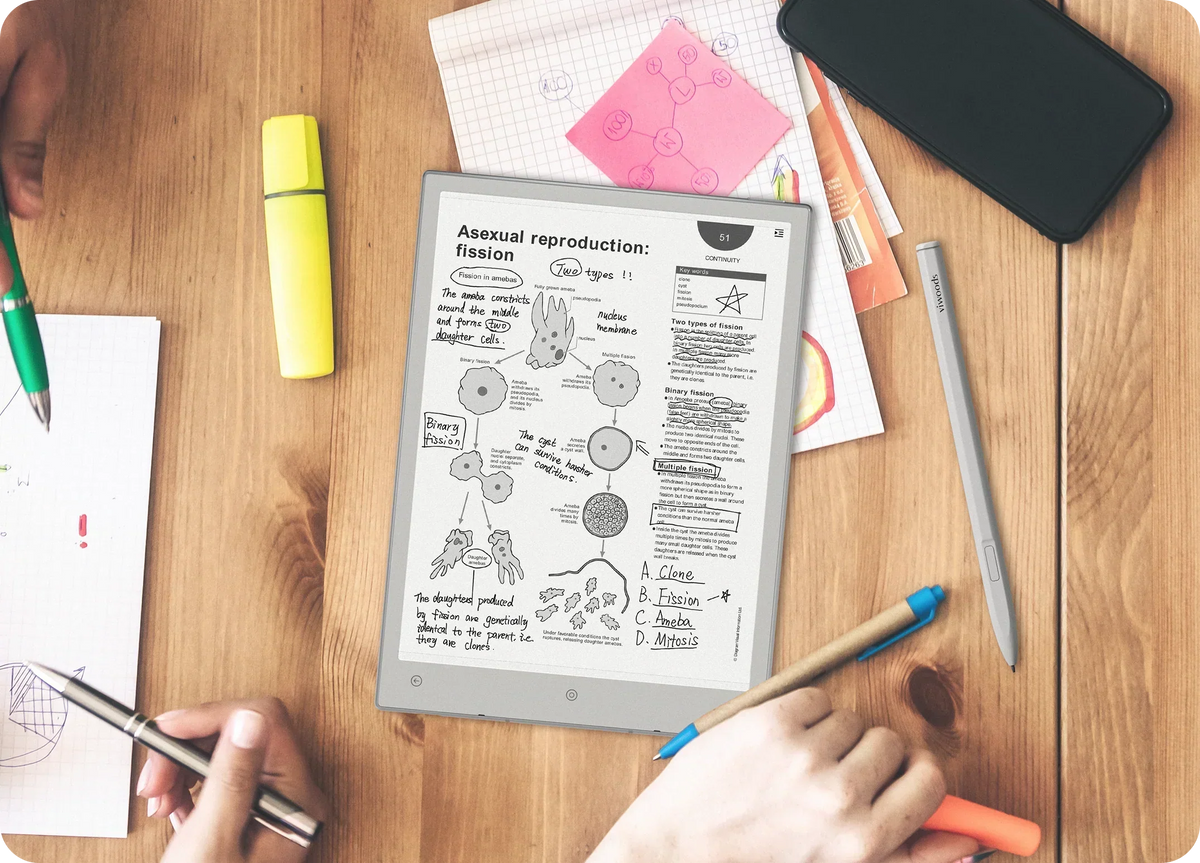
A highlight may preserve a definition, decisive claim, result or exact wording you may need again. A margin note should add interpretation: “assumption not tested,” “compare with Smith,” “possible counterexample,” or “use in discussion section.”
Stop at a natural boundary and retrieve from memory
At the end of a section, look away from the page and state what changed in your understanding. If the answer is vague, return to the small part carrying the reasoning rather than automatically rereading everything.
A practical test for anyone learning how to read long articles on E Ink: after several pages, can you explain the author's current point without scrolling backwards? If not, the reading unit may be too large or there may not have been a deliberate pause.
An E Ink tablet for deep reading supports this rhythm when the page remains central and the workflow stays simple. The useful discipline is to treat tools as interruptions unless the text has already created a reason to use them.
Turn highlights into useful notes
A highlight is evidence that something caught your attention. It is not yet evidence that you understood it. The processing stage turns the source's language into something you can retrieve, compare and use.
Preserve the passage
Keep only the sentence, result or definition that carries the point. Avoid highlighting the surrounding paragraph merely for context.
Explain why it matters
Add a short note about relevance, uncertainty, disagreement, connection or intended use. “Important” is not enough.
Rewrite the idea in your own words
At the end of the section or session, reduce several marks to one concise statement you could understand without reopening the source.
For academic and professional reading, keep three layers separate: what the author says, what evidence the author provides, and what you infer from it. Mixing those layers can create problems later, particularly when notes are reused in a paper, legal analysis or recommendation.
A structure such as Claim → Evidence → My response works well because it keeps source material and interpretation separate. For reports, Problem → Implication → Next question can be more useful.
If detailed PDF markup is the main task, the separate PDF annotation workflow covers that process in greater depth. In deep reading, the narrower principle is that annotation should serve comprehension rather than compete with it.
Close from memory. Write two or three sentences before reviewing the highlights again. Retrieval shows what actually stayed with you; the second look then reveals what needs correction or reinforcement.
Adjust the workflow for papers, reports and books
The five stages remain stable, but different documents place cognitive weight in different places. An E Ink tablet for academic papers needs to preserve structure and evidence. A management report demands scepticism about assumptions and recommendations. A book often benefits from continuity and fewer interruptions.
Read the research design before the prose
Preview the research question, method, results, figures and limitations before reading linearly. During the close pass, distinguish reported findings from the authors' explanation of those findings.
Mark citations only when they create a real follow-up: a foundational source, a conflicting study or an unsupported statement worth checking.
Test the recommendation against its inputs
Read the executive summary first, then inspect the assumptions, evidence base and limitations that support it. Highlight statements that would materially change the decision if they were wrong.
Separate descriptive findings from recommendations. A useful report note records not only what the document advises, but what conditions must remain true for that advice to hold.
Protect continuity and annotate less
Books usually suffer when every interesting sentence becomes a stop. Read in longer blocks, mark sparingly, and use chapter boundaries for reflection rather than interrupting the argument every few paragraphs.
At the end of a chapter, record its central move, how it connects to the previous chapter and one question worth carrying forward.
Page geometry matters more with research PDFs. Fixed-layout papers often place the argument across columns, figures, footnotes and tables. More visible page area can reduce repeated zooming and help preserve relationships between text and evidence.
Common mistakes that turn annotation into clutter
Annotation fails when marks become a parallel collection habit. The correction is usually not a more elaborate system, but a smaller one with clearer rules.
Highlighting before understanding
Early highlights often capture unfamiliar wording rather than structural importance. Preview the document first, then mark once you know what role a passage plays.
Marking whole paragraphs
Long highlights make review almost as slow as rereading. Preserve the smallest unit that still carries the idea, then add context in a short note only when necessary.
Using the same mark for every purpose
A definition, disagreement, quotation and action item are not the same kind of information. Keep the system small, but let each mark have a stable meaning.
Writing notes that only label
“Important” and “interesting” do not explain why a passage matters. Record the connection, implication, objection or future use instead.
Never processing the marks
A document with fifty highlights can still produce very little usable knowledge. Reserve the final minutes of the session for synthesis before moving on.
Configuring tools during difficult passages
Changing folders, tags, layouts or apps can become an elegant form of avoidance. Make layout decisions before reading and postpone non-essential organisation.
An annotation budget can help. Instead of imposing a rigid number on every page, ask whether each new mark adds a different idea. If the next highlight says essentially the same thing as the previous one, the first mark is probably enough.
AiPaper Reader or AiPaper: which format fits deep reading better?
For this deep-reading workflow, the compact AiPaper Reader and the larger AiPaper represent two distinct patterns: reading-first portability versus full-page context with handwriting. The practical choice is not “small screen versus large screen” in isolation. It is how often the material needs page-scale context, how much handwriting belongs in the workflow and how frequently the device needs to travel with you.

Viwoods AiPaper Reader
A compact reading-first option for books, long articles and reading queues where carrying the device easily matters more than writing directly on the page.
- 6.13-inch Carta 1300 E Ink display.
- 824 × 1648 resolution at 300 PPI.
- Supports PDF, EPUB, MOBI, AZW3 and EPUB3 files.
- Adjustable cool-toned front light.
- No stylus compatibility, so handwriting is not its primary role.
Consider it when: the reading itself is the centre of the session and most detailed reflection can happen after reading rather than in handwritten margins.
Explore AiPaper Reader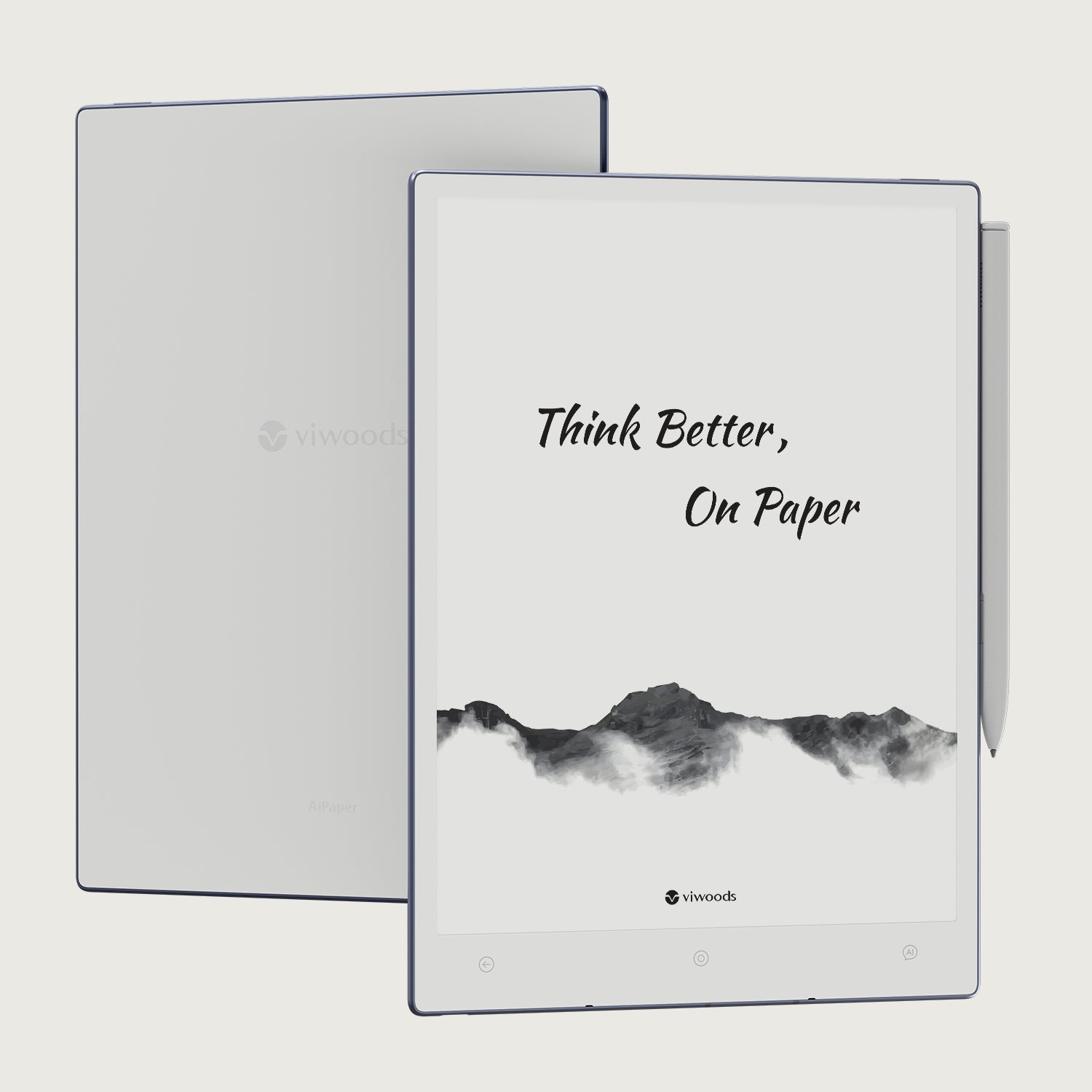
Viwoods AiPaper
A larger paper-tablet format for dense PDFs, research material and workflows where highlights, written notes and annotation belong directly beside the source.
- 10.65-inch Carta 1300 / Mobius E Ink display.
- 2660 × 1920 resolution at 300 PPI.
- Larger visible page area for layout-heavy documents.
- Stylus-oriented writing, highlighting and annotation workflows.
- No front light, so ambient lighting matters more to the setup.
Consider it when: academic papers, reports, charts or handwritten interpretation make page area more valuable than a compact reading-first format.
View Viwoods AiPaperThe right E Ink tablet for deep reading is therefore the one whose format matches the material you repeatedly return to. Researchers and analysts working inside full-page PDFs may value context and annotation space. Long-form readers who move between home, commuting and travel may value a lighter reading routine more.


Commenta
Questo sito è protetto da hCaptcha e applica le Norme sulla privacy e i Termini di servizio di hCaptcha.