






Vai al contenuto

Prezzi scontati! Approfitta del 10% di SCONTO su tutto il sito , con sconti fino al 44%.

Non è richiesto alcun codice.

Carrello

Il tuo carrello è vuoto

Colors Colors
Latest System
Version 3.13.8 is up to date

Smarter Workflows, Refined Details

Version 3.13.8 introduces powerful new tools for task management, deep reading, and personalized note-taking

Update Available Now

✨ Added lasso selection to create handwritten todos and sort them by priority.

Circle your notes and turn them into actionable tasks instantly. Prioritize them on the fly.

✨ Added batch todo migration.

Unfinished tasks from yesterday? A smart pop-up now asks if you want to move them to today.

✨ Insert blank pages directly into PDFs.

Take control of your documents and customize your reading material exactly how you need it.

✨ Added offline English dictionary support. 

The "AI Dictionary" is now fully integrated into AI Commands.

✨ AI custom commands are now fully available.

Wherever you work, your smart tools follow with the same logic and flow across Paper, Meeting, Daily, and Pick Notes.

✨ Custom wallpapers are here.

Make your Viwoods device truly different.

✨ 256-level grayscale

Introduced a 256-level grayscale rendering algorithm in Best Display mode.

Before

After

Utilizza i tasti freccia sinistra e destra per navigare tra le foto prima e dopo.

All the Details That Make the Difference

All wrapped in a refined interface that lets you focus on what matters.

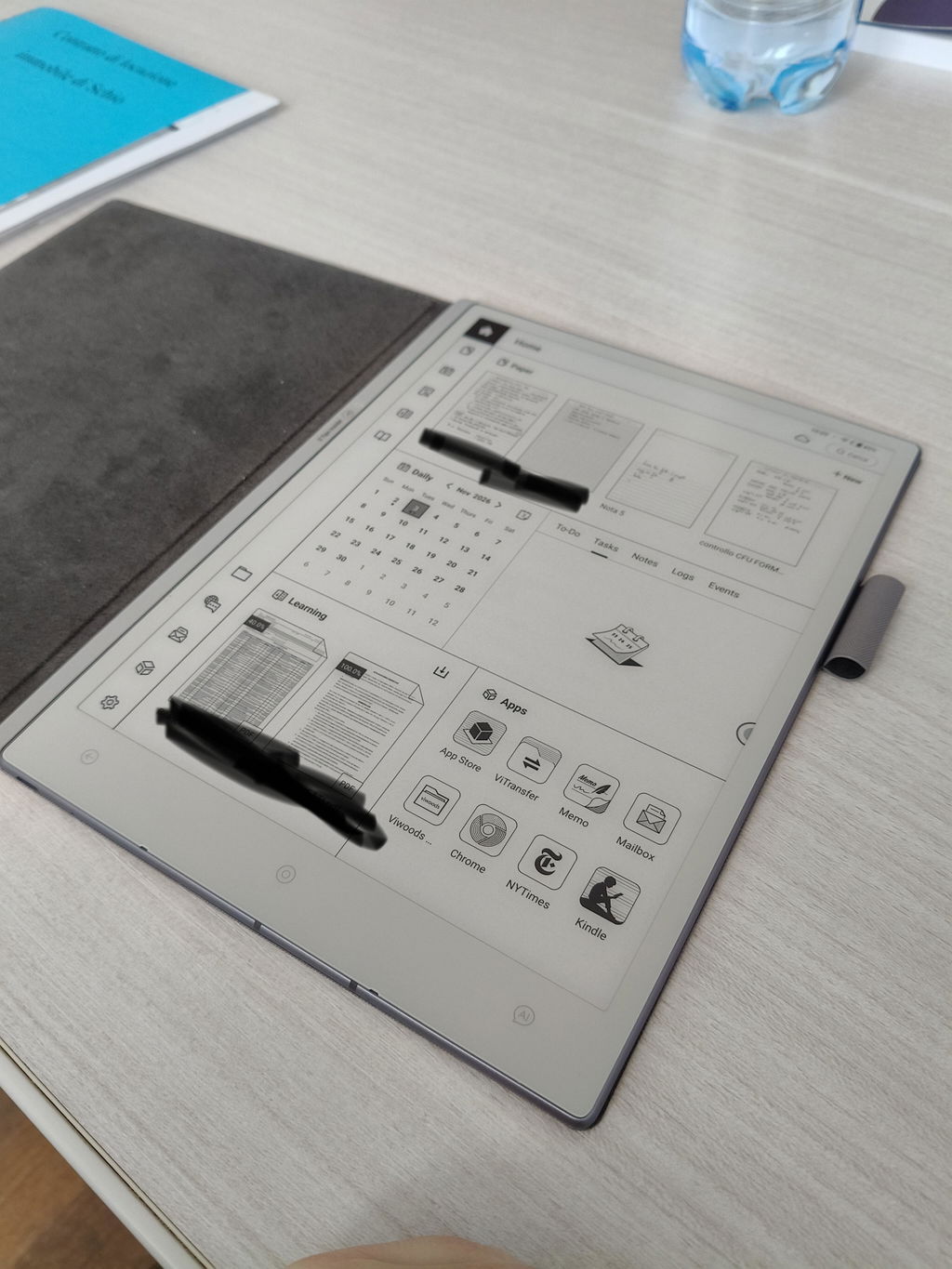
📅 Daily & Tasks

Smarter Toolbar: Smoother switch between Todo and Tasks with an expanded flat layout.

Refined UI: Better visual presentation of handwritten todo items.

Priority Handwriting: Combine lasso selection with priority sorting for fluid task creation.

📚 Learning & Reading

Outline Memory: The outline collapse state is now remembered for precise navigation.

Revamped Bookmarks:Logic aligned with highlights, unaffected by font styles.Automatic naming (first line or page number) or manual rename.Paginated bookmark list with highlighted current position.

Enhanced PDF Export: Retain highlights and annotations when exporting a single page at original size.

✍️ Paper & Meeting

Audio Control: Adjust recording volume in real-time with one-tap mute/unmute.

Quick Note Focus: Non-essential icons auto-hide in Quick Note mode for distraction-free writing.

Smarter File Creation: New docs automatically save to the folder you're currently viewing.

🧠 Knowledge Base & Notes

Streamlined Clipping: Background content hides during clipping; the latest clip auto-appears on top.

Traceable Naming: Pop-up notes auto-increment names based on the source app.

Annotation Intelligence: AI Assistant and custom commands are now available on clipped annotations, with support for PDF/PNG sharing.

Sort by Modified: Image-and-text notes now sort by last modified date.

🎨 Interface & Interaction

Tap to Turn: In addition to swiping, simply tap to flip pages.

Stylus Precision: Optimized hover-tap behavior to prevent unintended actions.

Instant Input: Tapping the Text/Image icon immediately enters the respective creation state.

📁 Viwoods Files

Batch Management: Support for batch import and export in My FilesLocal Storage, and Cloud Drive.

⚙️ Settings & System

AiPaper Mini: Automatic front light control added.

Keyboard: Added "Enter" key to the numeric keypad for English input.

Optimizations and Fixes

We’ve also squashed bugs and polished performance across the board for a more stable, responsive experience.

You May Need These