
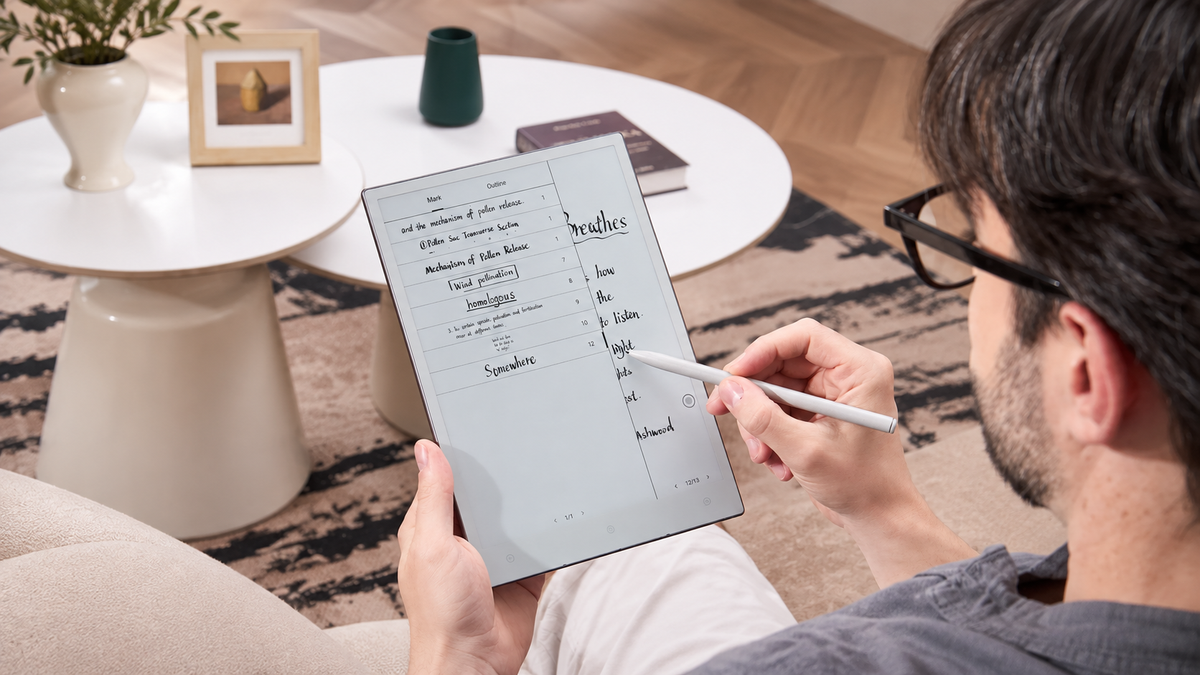
An E Ink screen changes by moving pigment, not by continuously redrawing bright frames. Electrical pulses move charged pigment particles into a new position when the content changes. A full refresh uses a more thorough sequence and may flash briefly; a partial refresh can feel quicker but may leave faint traces of the previous image. The difference is easiest to notice when switching between reading, handwriting and apps.
If you are comparing Viwoods paper tablets, refresh behaviour is worth considering alongside screen size and whether reading or pen input is your main task. For a broader explanation of how these devices differ from conventional tablets and eReaders, see our E Ink tablet guide.
What happens when an E Ink page changes?
An E Ink panel is an electrophoretic display. Its visible image is formed by charged pigment particles that move when an electric field is applied. Once those particles reach the required position, the image can remain visible without the panel continuously redrawing it.
When content changes, the display controller determines the target pixel state and applies a waveform: a predefined sequence of electrical pulses that moves pigment from the previous state toward the next one. A transition can pass through intermediate dark or light states before the final image settles.
The starting shade, target shade and chosen waveform all affect how the transition looks and how long it takes. That is why an E Ink screen can briefly pass through darker or lighter states instead of switching instantly from one finished image to the next.
Full refresh: cleaner pixel states with a more visible flash
A full refresh updates the whole display using a more complete drive sequence. Depending on the waveform and device tuning, the screen may briefly darken, brighten or appear to invert before the new content settles. This is why an E Ink page refresh can sometimes look as though the screen is blinking.
The benefit is a cleaner baseline. After repeated fast changes, faint traces of earlier content can accumulate; a more complete update gives the display another chance to settle into clearer black, white and grayscale states. This is useful when opening a very different page or when old text starts to distract from the new one.
The flash is the trade-off, not necessarily a fault. For a static reading page or a detailed document, a brief interruption may be preferable to leaving residual text on screen.
Partial refresh: faster response with more residue risk
A partial refresh avoids a complete whole-screen rewrite. Depending on the panel and controller, it may update only the changed region, use a shorter waveform, or combine both approaches. Less display work can make the visible result arrive sooner.
The trade-off is pixel-state accuracy. A quicker transition may leave a small amount of pigment influenced by the previous image. One update may look clean, but repeated local changes can allow those small errors to build into visible ghosting.
This is why full and partial refresh modes should not be treated as “good” or “bad.” Each serves a different purpose: the better choice depends on whether the task benefits more from a cleaner image or a faster response.
How do refresh choices affect reading, writing and apps?
Reading is relatively forgiving because the page stays still between page turns, so clean text can matter more than avoiding every brief flash. Handwriting puts more emphasis on immediate feedback: the pen mark needs to appear promptly, even if the screen needs a stronger refresh later to clear residue. Scrolling and frequently changing app menus put the display under a different kind of pressure because the content keeps moving.
For handwriting, screen updating is only one part of perceived latency. Stylus sampling, software processing and rendering also affect how quickly a stroke appears, so a fast refresh mode alone does not describe the entire writing experience. If that workflow matters most, compare the current features on the official Viwoods AiPaper product page.
Reading has the opposite advantage: content often remains static long enough for clarity to take priority. Our E Ink reader guide explores how refresh behaviour, ghosting and other display characteristics affect everyday reading. For readers who want to compare a reading-first device, the official Viwoods AiPaper Reader page lists the current product features.
During scrolling, a faster mode may feel more responsive, but faint traces of earlier content can become easier to notice. The best setting depends on how much motion the task involves and how distracting those traces are to you.
Why “E Ink refresh rate” is not the whole experience
LCD and OLED displays normally redraw complete frames continuously at a fixed frequency. E Ink behaves differently because a static electrophoretic pixel does not need to be redrawn simply to remain visible.
That makes a single speed number an incomplete description of E Ink performance. The refresh mode, waveform, size of the changing region, grayscale transition and software path can all affect how quickly an action appears complete.
A small cursor movement can therefore feel very different from replacing a full document page on the same device. Likewise, fast scrolling may expose more residual image even though an ordinary page turn looks clean.
In practice, a quoted refresh-rate number alone is not enough to compare E Ink devices. The more useful test is how a particular mode handles the pages, PDFs and apps you actually use.
How should you choose a refresh mode by task?
Refresh-mode names differ between devices, so labels such as fast, balanced, quality or clear should not be treated as universal E Ink standards. Instead, identify what matters in the current workflow.
For books, articles and detailed diagrams, start with a mode that keeps text and edges clear. While writing or navigating menus, a faster mode may feel more natural because the screen needs to respond more often. If both settings work well, there is no need to choose the fastest one just because it is available; use the cleaner setting unless the interaction begins to feel slow.
How does E Ink refresh connect to ghosting?
Ghosting is a residual image from earlier content. It often becomes visible after repeated partial updates because the physical pigment state does not return to an equally clean baseline after every fast transition.
A full refresh can reduce ordinary residual images, but it should not be treated as a guarantee that every visible mark will disappear. The useful troubleshooting question is whether the mark changes when the screen is given a cleaner update.
If ghosting appears, try a cleaner refresh mode or run a whole-screen refresh if the device offers one, then open unrelated content. If the trace fades or changes, it was likely ordinary update residue. If the same mark remains in the same place after several clean updates, do not keep increasing refresh frequency; check the device's troubleshooting guidance or contact support.
Which Viwoods device fits your workflow?
Refresh behaviour is one part of the overall experience. The more useful comparison is how each device fits the way you read, write and work with documents. These two official product pages let you check the current features before deciding which workflow is the better match.
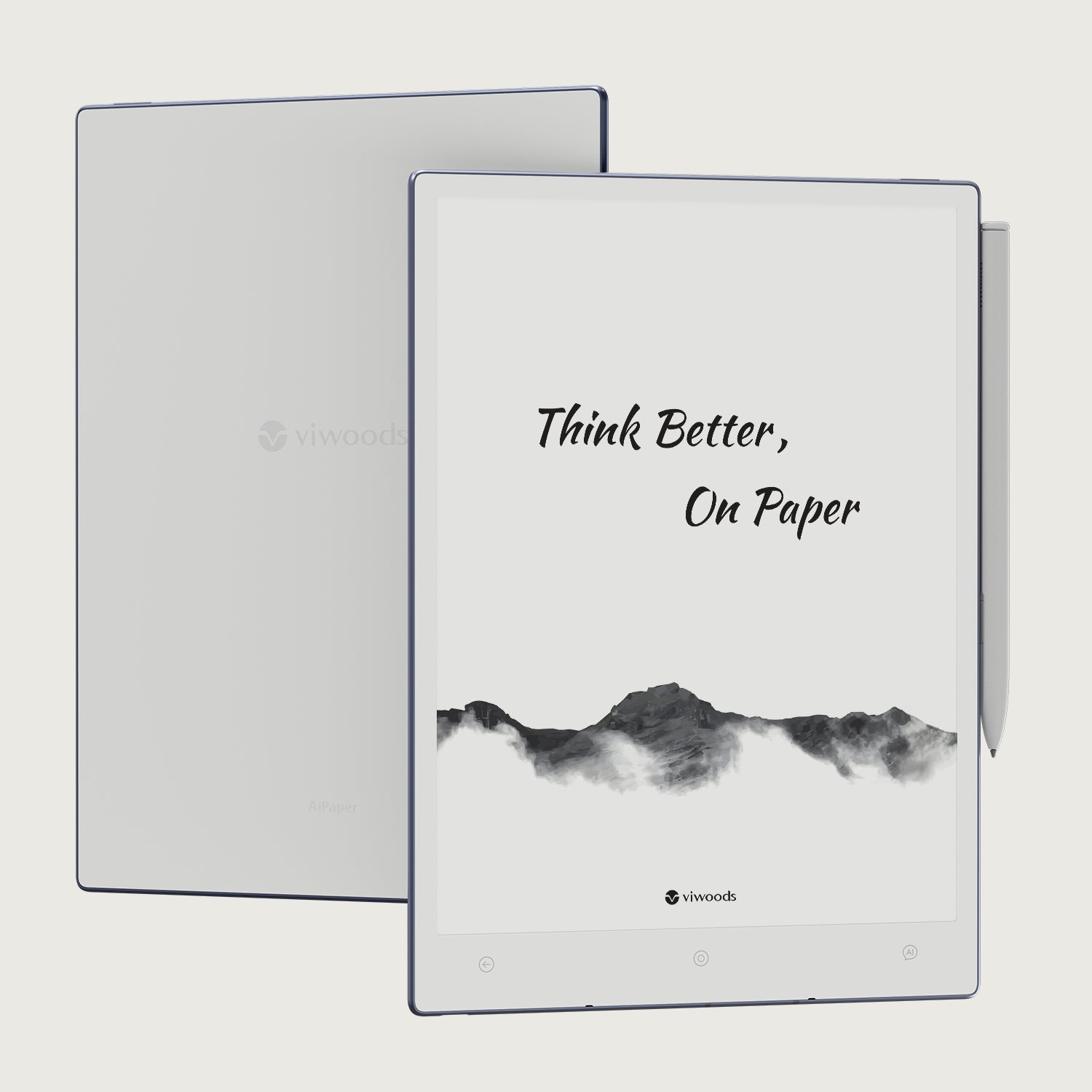
Viwoods AiPaper
AiPaper is worth comparing if your day moves between handwritten notes, document review and reading. Pen input benefits from a responsive display, while longer reading and PDF sessions also need a clear, stable page. Check the official AiPaper product page for the current features and configuration.
View Viwoods AiPaper
Viwoods AiPaper Reader
AiPaper Reader is the more relevant comparison when books, articles and reading-heavy documents take priority. Its official page describes refresh options for balancing clarity and response speed; check the live listing to confirm the controls available on the configuration you intend to buy.
View AiPaper ReaderBefore you choose
Compare the content you use most, whether you need a stylus, how often you scroll through apps, and which refresh controls the live product page lists. Those details are more useful than choosing a device by a refresh-speed label alone.
Frequently asked questions
Why does an E Ink screen flash?
The flash is usually part of a stronger waveform that drives the screen through intermediate states during a cleaner update. It can look dramatic because much of the display changes at once, but its purpose is generally to establish cleaner pixel states and reduce residual images.
Is partial refresh faster?
Usually. A partial refresh limits the amount of screen that needs to change or uses a shorter update sequence. The visible result arrives sooner, although repeated fast updates can increase residual images.
Does full refresh remove every afterimage?
No. It often clears normal update residue, but a persistent mark can have another cause. If the same mark remains unchanged across unrelated pages after several clean refreshes, it deserves separate troubleshooting.
Which refresh approach is better for writing?
Fast local updates are generally more useful while the pen is moving because immediate feedback matters. Periodic stronger refreshes can then restore a cleaner page without slowing every stroke.
Is E Ink refresh rate comparable to LCD refresh rate?
Not directly. LCD and OLED panels normally redraw frames continuously, while E Ink changes physical pixel states when content needs to update. Waveform, changed screen area and refresh mode therefore matter alongside any quoted speed figure.



Hinterlasse einen Kommentar
Diese Website ist durch hCaptcha geschützt und es gelten die allgemeinen Geschäftsbedingungen und Datenschutzbestimmungen von hCaptcha.