
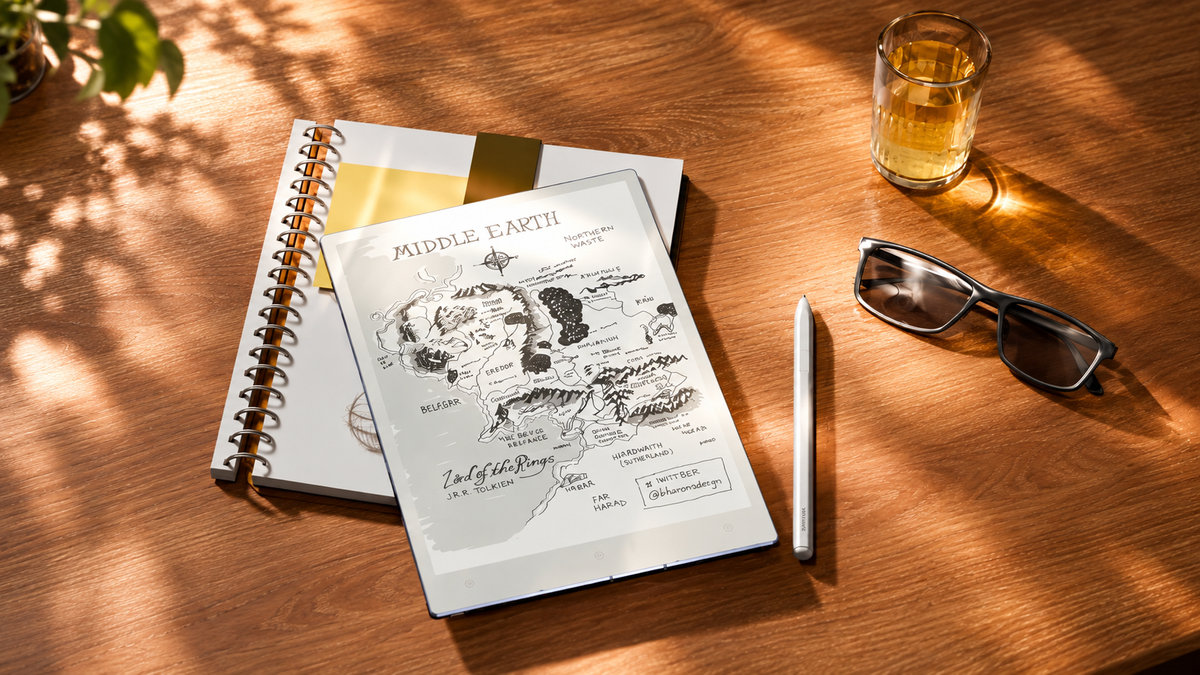
AI should reduce friction around thinking, not take over the thinking itself. In an AI paper-like workflow, the page remains the main place for reading, handwriting and reflection. AI sits around that work: preparing material, explaining selected passages, converting handwriting, extracting actions or producing a first-pass summary after a session. The important boundary is that the original source and original notes remain available, while interpretation, verification and judgement stay human. That keeps the calm, spatial character of paper while adding digital leverage where it saves effort. The goal is not maximum automation, but a quieter workflow in which assistance appears on demand and then recedes.
That distinction matters for writers, researchers, managers and other knowledge workers because productive friction and wasteful friction are not the same thing. Reading a difficult argument twice may be useful. Retyping the same handwritten action points into another system usually is not. A thoughtful AI note-taking workflow protects the first kind of effort and reduces the second.
Keep human: Reading, interpretation, judgement and decisions. Use AI for: Extraction, conversion, organisation and first-pass summaries. Always retain: The original source, original notes and a route back to context.
Why should AI reduce friction around thinking?
Knowledge work contains two kinds of effort. One is cognitive: understanding evidence, noticing contradictions, forming a view, making connections and deciding what deserves attention. The other is procedural: copying passages, converting handwriting, sorting notes, reformatting information or rebuilding a list that already exists somewhere else.
AI earns its place when it reduces procedural effort without weakening the cognitive work. A system that constantly suggests, rewrites or interrupts can reverse that relationship: instead of thinking about the material, the person starts reacting to the assistant.
Work that should remain deliberate
- Read arguments and evidence in context.
- Decide what is important enough to record.
- Interpret ambiguity and competing explanations.
- Make decisions and accept responsibility for them.
Work that can remove repeated friction
- Convert selected handwriting into editable text.
- Extract names, actions or recurring themes.
- Reorganise material into a useful first structure.
- Create summaries that can be checked against the source.
What does a paper-like workflow need to preserve?
A paper-like digital workspace is not defined simply by adding a stylus to a screen. Paper works because it creates continuity: one surface, one object of attention and enough visual quiet to remain with an idea. Digital tools should preserve that behavioural quality even when more powerful functions are available underneath.
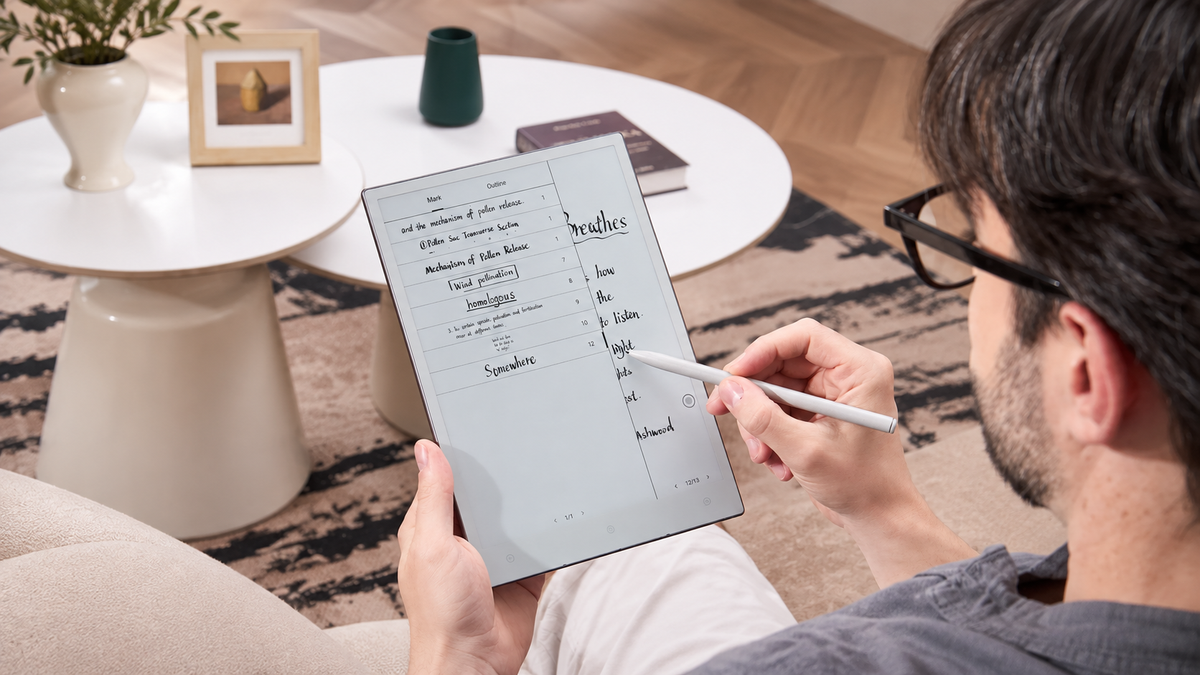
Three elements are especially important. The source needs to remain primary, handwriting needs to remain a legitimate thinking medium rather than a temporary format waiting to be replaced, and assistance needs to avoid unnecessary context switching. That is also the useful way to think about Viwoods AiPaper: not as a reason to automate every page, but as a place where reading, handwriting and selective digital assistance can meet.
Source primacy: The document, book or original page stays available so generated output never becomes the only record of meaning.
Handwriting as thinking: Arrows, spacing, sketches, emphasis and rough phrasing can carry context that polished text may remove.
Attention continuity: The workflow should let a reader remain with the current page rather than repeatedly moving into unrelated interfaces.
Where should AI help before, during and after a session?
How AI fits into a paper-like workflow becomes clearer when the work is divided by moment rather than by feature. Before a session, assistance can reduce preparation. During it, AI should be selective and quiet. Afterwards, it can take on more of the clerical work that turns raw material into something reusable.
Before — Prepare without pre-deciding: Use AI to identify headings, unfamiliar terms, likely discussion points or questions worth carrying into the session. Preparation should create orientation, not replace the first-hand reading that follows.
During — Keep assistance optional: Read, highlight, annotate and handwrite first. Invoke AI only for a defined need such as explaining a term, working with a selected passage or converting a piece of handwriting.
After — Process what already exists: Once the thinking session ends, AI can structure rough notes, extract actions, group related ideas or produce a compact review summary while the original record remains intact.
How should AI support reading without replacing source review?
Summarisation is useful when it restores orientation: after a long report, between reading sessions or when several sections need to be compared. It becomes less useful when the summary quietly replaces the document it was meant to support.
Compression always removes something. A short summary may omit a qualification, counterargument, exception or uncertainty that matters to the final interpretation. For research and professional decision-making, the safest pattern is therefore circular: begin with the source, use AI on selected material, then return to the source before relying on the output.
- Read: Understand the argument, evidence and structure before asking for compression.
- Mark: Highlight or annotate what seems important, doubtful or worth revisiting.
- Ask: Use AI to explain, compare or summarise the material that actually needs help.
- Verify: Return to the passage and confirm that the useful nuance survived the transformation.
That makes AI for handwritten notes and reading an aid to orientation and retrieval rather than a substitute for source review.
How can AI organise writing while preserving the original notes?
Handwriting often captures more than literal words. Layout shows relationships. A margin question may reveal doubt. A crossed-out phrase records a change of mind. A diagram may be more useful than a polished paragraph. Converting all of that immediately into clean text risks flattening the record before its meaning is understood.
A stronger AI-assisted knowledge work pattern keeps two layers. The first is the original record. The second contains outputs derived from it for practical use. That separation makes it possible to gain the convenience of extraction and conversion without treating the generated version as the authoritative history of the thought.
Original thinking: Keep the handwritten page, annotations, diagrams, emphasis and surrounding context. This is the closest record of what was actually read, noticed or decided at the time.
Reusable outputs: Create editable text, grouped themes, action lists, outlines or first-pass summaries from the original. These are working assets that can change without erasing the source beneath them.
Where are verification and human judgement most important?
Review becomes more important as the AI output moves further from the original form. Copying a clearly written heading carries little interpretive risk. Summarising an argument, deciphering ambiguous handwriting or turning discussion notes into commitments carries much more.
- Summaries: Check whether caveats, exceptions, conflicting evidence or uncertainty were compressed away.
- Handwriting conversion: Review names, figures, abbreviations and unclear handwriting before the converted text becomes a record.
- Actions and decisions: Confirm who owns an action, what was actually agreed and whether the extracted wording changes the obligation.
- Specialist material: Return to the source when terminology, legal meaning, technical nuance or other consequential context matters.
Privacy belongs in the same review habit. Before sending notes or documents to an AI service, consider what information is present, whether it is appropriate to process and what sharing or storage choices the workflow involves. Convenience should not remove that decision.
What makes low-distraction AI feel compatible with paper?
Designing for AI without interrupting focused work is less about how much intelligence a system contains and more about when that intelligence appears. The best paper-like behaviour comes from making assistance subordinate to the page.
Make AI pull-based: The person working should decide when assistance appears instead of responding to a continuous stream of suggestions.
Work with what is selected: A passage, annotation or note provides a clearer boundary than sending an entire workspace into an unnecessary process.
Do not overwrite the source: Generated material should add a useful layer while the original text and handwriting remain available underneath.
Keep verification close: A workflow feels safer and calmer when the source and the derived output are easy to compare before moving on.
How does AiPaper connect the philosophy to a real workflow?
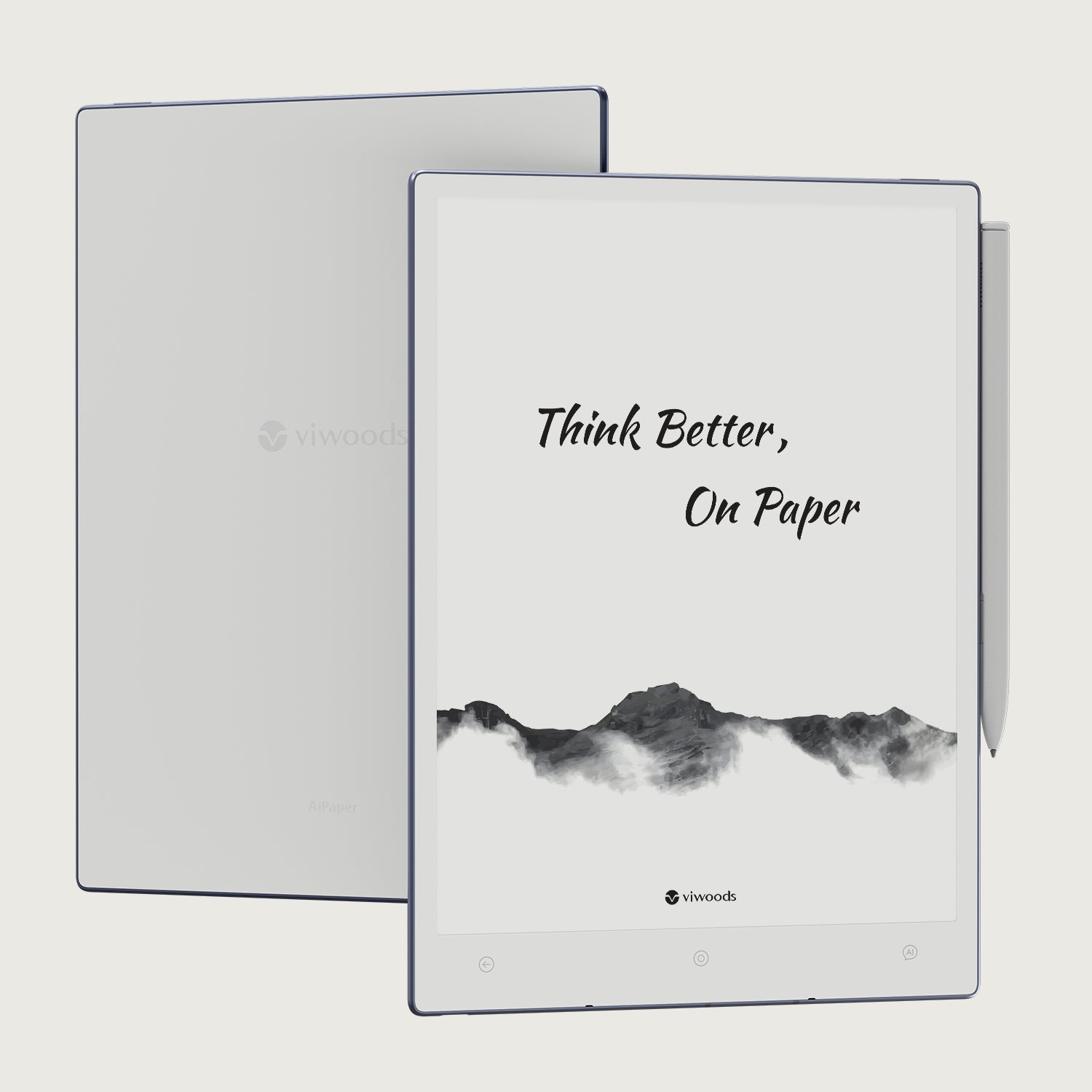
The philosophy becomes practical when the same workspace can support the hand-offs between reading, handwriting and later processing. VIWOODS currently describes AiPaper with annotation across documents and apps, highlights and tags, handwriting conversion, note layers and an AI assistant. Its product information also describes file transfer through cloud services, wireless sharing or cable connection without requiring a proprietary cloud, while AI tools can be invoked when needed rather than becoming the default mode of every page.
Those capabilities matter less as a checklist than as a sequence. They allow a person to remain close to the original material, capture thinking by hand, transform only the parts that need transformation and then move useful outputs into the next stage of work.
Stay with the source: Annotation, highlighting and tags support active reading without making an AI response the starting point.
Capture thought naturally: Handwritten notes and layered note structures let the original working record remain available before anything is cleaned up.
Transform selectively: Handwriting conversion and AI assistance can be brought in when a note needs to become editable, structured or easier to reuse.
Move work onward: Flexible transfer options matter once useful material needs to leave the page and continue elsewhere in the knowledge workflow.
This is the practical value of a paper-like AI workflow: many important moments still contain no AI at all. Reading, sketching, questioning and judging remain human activities. Assistance enters where it can remove repetition, make captured material easier to reuse or help a person regain orientation without taking ownership of the conclusion.
For a broader view of the product philosophy, explore the Viwoods approach to focused work.
Frequently asked questions
Can AI preserve a distraction-free workflow?
Yes, when assistance is user-invoked, limited to a clear task and easy to leave again. The workflow becomes more distracting when AI generates constant suggestions, forces unnecessary switching or changes material before the person asks it to.
Should AI replace original notes?
Usually not. Original notes preserve handwriting, layout, corrections, diagrams and context that a converted or summarised version may lose. AI output works better as a reusable layer derived from the original record.
Where is human review most important?
Prioritise review when meaning, responsibility or accuracy may change: nuanced summaries, unclear handwriting, names and figures, extracted decisions, specialist language and actions assigned to specific people.
How can AI help after reading?
After the reading itself, AI can help group highlights, create a first-pass recap, convert handwritten reflections, extract useful terms or prepare material for follow-up. The original document should remain available for checking.
What makes an AI workflow feel paper-like?
Continuity matters most. Reading and handwriting remain the main activities, the interface stays visually quiet, assistance appears on demand and generated output does not erase the source that produced it.

Hinterlasse einen Kommentar
Diese Website ist durch hCaptcha geschützt und es gelten die allgemeinen Geschäftsbedingungen und Datenschutzbestimmungen von hCaptcha.