

Better digital notebook meeting notes capture what changed because the meeting happened—not everything everyone said. Start with a repeatable page for the agenda and attendees, separate decisions from discussion, and write every real action with an owner and deadline. During the conversation, use a small set of symbols so you can keep listening rather than formatting. Then spend five minutes immediately afterwards clarifying names, dates, open questions and next steps. A useful meeting page should let you answer three questions at a glance: What did we decide? What happens next? Who owns it?
The biggest improvement in meeting note-taking rarely comes from writing faster. It comes from deciding what deserves to survive the conversation. A transcript records dialogue. A working meeting note preserves the context, decisions and responsibilities that people will need afterwards.
Capture outcomes, not a transcript
Trying to write every sentence creates two problems at once. Attention moves from listening to transcription, while the important material becomes buried among explanations, repeated points and side discussions. Detailed notes can look complete but still make follow-up difficult.
A stronger method is selective. Record a fact when it changes the decision. Record a disagreement when it explains a risk that remains open. Record a proposal when it may return later. But give permanent prominence to the things that alter work: an agreed decision, an assigned action, a deadline, a dependency or a question that still needs an answer.
“Then everyone discussed…”
Chronological notes preserve what was said and in what order, but a reader must reconstruct the result later. The more detailed the page becomes, the easier it is for a decision or commitment to disappear inside it.
“Decision → owner → next step”
Outcome-led notes preserve the parts that matter after people leave the meeting. Discussion is included only when it explains a choice, constraint, unresolved question or future action.
Set up a one-page meeting note structure
The best meeting note structure is simple enough to become automatic. Rather than deciding where information belongs while people are talking, start from a digital notebook meeting template with fixed places for the information that repeatedly matters.
1. Legal review
2. Final launch date
3. Sales materials
Project lead · Legal · Sales · Marketing
D: Launch moves to 14 October.
D: Existing pricing remains unchanged.
Q: Does the new date affect media booking?
Q: When will legal sign-off arrive?
For recurring meetings, keep the layout stable and change only the content. A project review might always use Agenda → Decisions → Risks → Actions. A one-to-one may work better with Priorities → Discussion → Support needed → Commitments. The headings can change with the meeting type; the principle is to give each information category a predictable home.
Avoid designing a template for every possible situation. Six useful fields are more practical than fifteen boxes that usually stay empty. If a meeting repeatedly produces something specific—client objections, risks, approvals or dependencies—add that field only when experience shows that it deserves a permanent place.
If the larger question is how handwritten material should be organised beyond individual meetings, the guide to digital notebook basics covers the broader workflow. If a dedicated handwriting device is part of the plan, the current Viwoods AiPaper page shows the note tools available on the device.
What should you record before, during and after the meeting?
Good meeting note-taking starts before the first comment and does not end when the call closes. Splitting the task into three phases reduces the pressure to organise everything while the conversation is moving.
Before: preload context
Write the meeting title, purpose, attendees and agenda in advance. For recurring meetings, bring forward only unresolved actions or decisions that genuinely need attention.
During: listen for change
Notice when a proposal becomes a decision, a concern becomes a blocker, or a discussion produces a named action. Capture supporting detail only when it will help explain the outcome later.
After: remove ambiguity
Clarify shorthand, confirm owners and dates, separate remaining questions and move executable work into the system where the team actually tracks tasks.
Ask silently: Did something just change? A date moved. A proposal was accepted. A stakeholder took responsibility. A dependency appeared. A customer requirement became explicit. Those changes deserve space because they influence what happens after the meeting.
Separate facts, decisions, questions and actions
Structured meeting notes become easier to scan when different kinds of information do not look identical. A fact explains the situation. A decision records an agreed outcome. A question remains unresolved. An action creates responsibility.
This distinction matters when working out how to capture decisions and action items. A suggestion is not a decision. “We could move the launch” should remain in the discussion until agreement is explicit. Likewise, “Marketing to look at this” is weaker than an action with one accountable owner and a defined result.
Where several people contribute, name the person responsible for closing the action rather than assigning it to an entire team. Others may help, but action-item notes become difficult to manage when responsibility is collective and nobody knows who should report back.
Use symbols and headings that remain searchable
Shorthand should make capture faster without turning the page into private code. A small, repeatable symbol system is enough for most professional meetings.
Make the words you will remember later easy to find
Project names, client names, dates, deliverables and owners carry more retrieval value than filler words. Write those terms clearly, especially when handwriting recognition or conversion is part of the workflow.
A page titled “Weekly sync” offers little help six weeks later. “Atlas renewal — pricing decision — 22 Sep” immediately tells you the project, the important outcome and the date before you even open the note.
Private abbreviations are fine during fast capture, but expand anything that another reader—or your future self—could misread. “J → deck Fri” may be obvious today; “A: James — send revised sales deck — Friday” survives context loss.
Run a five-minute post-meeting review
Review the page before moving to the next task, while your shorthand still makes sense. The goal is not to turn handwriting into a polished report. It is to remove ambiguity before that ambiguity becomes someone else's follow-up problem.
- Decisions: can each one stand on its own without the surrounding discussion?
- Actions: does every task have an outcome, one owner and a deadline or clear trigger?
- Questions: is it obvious what remains unresolved and who needs to answer it?
- Names and dates: correct anything that could make search or follow-up fail later.
- Hand-off: move executable tasks into the system where the work is actually tracked.
That final hand-off is important. The meeting page is where context lives; it does not have to become a second project-management system. Keep the discussion, reasoning and decision history with the note, then place the commitment wherever the team monitors execution.
For recurring projects, file the cleaned page with the project rather than leaving every meeting in one chronological stream. The VIWOODS guide to organising notes into a knowledge system covers the next layer: keeping individual notes connected to a larger body of work.
Which meeting-note habits make follow-up harder?
Most weak notes do not fail because they contain too little. They fail because important information has no hierarchy. Correct these patterns before adding more tools or more elaborate templates.
Formal minutes, regulated records and meetings with specific legal or organisational documentation requirements are different. Follow the required record-keeping process rather than treating this lightweight workflow as a substitute for an official record.
When does AiPaper fit recurring professional meetings?
A dedicated digital notebook makes the most sense when handwriting is genuinely part of the working method. For recurring client calls, project reviews, one-to-ones and sales meetings, the useful question is not how many functions a device offers. It is whether the device reduces the distance between capturing information, finding it later and turning the important parts into follow-up.
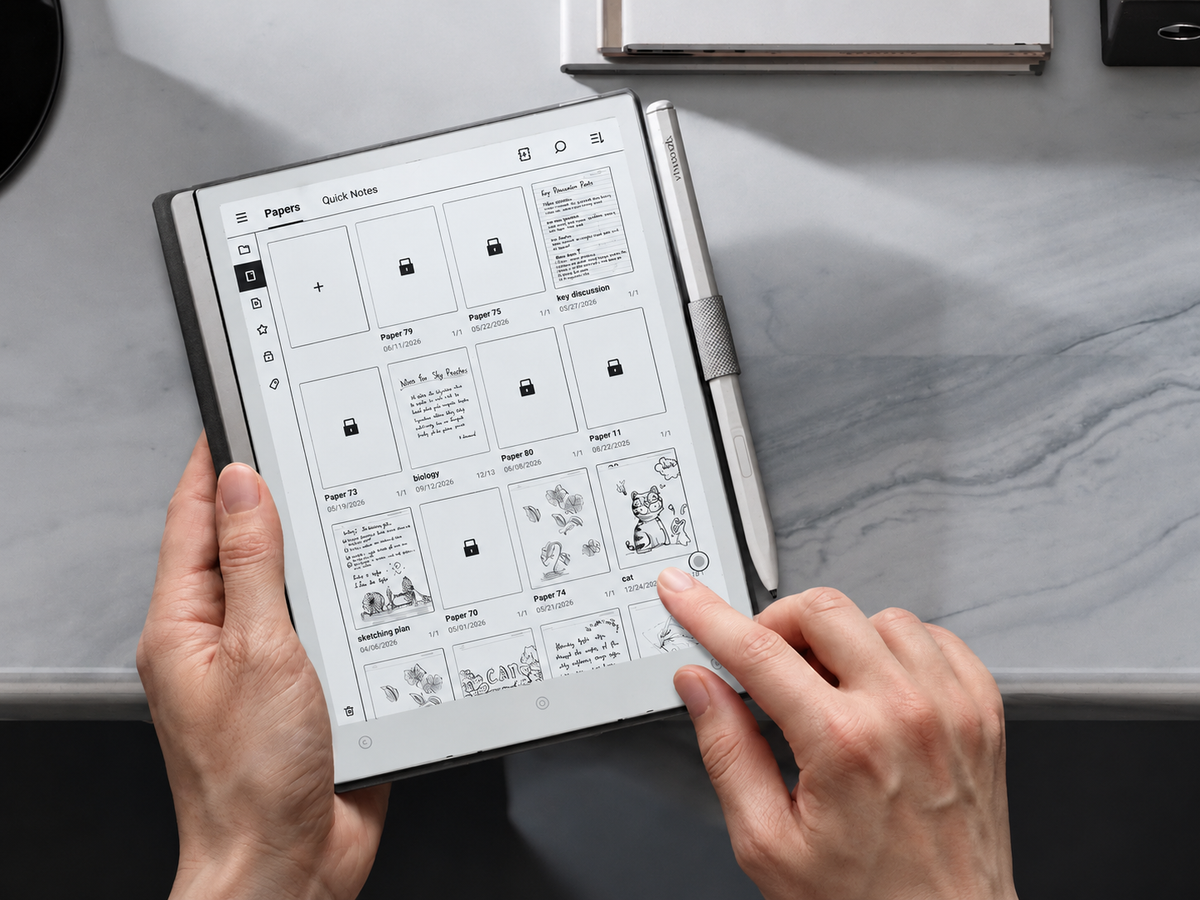
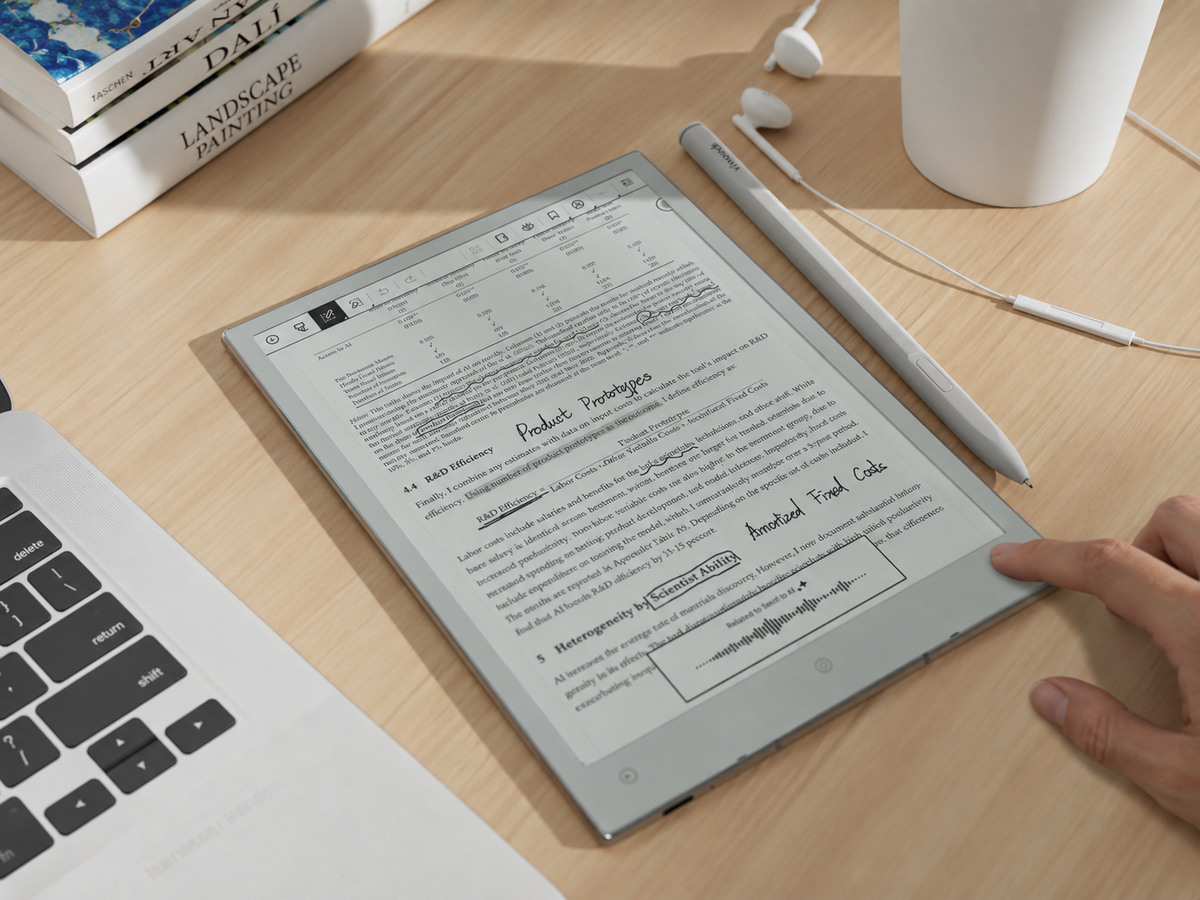
The current AiPaper product page lists tools relevant to that workflow, including custom templates, handwriting conversion, note layers, highlighting and tags, handwritten-to-do creation, calendar synchronisation and file transfer through cloud services, wireless sharing or cable. Those capabilities are most useful when they reinforce a simple capture system rather than make the meeting process more complicated.
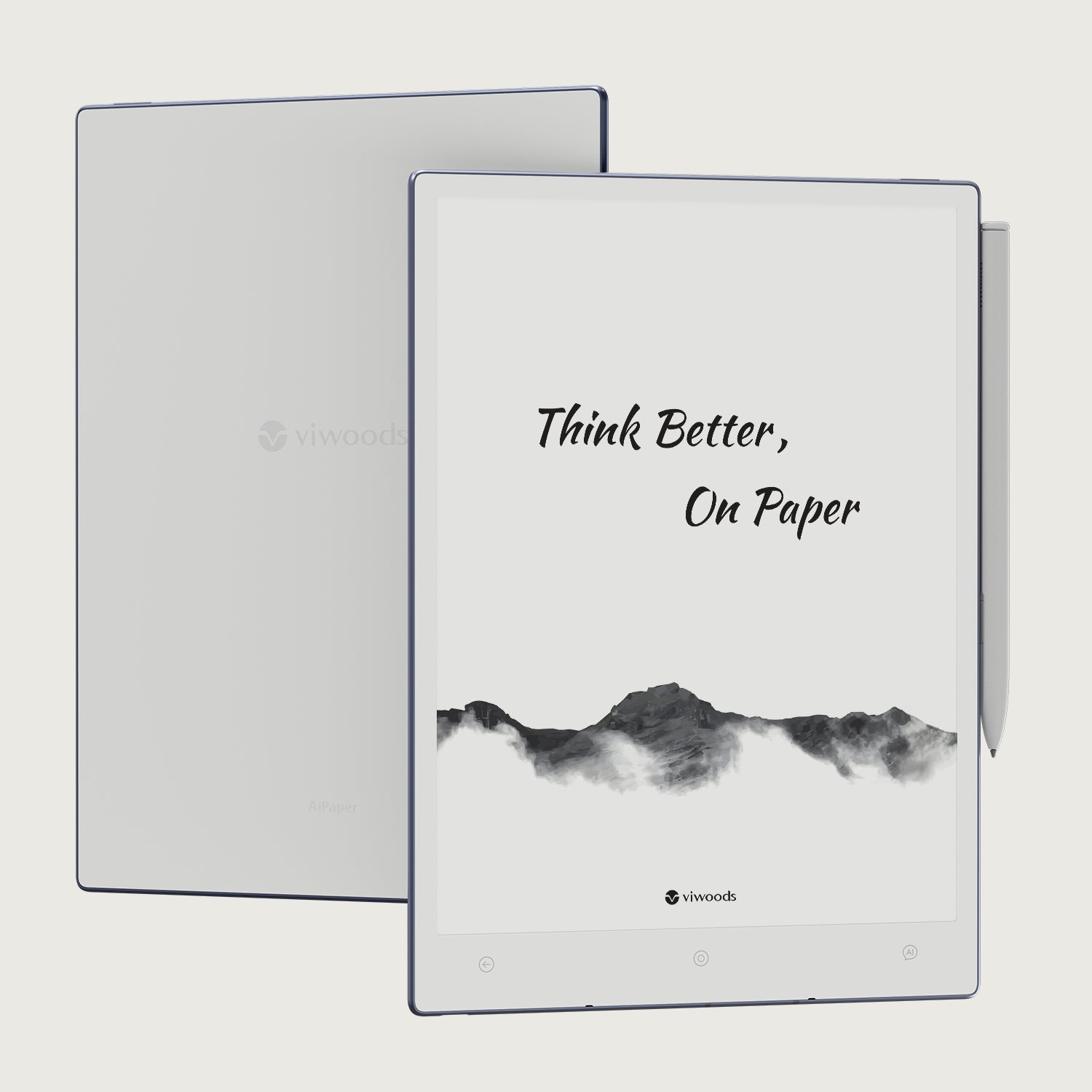
For a digital notebook for meetings, the most useful product capabilities are the ones that support the workflow already established: start from a consistent page, write naturally, identify decisions and actions, retrieve earlier notes and move follow-up into the next system.
AiPaper is worth considering when…
- handwriting helps you stay engaged in live conversations;
- the same meeting types repeat every week or month;
- you regularly need to retrieve earlier decisions, client context or action history;
- you want handwritten capture without leaving every note as an isolated page;
- you are willing to maintain a small, consistent note structure.
A separate notebook may add less value when…
- everyone already co-edits the same structured meeting document live;
- company policy requires all meeting notes to remain inside one managed platform;
- your meetings rarely generate information that benefits from handwritten capture;
- moving material between systems would create another manual step rather than remove one.
Before choosing a device, map one real week of meetings. Ask where each note begins, how recurring templates will be reused, how a decision will be found a month later, where action items ultimately live and how information needs to be shared. That exercise reveals more about practical fit than a long feature list.
For managers, consultants, project leads, sales teams and hybrid workers who prefer handwriting, the goal is not to collect more pages. It is to make digital notebook meeting notes dependable enough that a decision, next action or unanswered question can be recovered without reconstructing the meeting from memory.

Hinterlasse einen Kommentar
Diese Website ist durch hCaptcha geschützt und es gelten die allgemeinen Geschäftsbedingungen und Datenschutzbestimmungen von hCaptcha.