

A compact E Ink tablet only earns a place in your everyday bag if it removes friction from real work. After three weeks with the Viwoods AiPaper Mini, GameStar’s review suggests that is exactly where the Mini is most convincing: handwriting stays central, while Android gives your notes somewhere useful to go next.
This is not a feature-by-feature retelling of the review. It is a buyer-focused look at the question that matters after the first impression: can AiPaper Mini make reading, note-taking and follow-up easier without turning a simple E Ink workflow into another system to manage?
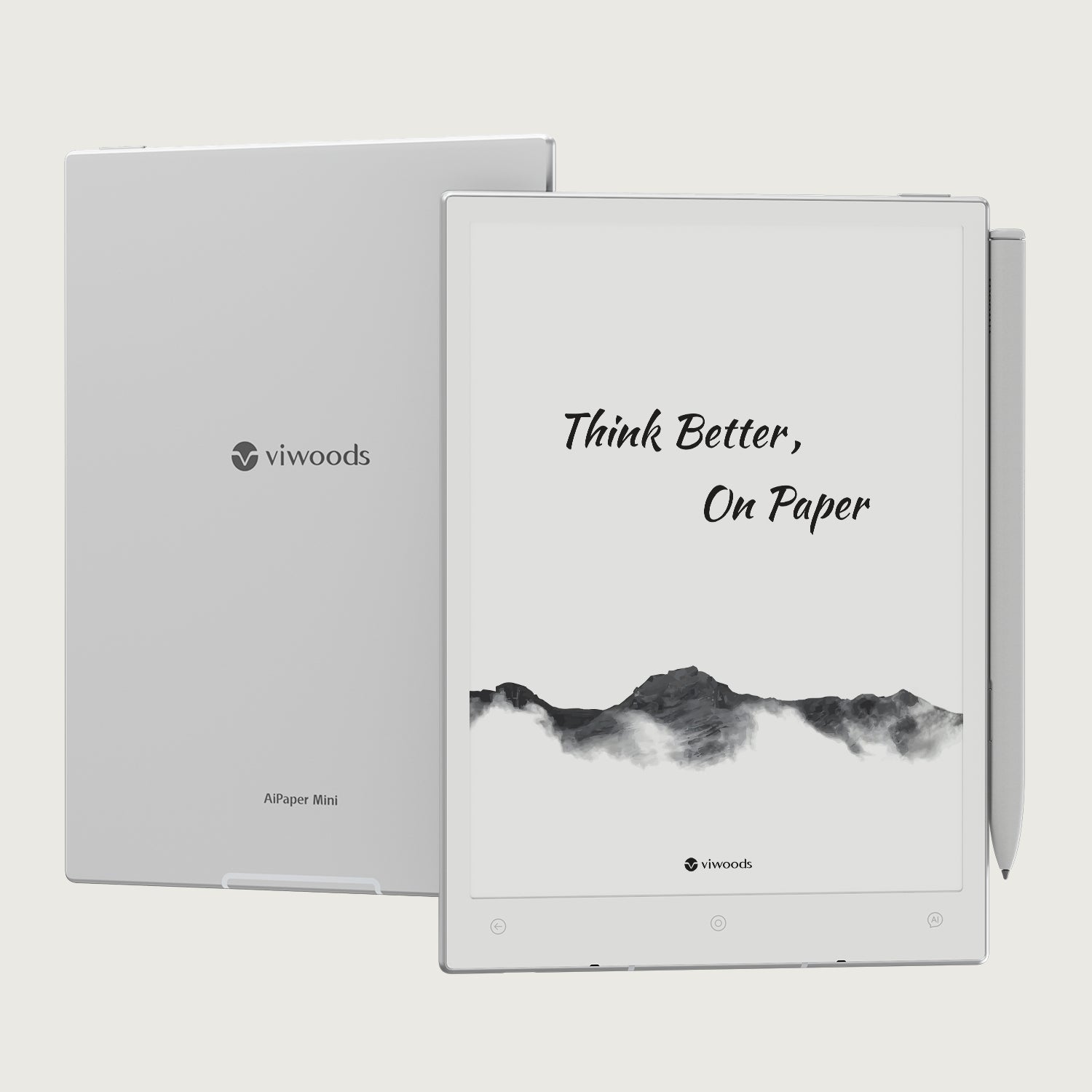

Why AiPaper Mini works best when portability meets flexibility
The Mini’s appeal is not simply that it can do more than a closed digital notebook. The stronger proposition is that its compact size makes those extra capabilities easier to carry into the moments when they are actually useful.
GameStar found the 8.2-inch format large enough for full note pages and many magazine-style PDFs, while remaining noticeably easier to carry than a 10-inch device. The writing experience was one of the clearest strengths, and Android, Google Play access and AI tools extended the workflow beyond handwriting without forcing every task into one closed ecosystem.
A device that is light enough to remain in your everyday bag is available when a meeting starts, an idea appears or a document needs attention.
The stylus experience matters more than the number of apps. The Mini works best when handwriting is the starting point of the workflow.
Browser access, file management and third-party apps make it easier to connect the tablet to tools you already use instead of rebuilding everything around one closed ecosystem.
GameStar also noted overlapping note tools, occasional ghosting in visually busy apps and an inconsistent fingerprint experience. Those points deserve to be part of the decision.
What this means for a buyer: AiPaper Mini becomes more valuable when it replaces small points of friction—loose meeting notes, separate reading apps, manual transcription and scattered files—rather than when you try to use every feature it offers.
Choose the experience you actually want
The real decision is not “more features or fewer features.” It is whether you want a tightly controlled digital notebook or a paper-like device that can stay connected to the tools you already use. A closed E Ink notebook is simpler on day one. AiPaper Mini asks for a little more choice up front, but gives you more room to preserve an existing workflow.
A deliberately limited notebook
Fewer tools mean fewer choices, although they can also mean fewer ways to connect notes with other work.
An open device such as AiPaper Mini
You can bring existing services into the workflow instead of moving all content into a single vendor ecosystem.
A larger-screen E Ink tablet
An 8.2-inch display is portable, but complex layouts and fine diagrams benefit from more physical space.
The compact format
Lower carrying friction often matters more than extra canvas once the device becomes part of daily movement.
Decision shortcut: choose AiPaper Mini when portability, handwriting and workflow continuity matter together. Choose a simpler or larger device when one of those priorities clearly matters more than the others.
Where AiPaper Mini earns its place in a real day
The Mini is most persuasive when it shortens the gap between capturing information and doing something with it. These are the everyday moments where the compact format and open software model make practical sense together.
Turn meeting notes into next actions
Write while the discussion is happening, keep the useful passages, then structure only what needs to become a task, summary or follow-up. The payoff is less duplicate work after the meeting—not AI for its own sake.
Capture → select → structure → act
Carry a reading workflow between locations
Open a report, article or book while travelling, annotate it with the stylus, then keep the useful material with the project it belongs to. The front light keeps that workflow usable in dim environments without making the device feel like a conventional bright-screen tablet.
Read → mark → file → revisit
Keep quick ideas from disappearing
Capture the call note, sketch, question or decision that would otherwise end up split between loose paper and phone apps. A compact device creates value by being available at the point of thought—and still searchable or reusable afterwards.
Notice → write → sort → retrieve
Set it up once, then get out of the way
GameStar’s learning-curve comments point to a simple rule: the Mini feels better when you define a small working system first and leave the rest alone. You do not need to configure everything. You need to make the few actions you repeat every day obvious.
- Choose one primary note space. Decide where normal handwritten notes begin before exploring specialist tools.
- Keep the home screen narrow. Surface only writing, reading, calendar and file access during the first few days.
- Create three useful destinations. Work, Personal and Reading are enough to test a structure without overbuilding it.
- Separate actions from reference notes. Decide which items must become real to-dos and which can remain handwritten context.
- Add AI after the base flow works. Use it where it removes a specific step—such as structuring rough meeting notes—not because it is present.
Is AiPaper Mini the right fit for you?
A good product page should help you rule a device out as confidently as it helps you rule it in. AiPaper Mini is strongest when portability, handwriting and workflow flexibility matter together. If one of those priorities is missing, another E Ink format may suit you better.
It is likely to fit if you…
- move regularly between meetings, classes, trains, cafés or workspaces;
- want handwriting to feel central rather than added to a conventional tablet;
- need PDFs, notes, browser access and selected Android apps on one device;
- prefer an 8.2-inch device to carrying a larger writing tablet every day;
- are willing to spend a little time defining your own home screen and note structure.
Look more carefully if you…
- want only one ultra-minimal writing app and no setup decisions;
- read mostly detailed A4 PDFs, large diagrams or full-page comics;
- expect every third-party app to behave visually like it does on an LCD screen;
- need the lowest-cost entry into E Ink rather than the supplied storage and accessories;
- plan to replace a fast multimedia tablet rather than complement it.
What you get—and what to confirm before ordering
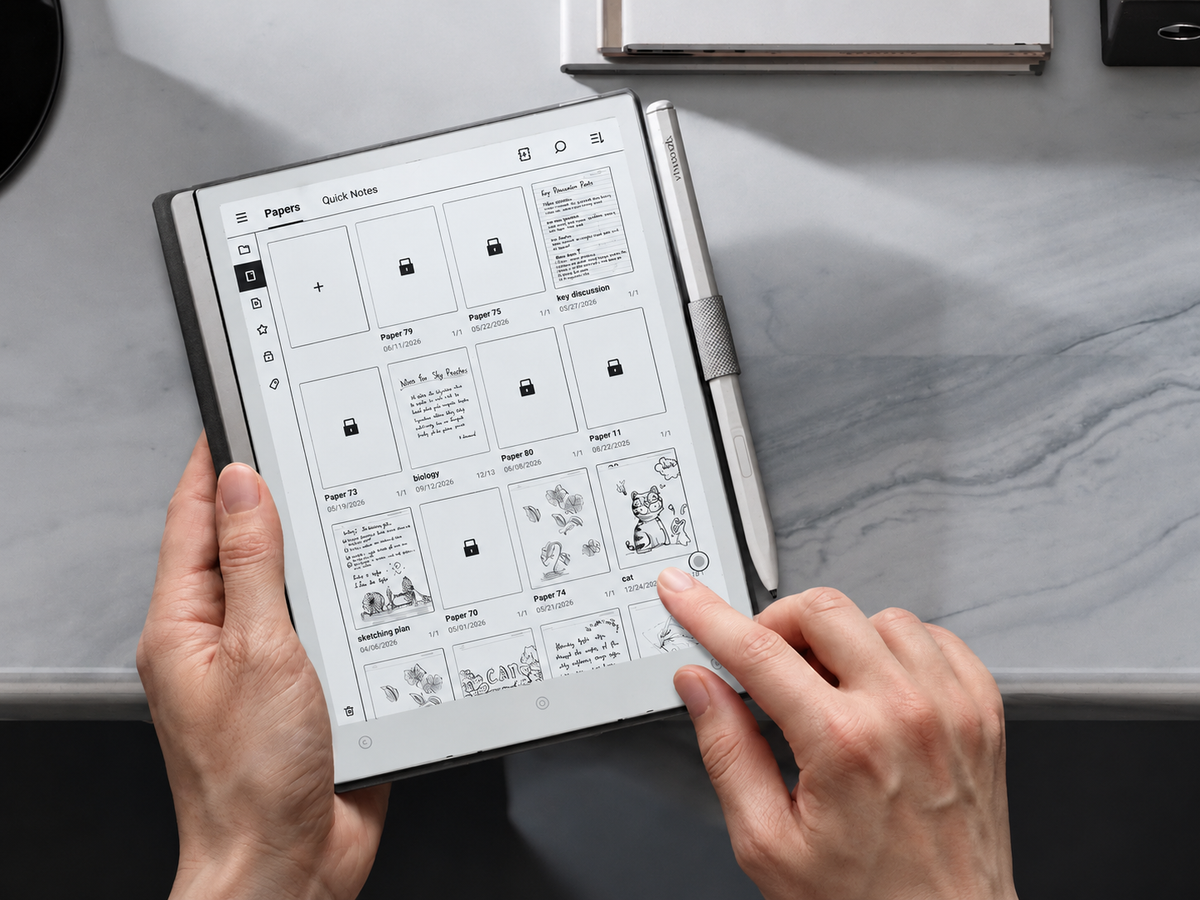
The current European product page presents AiPaper Mini as a ready-to-use writing package rather than a bare display. The listed bundle includes the W2 Stylus Pro, a protective case and five replacement pen tips. Before ordering, confirm the live price, availability and bundle details on the product page.
AI can help turn rough handwriting into something more structured, but it does not need to carry the buying decision. The stronger reasons are more durable: writing feel, portability, readable E Ink and the ability to move handwritten thinking into the rest of your work without rebuilding your workflow around a closed system.


Hinterlasse einen Kommentar
Diese Website ist durch hCaptcha geschützt und es gelten die allgemeinen Geschäftsbedingungen und Datenschutzbestimmungen von hCaptcha.