
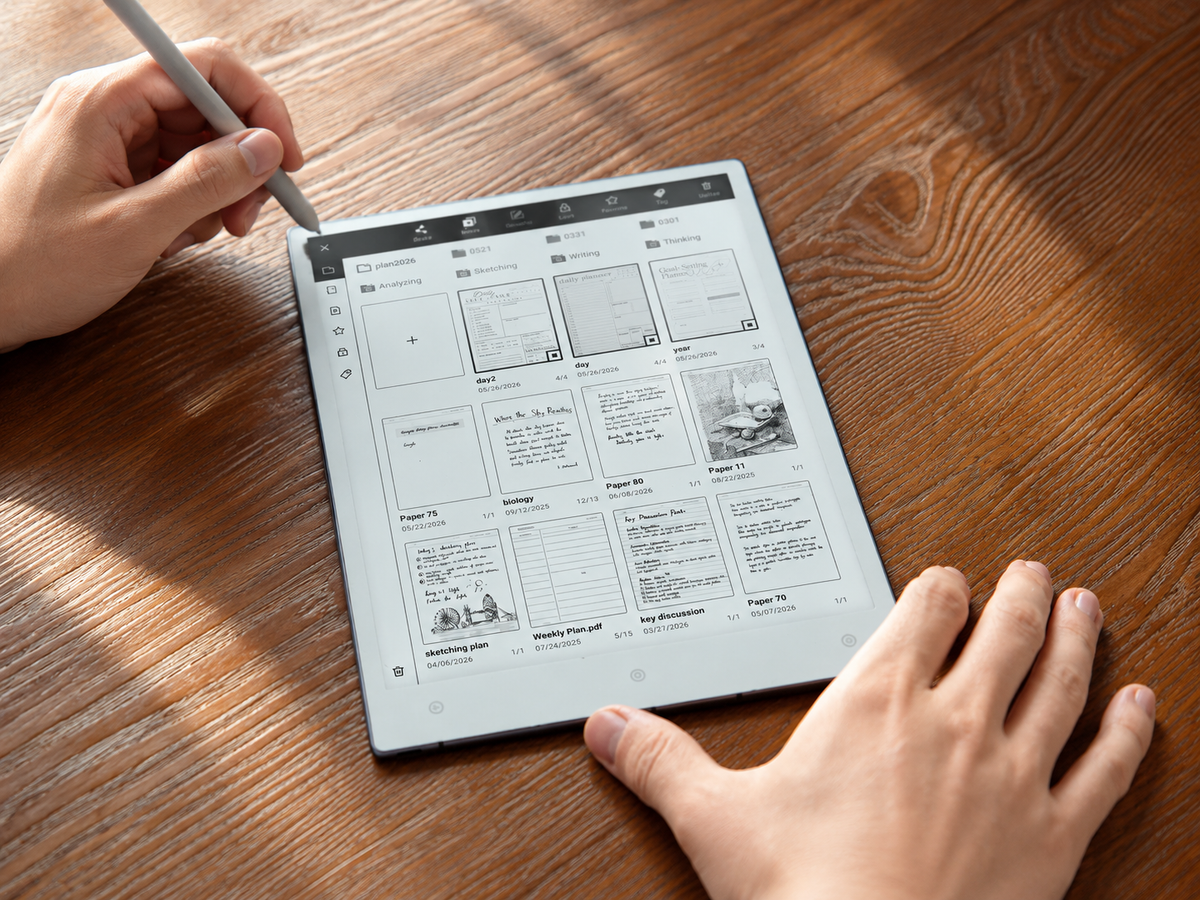
A distraction-free study workflow with E Ink works best when the device becomes a bounded study surface rather than another place to browse. Start with one outcome, load only the materials needed for it, move through a read–annotate–recall loop, and finish with a short review. An e ink tablet can keep reading and handwriting in the same workspace, but focus still depends on deliberate choices: fewer notifications, fewer open sources and a clear stopping point for each study session.
How does a distraction-free study workflow with E Ink work?
Treat the session as a closed loop, not an open-ended stretch of screen time. The point is to reduce the number of decisions made while studying. Each stage should answer one question and hand the work cleanly to the next stage.
Choose one study outcome and a bounded source set
“Study macroeconomics” is too broad to protect attention. “Explain monetary transmission without notes and answer five practice questions” is measurable. A research session might instead aim to extract the research question, method and limitation from three papers. The clearer the output, the easier it is to ignore material that does not serve it.
Write the finish line first
Use a result that can be demonstrated: explain, solve, compare, reproduce, summarise or critique. Avoid goals based only on time spent.
Example: “Draw the pathway from memory and explain where regulation occurs.”
Decide what is allowed into the block
Move the required PDF, chapter, slide deck or problem sheet into the session before starting. New searches go onto a “look up later” note unless they are necessary to continue.
Useful limit: one active topic, one reading queue and one place to capture questions.
Example: a 45-minute exam revision block. Spend 5 minutes opening one assigned chapter and a blank notes page; 15 minutes reading the relevant section; 10 minutes answering practice questions from memory with the source closed; 10 minutes checking and correcting mistakes; and 5 minutes recording one weak point and the first task for next time. Treat this as an adaptable example, not a required study timer.
Prepare reading and note spaces before the session
Separate the material being consumed from the space used for thinking. This makes a focused study tablet useful without turning it into a complicated filing project.
Reading space
- Open only the PDF, e-book, slides or notes needed for the current goal.
- Rename study PDFs consistently so the topic and sequence are obvious.
- Keep the active folder small; archive completed units rather than mixing them with current work.
Thinking space
- Use one page for questions, calculations, diagrams and handwritten notes.
- Leave a small area for “from memory” summaries rather than copying the source.
- Capture off-topic searches in a later list instead of following them immediately.
Begin with the first task already open
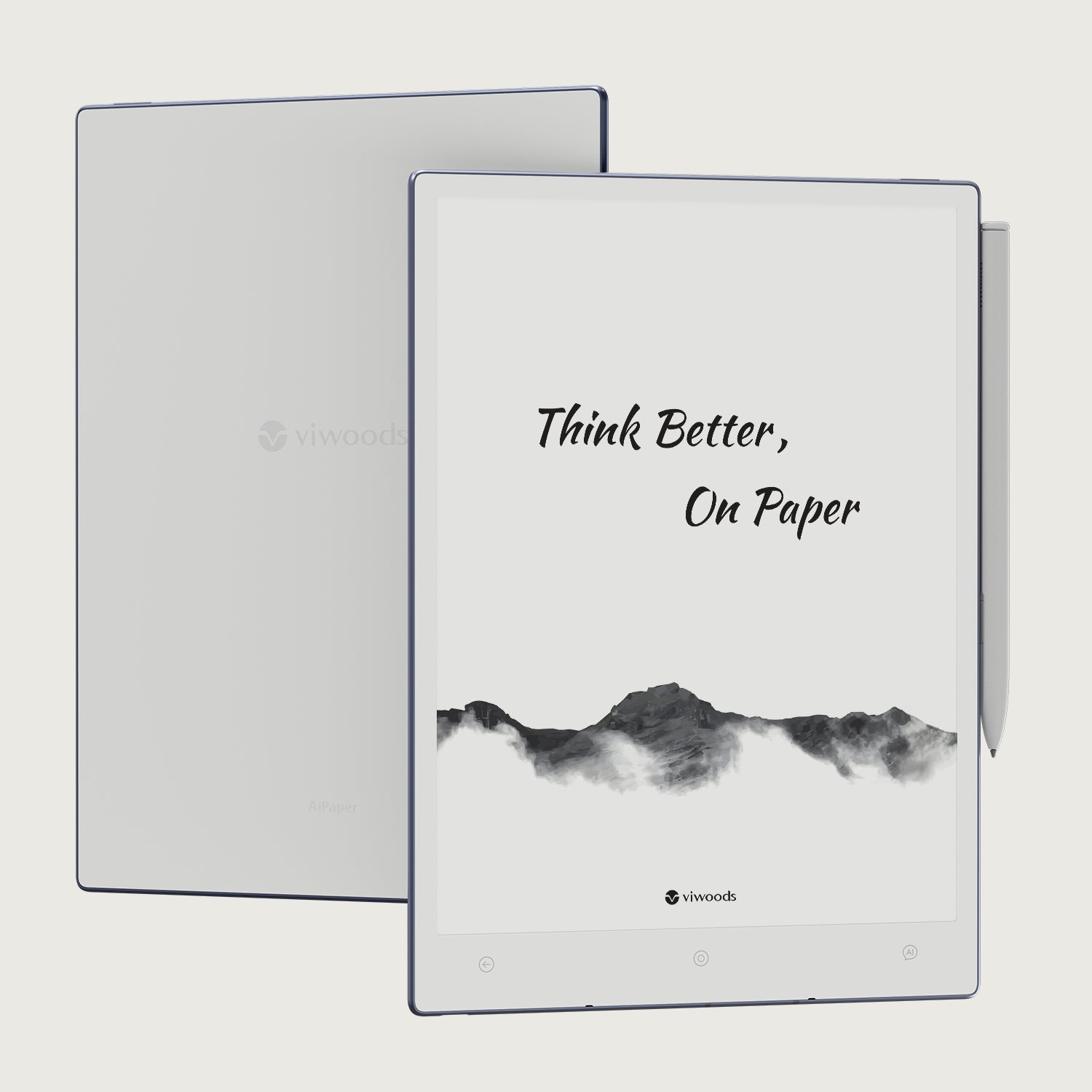
Silence non-essential notifications, put the phone out of reach and write the study outcome at the top of the page. For students who want reading, PDF annotation and handwriting together, Viwoods AiPaper for focused study is one way to keep those actions in a single workspace.
Read, annotate and recall without constant app switching
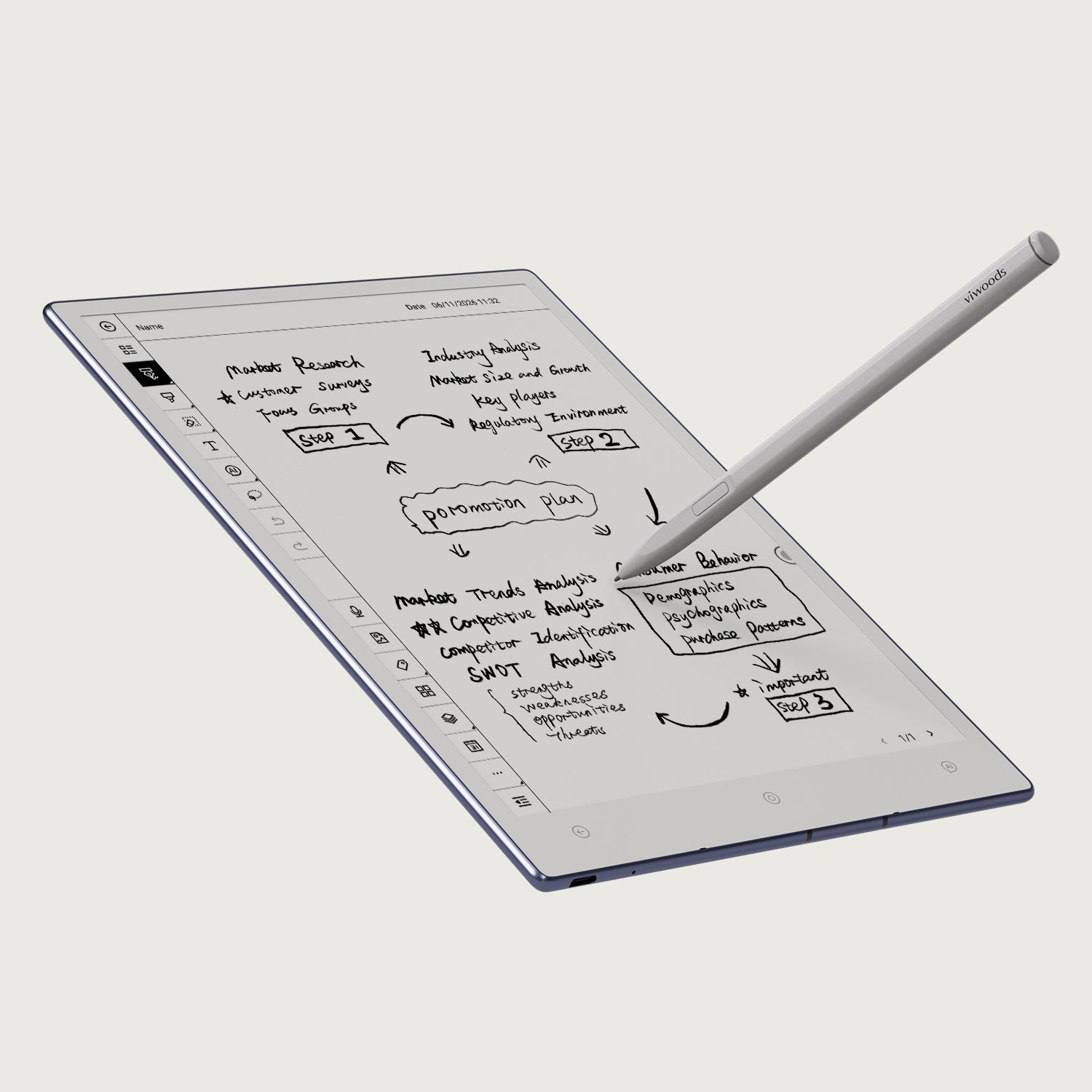
Use three passes instead of switching tools every time something looks important. This creates a distraction-free reading and note-taking workflow in which marks have a purpose and recall happens before the source is reopened.
Read for structure
Identify the question, argument or process first. Do not stop at every unfamiliar detail. The aim is to understand how the section is organised.
Annotate for meaning
Mark definitions, mechanisms, evidence, exceptions and genuine questions. Compress rather than copy: a useful margin note changes the source into your own cue.
Recall without looking
Move away from the source and explain the idea, redraw the process or solve the next step from memory. Only then return to check what was missing.
For document-heavy courses, the separate guide to PDF annotation for study covers markup in more detail without expanding this page into a second annotation guide.
Use short review checkpoints before attention drifts
Do not wait until the end of a long session to discover that little has stuck. Review after a meaningful chunk: a subsection, worked example, lecture segment or group of practice questions. The checkpoint should preserve momentum.
End-of-session note: write three lines—what is now clear, what is still weak, and what starts the next session. That final line becomes the next reading plan and removes setup friction when you return.
Adapt the workflow for lectures, exams and research
The loop works across different forms of study, but the balance changes. Lecture notes prioritise structure, exam preparation prioritises retrieval, and research needs stronger source traceability.
Capture the shape, not every sentence
Use headings for main ideas, mark examples separately and flag unclear points. After class, turn unclear points into specific questions, then spend a few minutes turning the page into a compact summary before adding outside material.
Best checkpoint: explain the lecture in five lines without reopening the slides.
Shift time from notes to retrieval
Use prompts, blank-page recall and practice questions that match the exam format. Keep the source closed while answering, then record whether recurring errors come from a missing concept or a problem-solving step. Make the most frequent error your next practice target rather than rewriting everything you already know.
Best checkpoint: can you answer under the same constraints as the exam?
Keep claims tied to sources
For each paper, capture the research question, method, result, limitation and relevance to your project. Record a citation and page or section reference for claims you may reuse, and keep the authors’ claims separate from your own synthesis notes.
Best checkpoint: can you explain why this source matters to the research question?
Common focus traps still exist on E Ink
E Ink can simplify the study surface, but it does not remove distraction by itself. The most common problems come from how the session is organised rather than from the display technology.
If messaging, mail and news alerts are allowed into the focus block, the device can still interrupt attention. Notification management belongs in the study setup.
Jumping between files, apps and searches feels active but breaks the thread of thought. Capture the question first; decide later whether it deserves a search.
If most lines are highlighted, priority disappears. Use marks as decisions: learn, question, connect or revisit.
A folder or template should make retrieval easier. If organising takes longer than studying, simplify the system.
Choose a Viwoods device by the study task
Start with the dominant action: extended handwritten work, portable writing, or reading-first study. That gives a clearer answer than choosing from a generic “student” label.
AiPaper
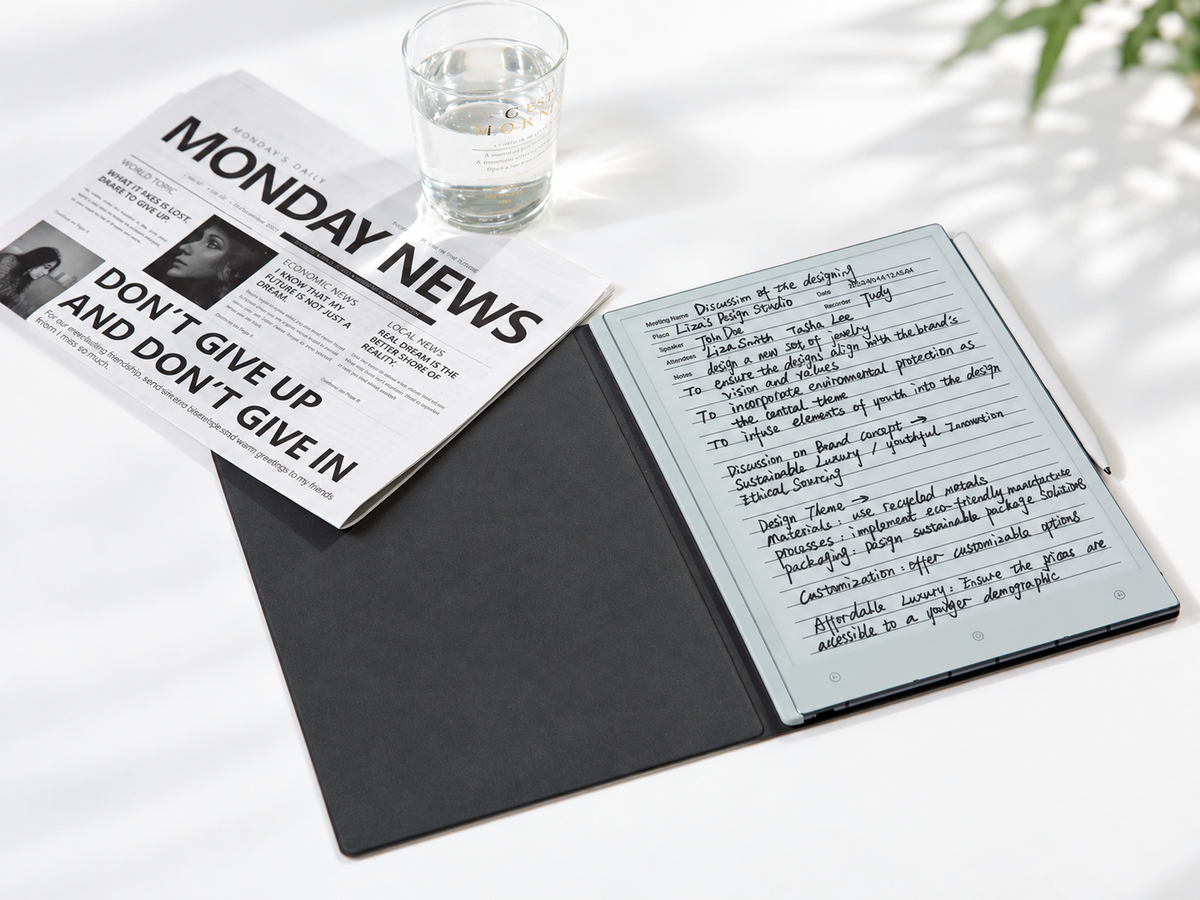
Its 10.65-inch format suits longer PDF sessions, handwritten reasoning and page layouts where more visible working area reduces the need to move around the document. It has no front light, so plan for sufficient ambient lighting during evening study.
AiPaper Mini
The 8.2-inch format keeps stylus-based notes and annotation in a smaller device, making it the more portable option when handwriting still belongs in the core workflow. Its adjustable front light also helps in changing light conditions.
AiPaper Reader
The 6.13-inch Reader is the compact reading-oriented option. The current specification lists stylus compatibility as “No”, so it is better matched to reading than handwritten lecture notes. Dense, fixed-layout study PDFs may also require frequent zooming on this smaller screen.
Choose the smallest device that still supports the core action
Portability helps only if it does not remove the part of studying that matters most. If handwritten problem solving and annotation dominate, preserve writing space. If reading dominates and pen input is unnecessary, a smaller reader can make more sense. For video-led lessons, fast animation or colour-dependent diagrams, keep a conventional screen available; E Ink is better used for the reading and written-thinking parts of those courses.

Commenta
Questo sito è protetto da hCaptcha e applica le Norme sulla privacy e i Termini di servizio di hCaptcha.