
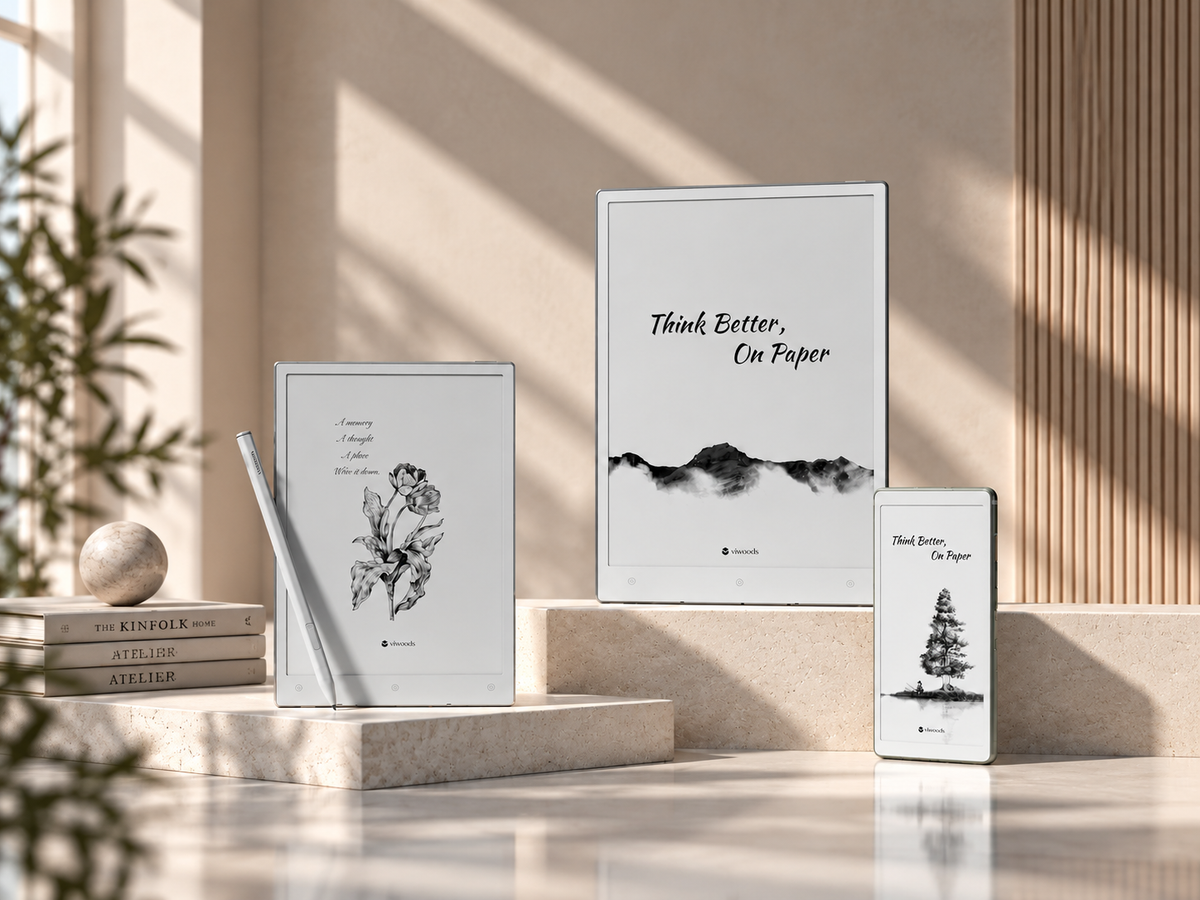
Why Use an E Ink Tablet for Reading?
An E Ink tablet for reading changes the environment around the words more than the words themselves. Its reflective display uses surrounding light to make text visible, giving static pages a different feel from LCD and OLED screens.
That makes the format well suited to books, long articles, bright environments and sessions where fewer interface distractions are useful. The trade-off matters too: E Ink refreshes more slowly, colour is more limited, and motion-heavy content can feel awkward. Choose it when reading is the main task, not when reading is only one part of a multimedia workflow.
The useful question is not “Is E Ink better?” but “Does its slower, page-oriented behaviour fit the material I read most?” Reflowable ebooks are an easy fit. Dense PDFs, rich colour and rapid interaction need a closer look.
Why does E Ink change the reading environment?
A conventional tablet is designed to keep changing. Apps animate, pages scroll smoothly, video starts instantly and notifications can pull attention away from the page. E Ink is different because a static page is its natural state. Once text is drawn, the display can hold it until the next page turn or interface change.
That can alter reading behaviour. Page-by-page navigation feels more deliberate than an endlessly moving feed, while a reading-first interface can reduce visual prompts competing with the text. None of this guarantees concentration; software, notifications and habits still matter. But as a focused reading device, E Ink removes some display behaviours that are useful for multitasking but unnecessary for a book.
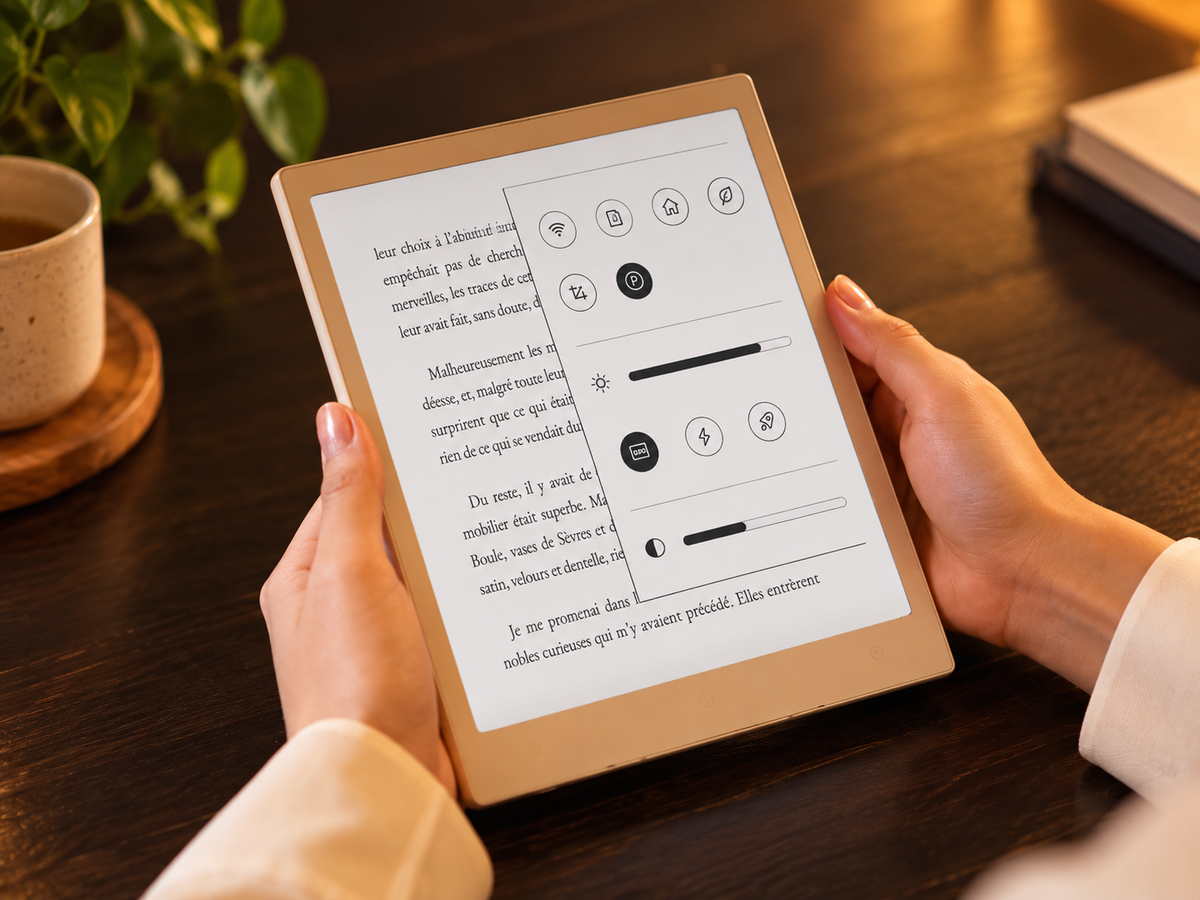
For readers who already want that reading-first rhythm, the AiPaper Reader is Viwoods’ compact option. The question is whether a small reflective screen fits the places and formats in which you actually read.
How does reflective E Ink differ from a conventional screen?
E Ink is an electrophoretic display technology. Charged pigment particles move to form text and images, and the resulting image can remain visible without continuous redrawing. The display is reflective, so ambient light is used to view the page much as it is with printed paper.
E Ink treats the page as the main event
Ambient light reflects from the display surface. The image can remain static between page changes, which suits books, documents and other content that spends more time being viewed than moving.
LCD and OLED prioritise fast change
Rapid refresh and emitted light make conventional screens better suited to animation, video, colourful interfaces and responsive scrolling. Those strengths are less important when the task is simply to stay on a page.
Front light is a separate question. A front light illuminates the surface of an E Ink display for dim conditions; it is not the same as a backlight shining through an LCD panel. Not every E Ink device includes one, so low-light reading should be checked model by model.
Where do E Ink reading benefits matter most?
Long-form reading
Novels, essays and reports ask you to stay with a page rather than interact with it continuously. Reading on E Ink supports a simple rhythm: open, read, turn the page and continue. Holding a static image requires little display power, although total battery life still depends on the device, front-light use and background activity.
Bright environments
Because the display reflects ambient light, more surrounding light can improve visibility rather than forcing the screen to compete with the environment. Surface coatings still matter, so reflective should not be treated as completely glare-free.
Low-distraction reading sessions
For long reading sessions, a stable, reflective page keeps motion and screen brightness from becoming central to the experience. Distractions are not eliminated automatically, especially on Android-based readers, so notification settings and reading apps still matter.
Keep the claim practical: a calmer display can support a calmer reading workflow, but comfort still depends on typography, lighting, reading distance and posture. This is a usability distinction rather than a medical promise.
What are the trade-offs: refresh, colour, motion and complex layouts?
An E Ink screen is easier to understand once its limitations are treated as design choices rather than hidden weaknesses. The same technology that creates a stable reading page is less natural when the content changes constantly.
Page changes look different
E Ink redraws content when the page changes, so page turns, menus and scrolling can look less fluid than on LCD or OLED. Faster modes improve responsiveness; the cleanest text mode may look slower.
Previous content can briefly linger
A faint trace of earlier content may remain after an update. A fuller refresh clears the display, sometimes with a brief flash. It is usually less noticeable during ordinary page-by-page reading.
Not every visual belongs on monochrome E Ink
Photography, colour-coded diagrams and video favour conventional displays. Colour E Ink exists, but its colour and motion characteristics still differ from an emissive screen.
A full-size PDF can feel cramped on a small screen
Fine footnotes, multi-column text and detailed figures may still require zooming and panning on a compact device even when the file itself opens correctly.
Books, articles or PDFs: where does the experience change?
File compatibility is only the first question. The more useful question is whether the page can adapt to the screen or whether the screen must accommodate a fixed page.
Reflow makes the screen work for the text
Reflowable ebook formats can adapt font size, line spacing and margins instead of shrinking a printed page. That makes novels and text-led books the most straightforward E Ink use case.
Clean reading views work better than busy webpages
A simple article view can feel natural, while embedded media and constant scrolling expose E Ink’s slower refresh. Android-based readers broaden app access, although app behaviour can vary.
Screen size becomes part of document usability
Text-led PDFs may be easy to read with cropping, zoom or reflow. Academic papers, manuals and scans often preserve a fixed page, so a larger display keeps more columns, figures and context visible.
Useful distinction: “supports PDF” means a device can open the file. It does not tell you whether a dense A4 page will be pleasant to read at that physical screen size.
How should you set fonts, margins and refresh for comfortable reading?
The best reading settings are not the most technically impressive ones. They are the settings that make the device disappear after the first few pages.
- Start with typography. Increase the font until characters are easy to resolve at your normal reading distance. If thin letterforms look weak, try a heavier font weight before simply making everything larger.
- Open up the page. Adjust line spacing and margins until text no longer feels crowded. The goal is a line length that is easy to follow without wasting too much usable screen area.
- Match refresh to the material. For novels and static text, prioritise the cleanest page. For quicker navigation or webpages, a faster mode may feel more responsive even if small artefacts become easier to notice.
- Use lighting according to the room. Ambient light is enough when the page is already clear. If the device includes a front light, add only what the environment requires.
- Check reading posture. Support the device at a distance and angle that do not force repeated changes of position during a longer session.
Optimise the page before optimising the device
Font, spacing and layout usually change reading more directly than repeatedly switching advanced display settings. Begin with the page itself, then tune refresh and lighting only where the content requires it.
If you want to develop a reading routine beyond display settings, see our guide to using an E Ink tablet for deep reading.
Who benefits most—and who may prefer another device?
E Ink makes most sense when reading sessions are predominantly static. A conventional tablet remains a strong choice when the material depends on motion, colour or rapid interaction.
E Ink is a natural fit if you mostly…
- read books, essays, reports or long articles;
- carry reading material on trains, flights or daily commutes;
- work through long passages with relatively little screen interaction;
- want a clearer boundary between reading and general-purpose screen use;
- prefer page turns and stable text to continuous scrolling.
Another screen may fit better if you mostly…
- combine reading with video or animation;
- depend on rich colour to interpret the content;
- move rapidly between several apps or browser tabs;
- work with slide decks or highly interactive webpages;
- need full-size PDFs without frequent zooming on a compact display.
A quick test: if the session is mostly “open, read, turn, highlight and continue,” E Ink fits naturally. If it is mostly “scroll, watch, compare, edit and switch,” a faster multipurpose display may create less friction.
AiPaper Reader or AiPaper: which fits your content?
The useful distinction is not “small product versus large product.” It is whether the dominant task is portable reading or working directly with larger documents.
Viwoods AiPaper Reader

Choose the Reader when books, articles and portable document reading dominate. Its smaller format is intended for carrying and reading rather than handwritten work.
- Display: 6.13-inch Carta 1300, black and white
- Resolution: 300 PPI
- Lighting: Adjustable cool front light
- Reading: PDF, EPUB, MOBI, AZW3 and EPUB3
- Writing: Not stylus-compatible
Viwoods AiPaper
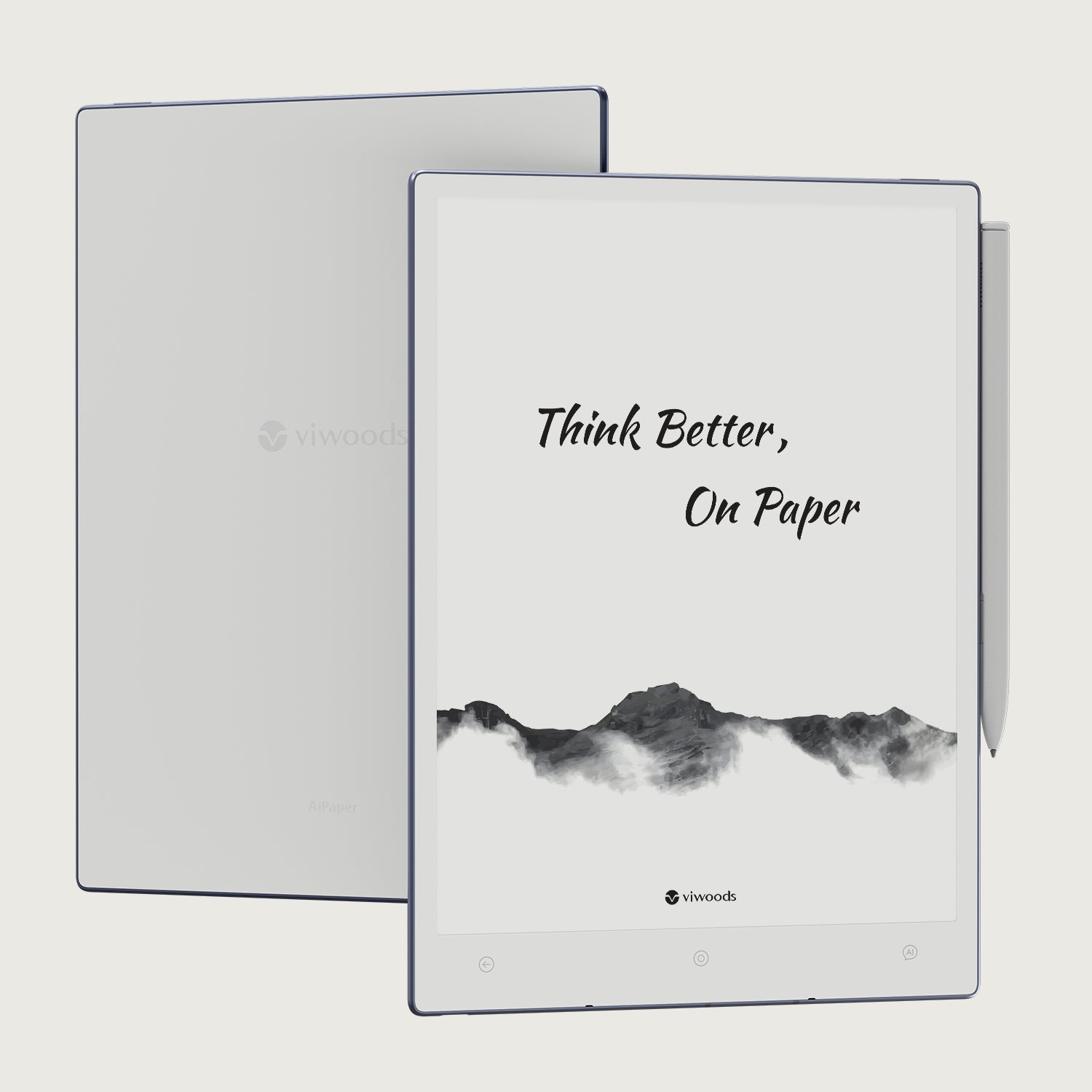
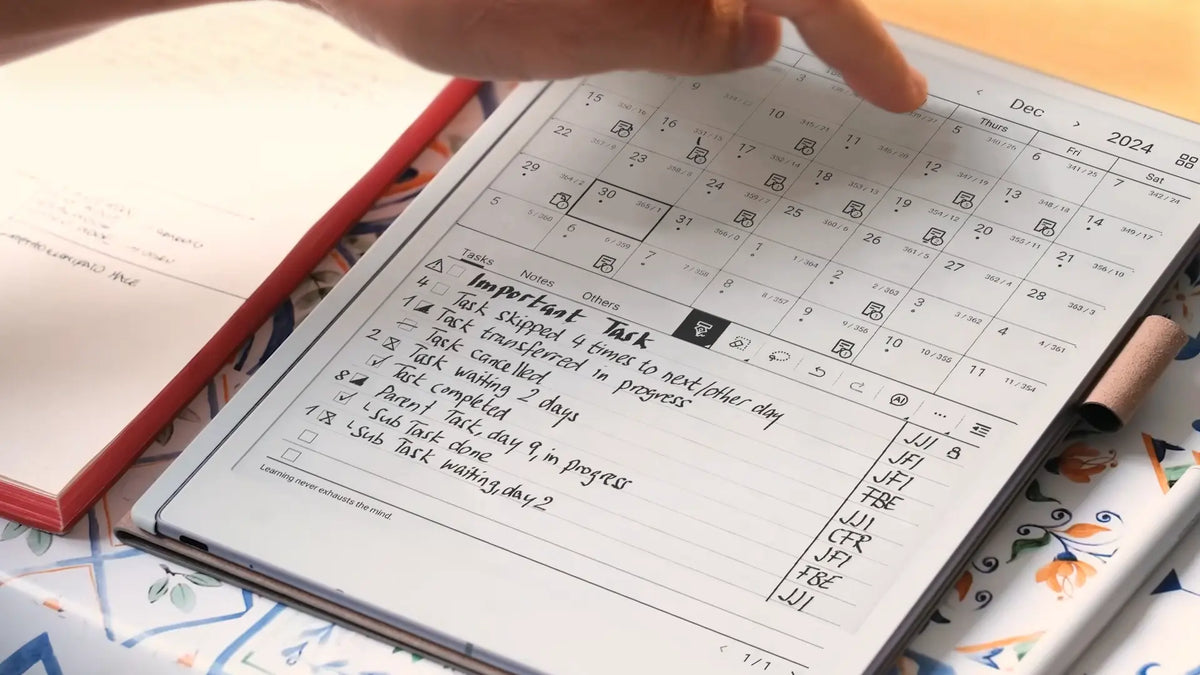
Choose AiPaper when fixed-layout PDFs, page-scale reviewing and handwritten annotation are central. The larger display preserves more of a document before zooming becomes necessary.
- Display: 10.65-inch Carta 1300 / Mobius
- Resolution: 300 PPI
- Lighting: No front light
- Workflow: PDF reading, handwriting and annotation
- Best fit: Large fixed-layout documents
Choose the Reader when the page should travel easily and reading is the main activity. Choose AiPaper when keeping more of a large document visible and writing directly on it matter more. You can also explore Viwoods reading options before deciding.
Match the device to the content you spend the most time with
The strongest case for an E Ink tablet for reading is not that it replaces every screen. It creates a different screen for a narrower job: stable text, reflective viewing and a slower page rhythm that suits books, articles and long-form material. Refresh, colour, motion and fixed-layout density belong in the decision too.
Compare the AiPaper Reader for portable reading with the AiPaper for PDFs and handwritten notes to decide which fits your materials.
Further reading
E Ink Reader Basics: What to Know Before Choosing a Reading Device
Frequently asked questions
Is E Ink better than LCD for reading?
For static, long-form text, E Ink offers a reflective, page-like viewing model and less motion. LCD or OLED is usually better for video, fast scrolling, rich colour and mixed-media work. The better choice depends on what happens around the reading.
Can an E Ink tablet read PDFs?
Yes, when the device supports PDF files. Practical comfort depends on layout and screen size. Simple PDFs can work on compact screens; dense A4 pages, multi-column papers and scans often benefit from a larger display.
Does ghosting affect reading?
Ghosting can leave faint traces of previous content, especially after fast or complex changes. Full refreshes clear those traces. It is normally less noticeable during ordinary page-by-page reading than in apps with frequent motion.
Is a front light necessary?
No. A reflective E Ink display can be read with ambient light. A front light is useful when surrounding light is weak. Because some devices omit it, check the specific model if low-light reading matters.
Should I choose an eReader or a writing tablet?
Choose an ereader when portable books and articles dominate. Choose a larger writing tablet when full-page PDFs, handwritten annotation and note-taking are part of the same session. Content type and page size are better decision criteria than the category name alone.

Hinterlasse einen Kommentar
Diese Website ist durch hCaptcha geschützt und es gelten die allgemeinen Geschäftsbedingungen und Datenschutzbestimmungen von hCaptcha.